
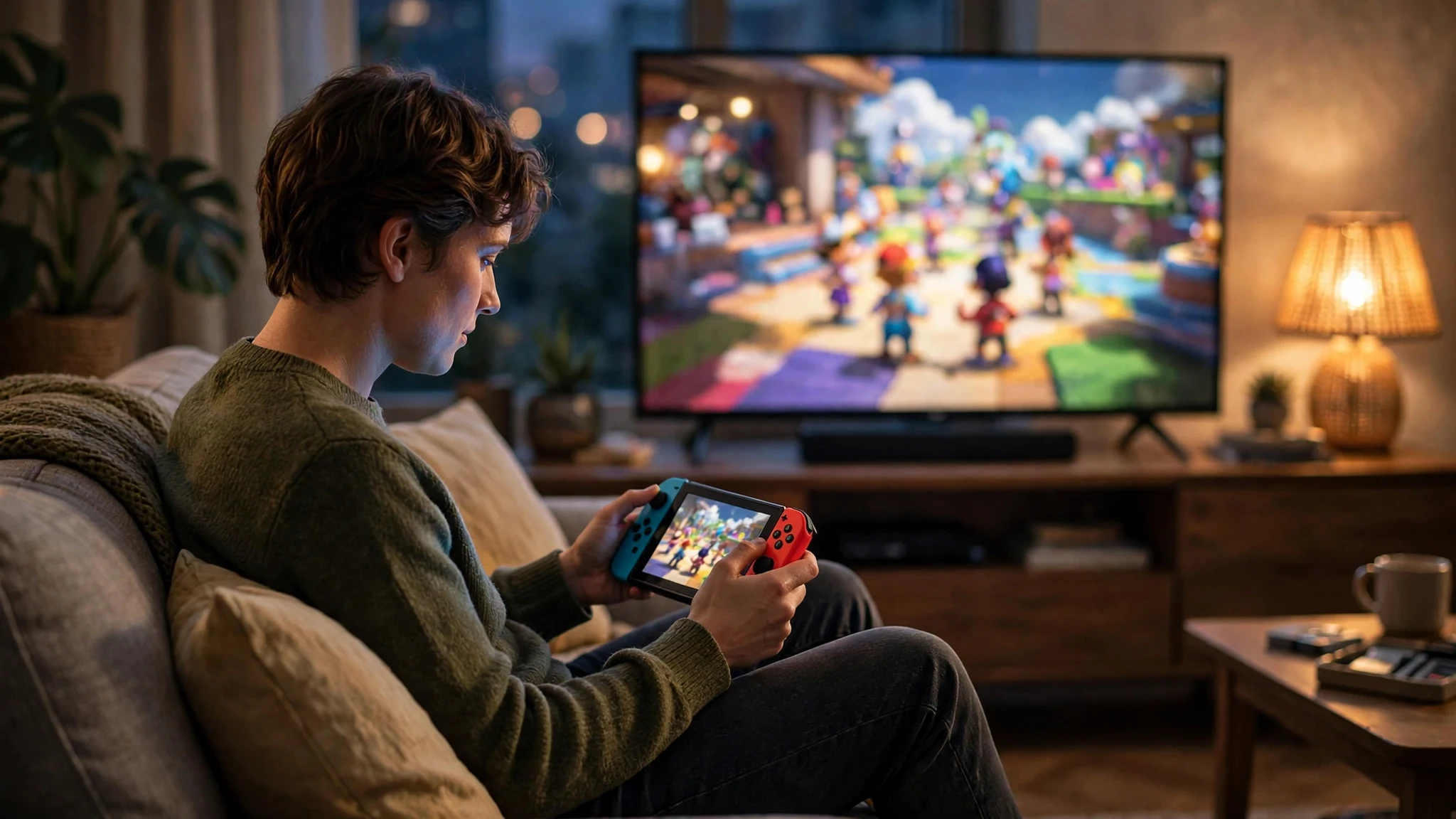
Nintendo Switch Online Is Trending Again: The Signup, the 7-Day Trial, and the Email You Should (and Shouldn't) Use

"Nintendo Switch Online" is sitting on Google Trends' US list right now — 20,000+ searches, up 100%, still marked Active about six hours after it started climbing. That is a strange thing for a subscription service to do in the middle of November. It is not a holiday. There is no new console launching this week. And yet tens of thousands of Americans are suddenly searching for the exact name of Nintendo's online membership, which tells you something specific is happening: a wave of new signups is underway somewhere, and the questions that come with a signup — what does it cost, how does the trial work, what email do I use — are being asked all at once.
This post answers those questions in the order you will actually hit them. What triggered the spike, what the membership costs in the US right now, the five-step signup, the 7-day free trial and the billing trap built into it, and the email decision that matters more than people think: which inbox your Nintendo Account should live in, and which signups around it should never touch your real address.
Why Nintendo Switch Online is spiking this week
The trigger is not in the United States at all. On November 10, 2026, Nintendo's eShop and Nintendo Switch Online went live in the Philippines, finally giving players there an official storefront with prices in Philippine pesos instead of a workaround account registered in another market. Nintendo Singapore announced the launch on November 10, and the Philippine press covered it through the day: GMA News, the Inquirer, Gadget Pilipinas, and Viper all ran the story on November 10 and 11, with the same details — local pricing from PHP 149 for a month, online play, the Nintendo Classics library, and GameChat support on Switch 2.
That is a regional launch, so why is the query trending in the US? Because a launch like this is a signup event, and signup events are searchable. Every new market means thousands of Nintendo Accounts being created, verified, and attached to a payment method in the same 48 hours. The search spike is the sound of people doing the arithmetic on a new subscription at the same time: the price in their currency, whether the trial is really free, and what happens to their saves if they let it lapse.
Here is my honest read on the service itself, before the prices. Nintendo Switch Online is the cheapest of the three console subscriptions by a wide margin, and it is also the thinnest. It does three things that matter: it unlocks online multiplayer, it backs up your saves to the cloud, and it opens the Nintendo Classics libraries — NES, Super NES and Game Boy on the base plan, with Nintendo 64, Game Boy Advance, Genesis and GameCube behind the Expansion Pack. There is a Nintendo Music app for your phone and GameChat on Switch 2. What it does not do is hand you a monthly pile of new games the way its rivals do. You are paying for access and insurance on your saves, not a growing library. That is fine at $20 a year. It would be a bad deal at three times the price, and the pricing is the whole story.
What the membership actually costs in the US
Nintendo's US pricing has been stable, and every source I checked this week agrees on the numbers, so there is no need to hedge them. The base individual plan is $3.99 for one month, $7.99 for three months, or $19.99 for twelve. The family plan is $34.99 for twelve months only — there is no monthly or three-month family option — and it covers up to eight Nintendo Accounts. The Expansion Pack tier sits on top: $49.99 a year for an individual, $79.99 a year for a family of up to eight.
Do the per-account maths and the family plan is the obvious winner for any household with more than one player: $34.99 split eight ways is $4.37 per account for a whole year. The individual annual plan works out to about $1.67 a month. The monthly $3.99 option is the worst value on the board — twelve months of it costs $47.88, more than double the annual price — and it exists for exactly one purpose: the person who wants online play for a single month, for a single game, and then wants out. If that is you, buy one month and set a reminder to cancel. If you play online more than a few weekends a year, the annual plan pays for itself by March.
For contrast, the new Philippine pricing shows how much this service varies by market: an individual month is PHP 149, three months PHP 399, twelve months PHP 899, a family year PHP 1,699, and the Expansion Pack at PHP 1,799 individual or PHP 3,299 family. Same service, different currency — check the price on your own region's eShop rather than trusting a screenshot from another country. And a note on the Expansion Pack, because this is where people overspend: it only makes sense if you will actually play the extra classic libraries or want the included DLC and Switch 2 upgrade packs. If you only want online play and cloud saves, the base $19.99 plan is the whole product.
The signup in five steps — and the email checkpoint nobody reads
Signing up is quick, and that is part of the problem: it is so quick that people click past the one step that decides whether they can ever get back into the account. Here is the actual sequence, with the checkpoint flagged.
Step 1: Create a Nintendo Account. You need an email address, a date of birth, and a password. Nintendo Accounts are free and separate from the membership itself — the account is the identity, the membership is the subscription attached to it. Children under 13 get supervised accounts created through a parent or guardian, which matters later in the family section.
Step 2: Verify the email address. Nintendo sends a verification code to the address you entered, and the account is not fully usable until you confirm it. This is the checkpoint. The verification email is a normal transactional message, and it behaves like one: it can land in spam, it can be delayed a few minutes during a launch-day rush, and it goes nowhere at all if you mistyped the address. If the code does not arrive, check spam first, then check the spelling of the address you entered, then request a new code. Do not create a second account with a different address to "fix" it — you will end up with two accounts, one of which owns your purchases, and Nintendo's support will have to untangle it.
Step 3: Turn on 2-step verification. This is optional and you should treat it as mandatory. A Nintendo Account holds your purchases, your payment method, and your cloud saves. Nintendo supports authenticator-app verification, and enabling it takes about two minutes. Every account-takeover story in gaming starts with a password that was reused somewhere else. Two-step verification is the only step that stops that story cold.
Step 4: Link the account to your console. Sign in on the Switch or Switch 2 with the same account. The console will ask you to confirm, and from then on the account and the hardware are paired.
Step 5: Buy the membership and add a payment method. You can buy through the eShop on the console or through Nintendo's website. A credit card, debit card, or PayPal account is required for the paid plans — and for the free trial, which brings us to the part most people get wrong.
One more thing about step 2 that is easy to miss: the email address you verify becomes the recovery address for the account. Password resets, security alerts, and "someone signed in from a new device" warnings all go there. That is why the email decision in this post is not a footnote. It is the account's front door, and you will see in the next two sections why the front door and the marketing mailbox should not be the same address.
The 7-day trial: free, but it bills you unless you act
Nintendo offers a 7-day free trial of the base individual plan, and it is a genuinely useful way to test the service — with three conditions that the signup page states plainly and that most people still miss.
First, the trial is for the base plan only. It does not include any Expansion Pack content: no Nintendo 64, Game Boy Advance, Genesis or GameCube libraries, no included DLC, no Switch 2 upgrade packs. If you start the trial hoping to sample the Expansion Pack, you will spend seven days inside the base plan and learn nothing about the tier you were actually considering.
Second, it is not available to accounts that already have an active individual or family membership. It is a first-taste offer, not a pause button between paid terms.
Third — and this is the one that costs people money — the trial automatically converts to a paid, auto-renewing one-month membership at the then-current price unless you turn off automatic renewal before the trial ends. The trial itself asks for a payment method upfront, which is how the conversion happens without you doing anything. Nintendo's own terms say this clearly, and multiple guides checked this month confirm the same mechanics: start the trial, forget about it, get charged $3.99 for a month you did not actively choose.
My advice is boring and it works: the moment you start the trial, set a phone reminder for day six. Open your Nintendo Account settings, find the membership, and turn off automatic renewal. You keep the seven free days either way — turning off renewal does not cancel the trial — and you decide on day seven, deliberately, whether the service earned $19.99 for the year. We ran into the same auto-renewal pattern testing free trials with our AI-tool signup test, and the lesson is identical every time: a trial is only free if you control the renewal, not the other way round.
There is a second, quieter catch worth knowing. When a membership ends — trial or paid — access to Save Data Cloud stops. Your saves live on the console, but the cloud backup that protects them against a lost, stolen, or broken Switch goes with the membership. Back up anything irreplaceable while the membership is still active.
Which inbox should your Nintendo Account live in?
Here is the honest split, because the wrong answer here causes real damage and the right answer is not the same for every signup around a Nintendo Account.
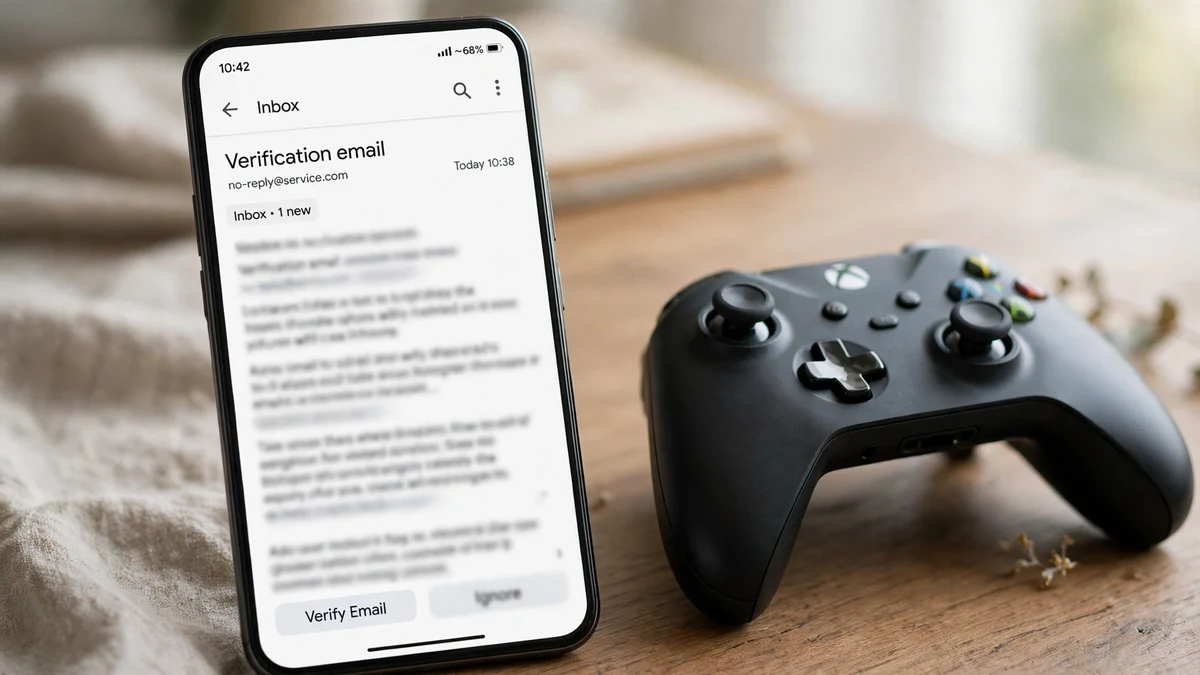
Your Nintendo Account itself gets a real, permanent email address. This is the hill I will die on, and it is the same rule we apply everywhere money and purchases are involved. The account holds your games, your payment method, your cloud saves, and your family group. Password resets go to that inbox. Security alerts go to that inbox. If Nintendo ever locks the account for suspicious activity, the recovery path runs through that inbox. A disposable address that expires in ten minutes cannot receive a password reset next year, and an account you cannot recover is an account you have lost — along with everything you bought on it. We made the same call for Robinhood signups: where the account holds money, the inbox must be one you control permanently.
Everything around the account is where a disposable inbox earns its keep. A Nintendo Account is not one signup, it is a cluster of them, and most of the cluster does not need your real address at all:
• The Nintendo newsletter and marketing emails. The signup flow offers you Nintendo's news and offers. The news is fine; the volume is not. A temp inbox takes the newsletter, you read the one announcement you care about, and the address expires before the weekly cadence starts.
• Sweepstakes, giveaways, and "register for a chance to win" pages. Gaming giveaways are a permanent fixture around every Nintendo launch, and most of them exist to collect addresses. Enter with a disposable inbox, and the follow-up marketing goes nowhere.
• Third-party fan sites, tournament signups, and beta lists. Any site that wants an email before it will tell you anything about a game is a temp-mail case by definition. If the site turns out to be legitimate and worth following, you can always re-subscribe with a real address later.
• The trial, if you are testing with a second account. Some players keep a separate account purely to test the trial before committing the main account. The test account's verification email and the trial's renewal reminders are exactly the kind of short-lived mail a disposable inbox is built for — as long as the test account holds no purchases.
If you are choosing between a disposable inbox and an encrypted one for this job, the distinction is simple: a temp inbox is for mail you want to receive once and never again, while an encrypted inbox is for mail you want to keep private long-term. We walked through that exact comparison when Tuta started trending this week. For Nintendo's newsletter and the giveaway circuit, temp mail is the right tool. For the account itself, neither is: use the real address, turn on two-step verification, and keep the recovery path intact.
One practical note on how to run this split without confusion: use your real address for the Nintendo Account and nothing else Nintendo-related, and run everything else through a TempMailUSA inbox you open for the occasion. If a message ever arrives in the disposable inbox that you actually need — a beta key, a tournament confirmation — forward it to yourself before the inbox expires. The rule of thumb: short-lived, marketing-heavy, no purchases attached means disposable; money, purchases, recovery means permanent — the same logic behind these seven tests.
The family plan is the best deal in console subscriptions — with one email catch
At $34.99 for up to eight accounts, the family plan is the cheapest per-person online gaming subscription any console sells, and it is not close: $4.37 per account per year, against $19.99 for a single account on the individual plan. A household with two players already saves money. A household with three or four is paying less per person than a single month of most streaming services.
The catch is administrative, and it runs through email. One account — the admin, usually the person who pays — creates the family group and invites the other seven by sending an invitation to each person's Nintendo Account email address. Every invitee has to accept from their inbox, which means the family plan only works if everyone in the group can actually receive mail at the address on their account. Children's accounts are created and managed by a parent or guardian, and the parent's email is the control point for the whole group.
That creates two failure modes I see constantly. The first is the invite that never arrives because it went to an old address, a spam folder, or an inbox nobody checks — and the admin assumes the system is broken when the problem is the mailbox. The second is the group assembled from accounts whose owners used throwaway addresses at signup: the invite goes out, nobody can receive it, and the family plan sits half-empty while the admin pays for eight seats and uses two. Before you buy the family plan, do a ten-minute audit: every member confirms the email on their Nintendo Account, checks that they can receive mail there, and turns on two-step verification. It is the least exciting step in this post and the one that saves the most arguments.
One more detail that changes the value calculation: the family plan is sold in twelve-month terms only. There is no monthly family option, so the $34.99 is a single annual decision, not a subscription you can dip in and out of month to month. And the Expansion Pack family plan at $79.99 a year follows the same rule. If your group is still forming — a friend who "might" join, a second console arriving at Christmas — buy the individual plan now and upgrade to family when the group is real. The upgrade path exists; the wasted seats do not come back.
The renewal-email scam riding this spike
Every search spike is also a phishing spike, and this one is tailor-made for it. Millions of people are thinking about Nintendo Switch Online this week, millions of trial reminders and renewal notices are going out, and scammers know that a convincing "your membership is about to expire" email will get opened. The fake versions are already circulating in the usual forms: a renewal notice with a link to "update your payment method," a verification email asking you to confirm your account by signing in, a "free Expansion Pack upgrade" offer that asks for your password.
The rules for telling the real mail from the fake mail are short and worth memorising. Nintendo will never ask for your password by email, and it will never ask you to confirm your account by clicking a link in a message you were not expecting. Real Nintendo mail comes from Nintendo's own domains; anything from a lookalike domain, a free webmail address, or a domain with extra words bolted on is fake. And the safest habit of all is the one that defeats every version of the scam at once: never click a link in an email to manage your membership. Open your browser, go to your Nintendo Account directly, and check the membership status there. If the email was real, the same information will be waiting for you on the official page. If it was fake, nothing happens, because you never gave it anything.
The same discipline applies to the trial. If a "your trial is ending" email arrives on day five and pressures you to click through immediately, ignore the link and check the account yourself. The trial ends when the account says it ends, not when an email says it does.
Frequently asked questions
How much is Nintendo Switch Online in the US in 2026?
The base individual plan is $3.99 for one month, $7.99 for three months, or $19.99 for twelve months. The family plan is $34.99 for twelve months and covers up to eight Nintendo Accounts. With the Expansion Pack, the price is $49.99 a year for an individual or $79.99 a year for a family. Prices vary by country — the Philippines, where the service launched on November 10, 2026, charges PHP 149 for a month or PHP 899 for a year on the individual plan.
Is the 7-day free trial really free?
The seven days are free, but the trial requires a payment method and automatically converts to a paid, auto-renewing one-month membership unless you turn off automatic renewal before the trial ends. The trial covers the base plan only, not the Expansion Pack, and it is not available to accounts that already have an active membership. Turn off auto-renewal on day one and decide on day seven.
Can I use a temp email for my Nintendo Account?
You can receive the verification email in a disposable inbox, but you should not. The address on your Nintendo Account is the recovery path for password resets, security alerts, and account locks, and a disposable address that expires leaves you no way back into an account that holds your purchases and cloud saves. Use your real address for the account itself, and use a disposable inbox for the newsletter, giveaways, and third-party signups around it.
Does Nintendo Switch Online work on both Switch and Switch 2?
Yes. The same membership covers the original Nintendo Switch and the Nintendo Switch 2, and the same Nintendo Account carries it between consoles. GameChat is a Switch 2 feature; the classic libraries, online play, and cloud saves work on both.
What happens to my cloud saves if my membership ends?
Access to Save Data Cloud stops when the membership ends. Your saves remain on the console, but the cloud backup is gone until you renew. Back up anything irreplaceable before letting a membership lapse, and do not treat the cloud as your only copy of a save you care about.
Why is Nintendo Switch Online trending right now?
The service went live in the Philippines on November 10, 2026, alongside the local eShop, with peso pricing — the latest in a run of regional launches following Singapore, Malaysia, and Thailand. The launch put "nintendo switch online" on Google Trends' US list at 20,000+ searches, up 100%, and every new market launch drives the same wave of signup, pricing, and trial questions.
The short version
The spike is real and the news behind it is simple: Nintendo Switch Online launched in a new market on November 10, and a wave of signups followed. The US price is $19.99 a year for one account or $34.99 for a family of eight, the 7-day trial is genuinely free only if you turn off auto-renewal on day one, and the email decision is the one that outlasts everything else in this post. Real address for the account, disposable inbox for everything around it, two-step verification switched on, and never a clicked link in a renewal email. Do those four things and the cheapest subscription in console gaming stays cheap — in money, in inbox clutter, and in the one currency that matters most when an account holds your saves: control.
Sources checked at run time: Google Trends US Trending Now (Nov 11, 2026 — "nintendo switch online", #59, 20K+ searches, +100%, Active); GMA News on the Philippines launch (Nov 11, 2026); Inquirer Technology on Nintendo eShop and Switch Online in the Philippines (Nov 10, 2026); Gadget Pilipinas on Philippine pricing (Nov 11, 2026); Viper on the Philippines launch and pricing (Nov 11, 2026); Maharlika News on the Philippines launch (Nov 11, 2026); Nintendo US pricing and trial terms as listed on nintendo.com/us/online and Nintendo Support, cross-checked against Deldur, CoinGate, VirtWave, VGKami, and RetroOnly (all checked Oct–Nov 2026): Individual $3.99/1mo, $7.99/3mo, $19.99/12mo; Family $34.99/12mo; Expansion Pack $49.99 individual / $79.99 family; 7-day trial base plan only, auto-converts to a paid auto-renewing 1-month membership unless auto-renewal is turned off. No Nintendo Account was created and no membership was purchased for this post; prices are as published by the sources above and can change.
Need a disposable temporary email?
Protect your real inbox from spam and promotional clutter instantly and free.
Received a suspicious email, text, or charge alert?
Verify whether the sender domain is disposable, spoofed, or unverified before clicking links.