

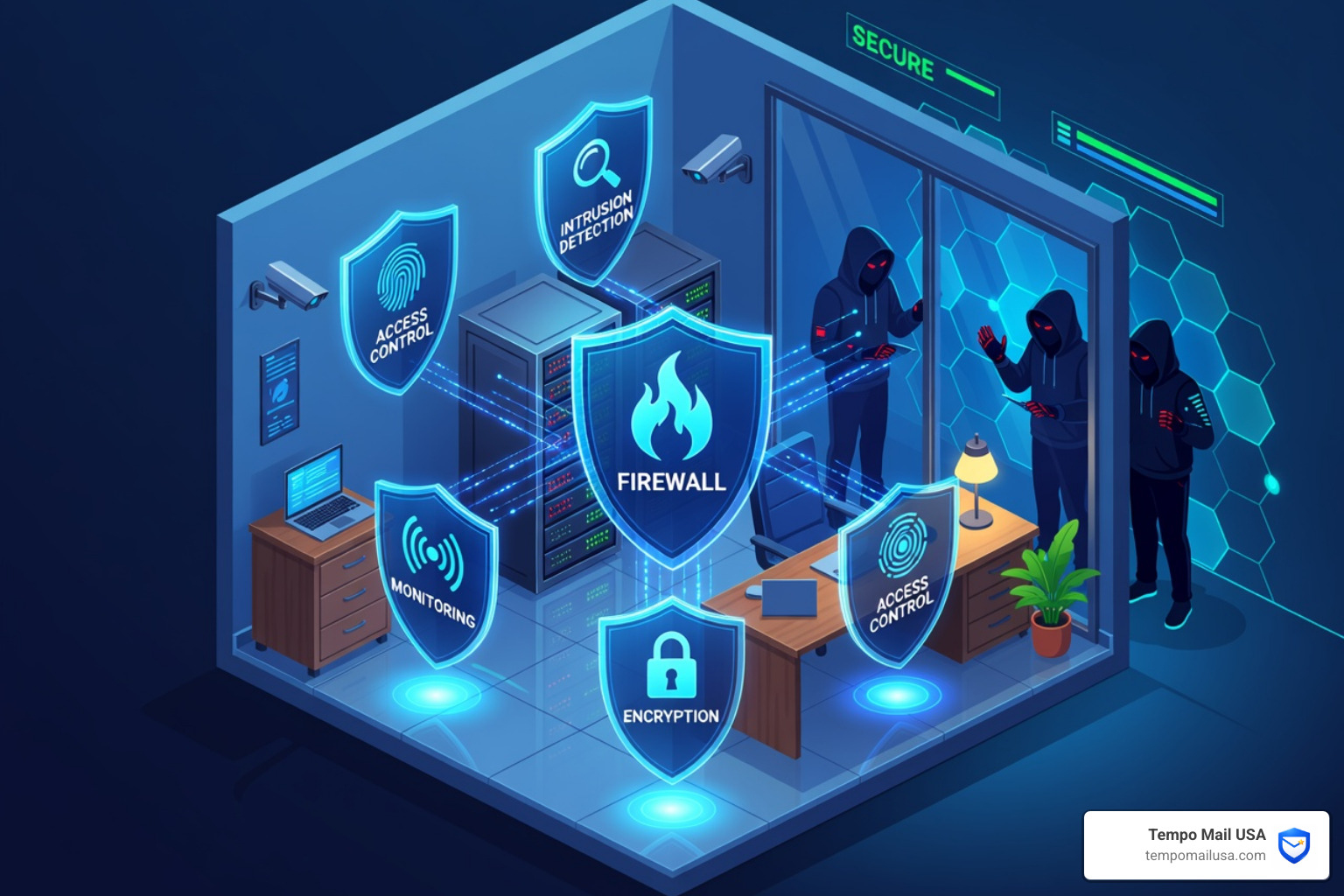

Why Small Businesses Can't Afford to Ignore Network Security Software
Network security software is a category of tools that protect your business's systems, data, and users from unauthorized access, cyberattacks, and data breaches.
If you're evaluating your options, here's a quick summary of the top solutions to consider:
| Tool | Type | Best For |
|---|---|---|
| Wireshark | Open-source | Packet analysis & traffic inspection |
| Snort | Open-source | Intrusion detection & prevention |
| Zeek | Open-source | Passive network monitoring |
| Nessus | Commercial | Vulnerability scanning |
| Splunk | Commercial | SIEM & log management |
| NordLayer | Cloud-based | Zero Trust remote access |
| SolarWinds | Commercial | Network monitoring & alerts |
| Kali Linux | Open-source | Penetration testing |
| Forcepoint | Commercial | Content filtering & cloud security |
| Nagios | Open-source | Infrastructure monitoring |
Cyberattacks are getting more sophisticated every year. And small businesses are not exempt — in fact, they're often easier targets because they tend to have weaker defenses than large enterprises.
The consequences of a breach go beyond lost data. Think downtime, regulatory fines, damaged customer trust, and identity theft for the people whose information you hold.
The good news? You don't need a massive IT budget to protect your business. The right network security tools — whether open-source or commercial, cloud-based or on-premises — can give you strong, layered protection at a manageable cost.
This guide breaks down the top 10 tools, what to look for, and how to choose the right fit for your business size and needs.
Essential Capabilities of Network Security Software
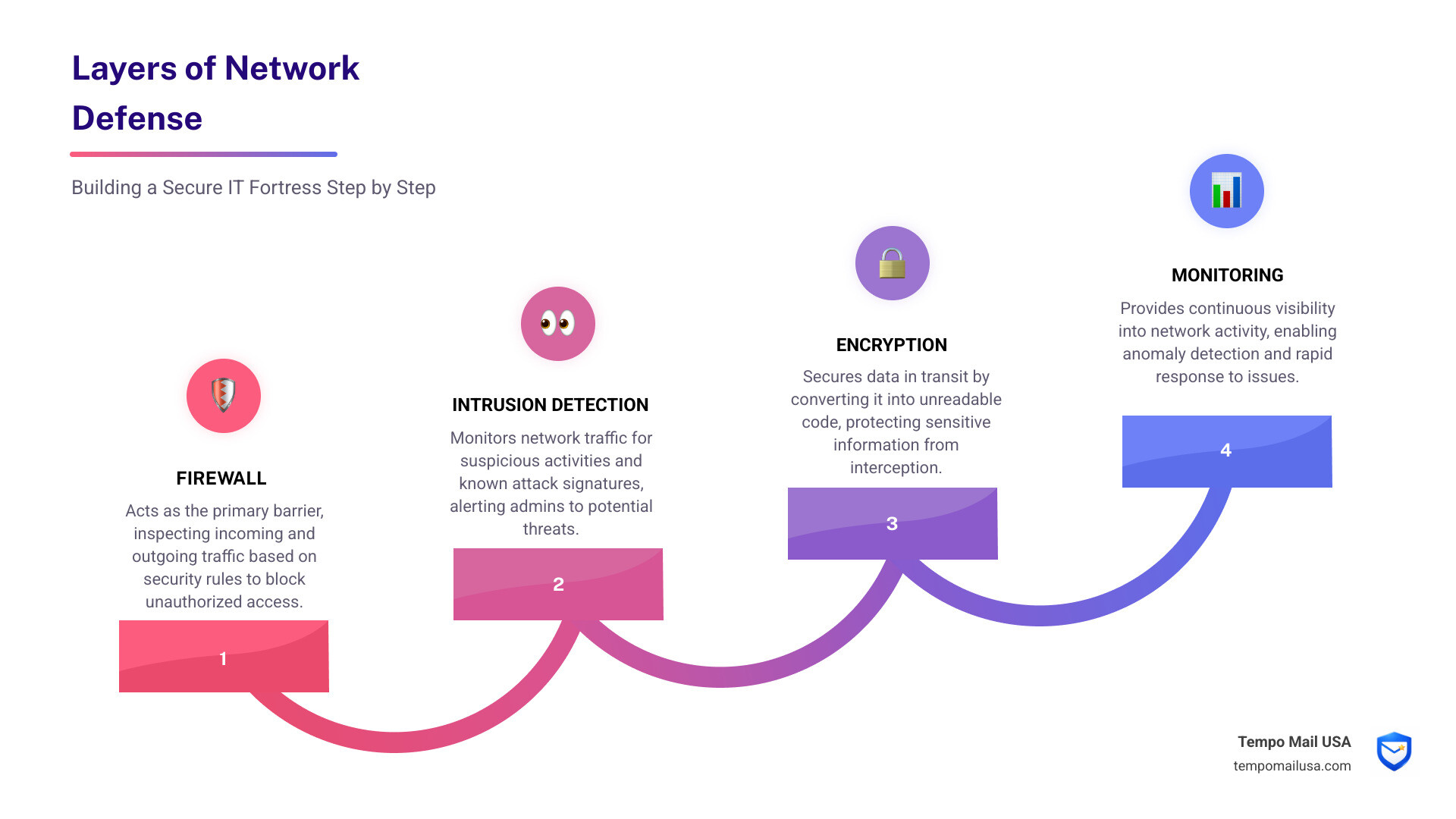
When we talk about securing an IT infrastructure, we aren't just talking about a single "magic button." Effective network security software works by integrating several core pillars of defense. Think of it as a digital fortress: you need a wall (firewall), a sentry (intrusion detection), and a secret code for messages (encryption).
Modern solutions focus on the "CIA triad"—Confidentiality, Integrity, and Availability. This means ensuring that only authorized people see your data, the data isn't tampered with, and your systems stay up and running when you need them. To achieve this, software must handle authentication (verifying who someone is), authorization (controlling what they can touch), and auditing (keeping a record of what happened).
For many organizations, the shift toward a distributed workforce has made these tools even more vital. Enterprise cybersecurity software is no longer a luxury; it is the foundation of business continuity.
Real-Time Monitoring within Network Security Software
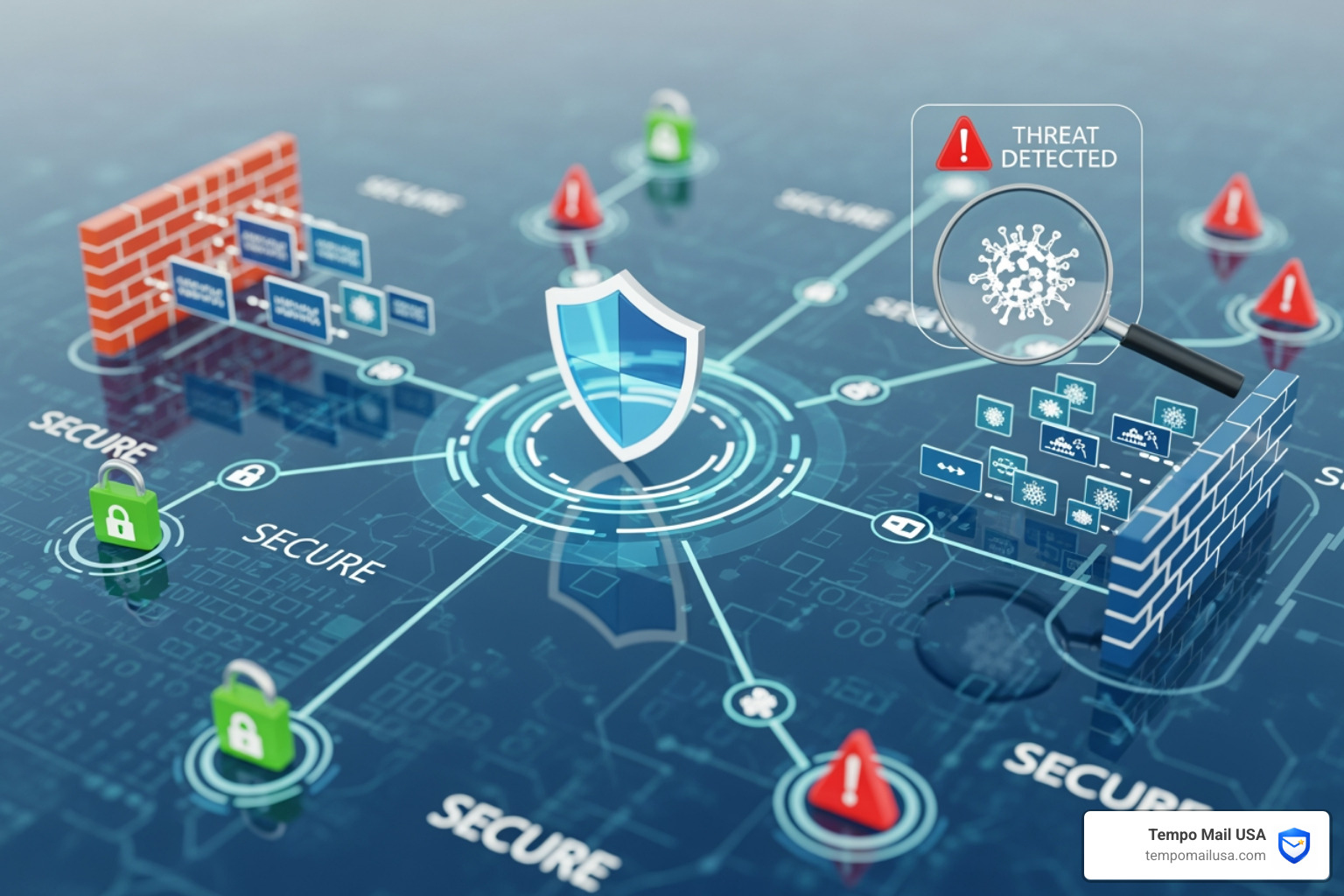
If you don't know what’s happening on your network right now, you can't stop an attack. Real-time monitoring allows us to watch traffic patterns and identify "anomalies"—behavior that looks out of place, like a massive data transfer at 3:00 AM to an unknown IP address.
One of the most famous tools for this is the Wireshark protocol analyzer. It allows IT professionals to capture real-time data and inspect network traffic at a minute level. While Wireshark is great for deep dives, other tools like Zeek (formerly Bro) provide passive analysis. Zeek doesn't sit "in the way" of traffic like a firewall; instead, it sits to the side, creating detailed transaction logs and integrating with SIEM (Security Information and Event Management) systems to provide total network visibility.
Vulnerability Scanning in Network Security Software
Attackers love software bugs. Vulnerability scanning is the process of proactively hunting for these "holes" in your IT devices and operating systems before a hacker finds them. Tools in this category assign risk scores to different issues, helping your team prioritize remediation actions.
For those who want to take it a step further, penetration testing (or "ethical hacking") simulates a real attack to see where the defenses crumble. Snort intrusion prevention is a cornerstone here, acting as an open-source tool that tracks, monitors, and analyzes traffic to discover signs of unauthorized access. By setting up automated alerts, we can ensure that our team is notified the second a security audit fails or a new threat is detected.
Top 10 Network Security Tools
Choosing the right tool depends on your specific goals. Are you looking to analyze packets, manage logs, or secure remote workers? Here is a closer look at the heavy hitters.
| Tool | Key Feature | Pros | Cons |
|---|---|---|---|
| Wireshark | Deep Packet Inspection | Unmatched detail; open-source | Steep learning curve; hard to read encrypted traffic |
| Zeek | Passive Monitoring | High-speed analysis; great logs | Requires technical expertise to configure |
| Splunk | Data Analytics | Powerful SIEM; prevents identity theft | Can be very expensive for large data volumes |
| Nessus | Vulnerability Scanning | Industry standard; identifies bugs | Commercial version is a significant investment |
| Snort | IDS/IPS | Real-time traffic analysis; open-source | Ruleset management can be complex |
| Nagios | System Monitoring | Real-time system alerts | Interface can feel dated; complex setup |
| Metasploit | Penetration Testing | Huge library of exploits | Can be dangerous if used without training |
| Kali Linux | Security Auditing | 300+ pre-installed tools | Not for beginners; specialized OS |
| Forcepoint | Cloud Security | Content filtering; blocks hacking | Cloud-only focus may not suit all-local setups |
| SolarWinds | Security Event Manager | Automated response; threat intel | Past high-profile breaches require trust building |
When using these tools, we must also consider the "human element." Even the best software can't stop a physical breach, which is why learning how to prevent tailgating attacks is a critical part of a holistic security strategy.
For businesses that need a proven track record, some commercial groups in this space boast 25+ years of experience and protect over 20M+ endpoints. These platforms often combine behavioral analysis with real-time alerts to stop threats before they activate.
Comparing Cloud-Based and On-Premises Solutions
The old way of doing things involved "on-premises" hardware—big, noisy servers in a locked room. Today, cloud-based solutions like NordLayer and Site24x7 are changing the game.
Cloud-based network security software is often easier to scale. If your business grows from 5 employees to 50, you don't need to buy new hardware; you just update your subscription. These tools are perfect for a distributed workforce because they offer Zero Trust access and private gateways that secure remote connections without "hair-pinning" traffic back to a central office.
Key Benefits of Cloud Security:
- Zero Trust: Never trust, always verify. Every user and device must be authenticated.
- ThreatBlock: Automatically blocks known malicious domains and trackers.
- Managed Detection and Response (MDR): Elite threat hunters monitor your network 24/7 so you don't have to.
- Massive Processing Power: Some major providers process over 1.8bn emails per quarter and secure 10M+ inboxes, using that data to improve their AI-driven detection for everyone.
Traditional on-premises tools still have a place, especially for organizations with strict data residency requirements or those operating in environments with limited internet connectivity. However, for the average small business, the automated response and identity theft protection offered by cloud suites are hard to beat.
Selection Criteria for Business Security Needs
With so many options, how do you choose? An IT manager shouldn't just pick the tool with the most features; they should pick the one that fits their workflow.
- Core Functionality: Does it actually do what you need? If you need to stop malware, an IDS like Snort is great, but you might also need a dedicated antivirus suite.
- Usability: If the software is too hard to use, your team will find workarounds that create security holes. Look for a centralized management dashboard.
- Integration: Your security tools should talk to each other. Can your vulnerability scanner send data to your SIEM?
- ROI and Pricing: Open-source is "free" in terms of licensing, but it costs time in terms of setup. Commercial tools have a clear price tag but often come with support and faster deployment.
We also recommend that businesses boost their skills with the cyber awareness challenge to ensure that employees understand their role in the defense chain. A multi-layered defense that combines role-based access with threat intelligence feeds is the gold standard for modern business.
Frequently Asked Questions about Network Security
What is the difference between network security and incident response?
Think of network security as the "proactive safeguarding." It's the locks on the doors and the cameras. Incident response is the "reactive mitigation." It’s what happens after a break-in is detected. Incident response involves breach containment, threat hunting to see how they got in, and restoring systems from backups. Both are essential, but the goal of good security software is to make sure you rarely have to use your incident response plan.
Why is Zero Trust essential for modern organizations?
In the old days, we thought of the network like a castle with a moat. Once you were inside, you were trusted. But today, many attacks come from compromised internal accounts. Zero Trust removes that "default trust." Every request for access is verified based on identity, device health, and context. This limits "lateral movement," meaning even if a hacker gets into one computer, they can't easily jump to your server.
How do endpoint suites integrate with network tools?
Endpoint security (protecting laptops, phones, and servers) and network security (protecting the "pipes" between them) are two sides of the same coin. Modern suites use behavioral sensors and AI-driven detection to spot threats at the device level. When an endpoint detects a virus, it can signal the network software to "quarantine" that device, cutting off its internet access automatically to prevent the spread of ransomware.
Conclusion
In an era where data reliability is the lifeblood of business, your choice of network security software can make or break your future. From packet analyzers like Wireshark to advanced SecOps platforms, the tools available today are more powerful than ever.
However, security isn't just about software; it's about privacy. This is where Tempo Mail USA comes in. We provide temporary email aliases that act as a PII (Personally Identifiable Information) firewall. By using a secure alias, you shield your real identity from services, preventing spam and protecting your business from data breaches before they even happen.
As you navigate your secure digital transformation, the best defense is a layered one. Use the right software, train your team, and shield your identity. Stay safe out there!