
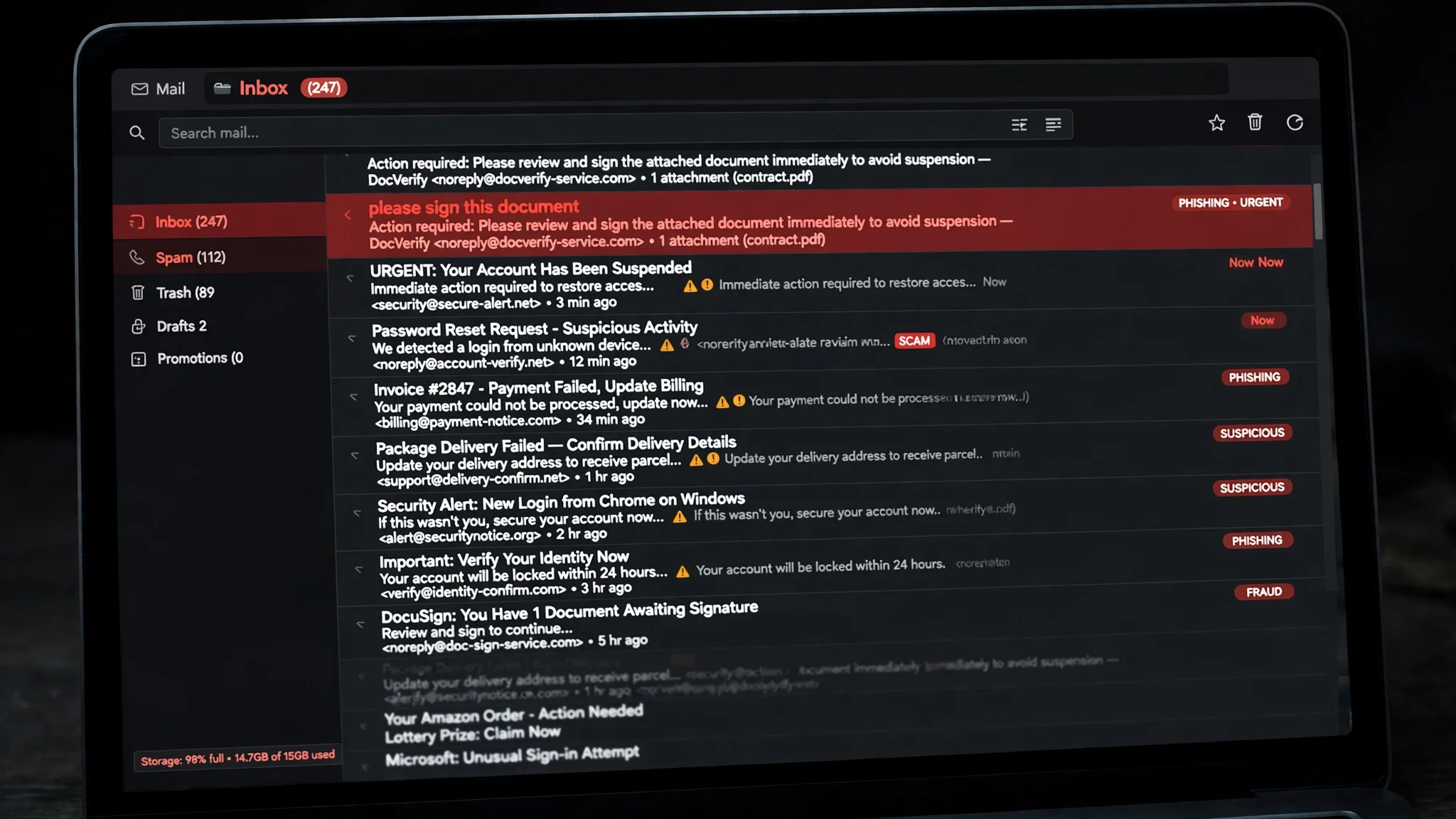
Microsoft Counted 7.3 Billion Phishing Emails in Three Months — and Almost None of Them Wanted to Install Anything
Seven point three billion. That is how many email-based phishing threats Microsoft says it detected between July and September of this year. September alone contributed nearly 3 billion of them, a 41% jump from August. Read that twice: one month produced more phishing email than most of us will see in a lifetime, and it arrived after a quarter that had been getting quieter.
The number is the headline. It is not the story. The story is what those emails were trying to do — and it is not what most people picture when they hear the word "phishing." Almost none of them wanted to install anything on your computer. They wanted you to type something into a box.
September broke the pattern
The shape of the quarter is the first thing worth looking at, because it rules out the lazy explanation. Phishing volume had been falling for months. Then September spiked 41% in a single month, to nearly 3 billion detected threats. Something changed in September. But here is the part that should stop you from concluding "everything got worse": the techniques that had driven the year's earlier activity did not come back with it.
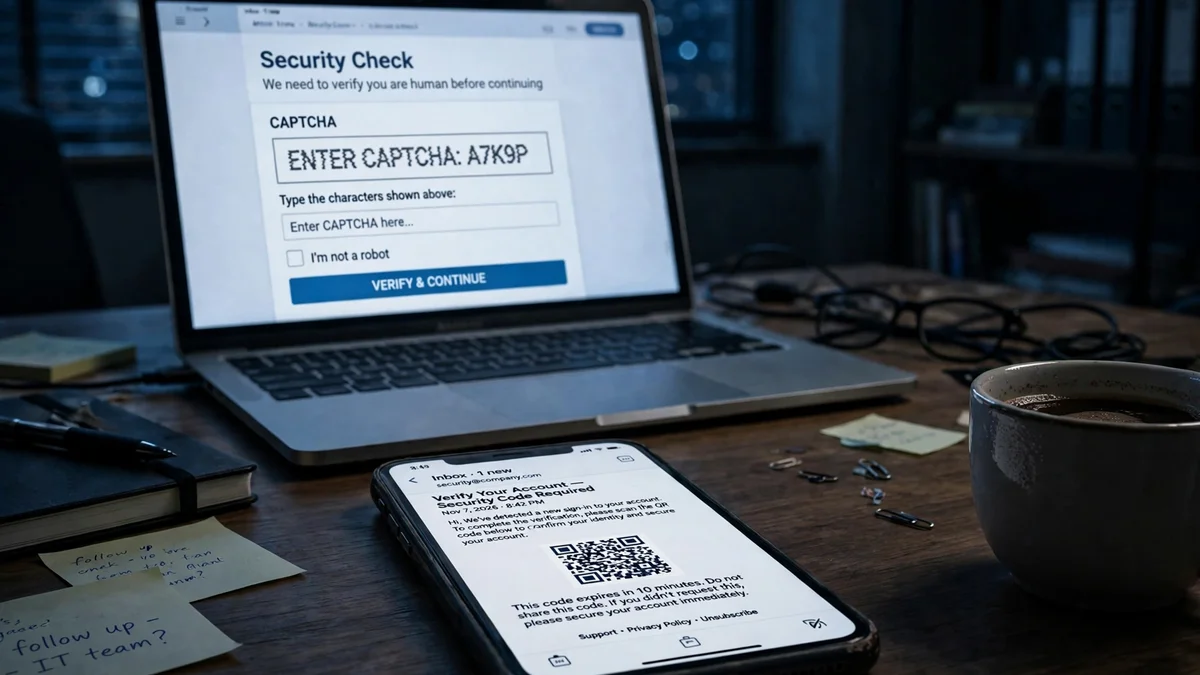
QR code phishing — the "scan this code to view your document" trick — kept falling. Microsoft counted about 12.1 million QR attacks across the whole quarter, down 67% from Q2, with monthly volume 86% below its March peak. The delivery mix shifted while it fell: PDFs carrying malicious QR codes dropped from 78% of QR attacks in July and August to 61% in September, while QR codes embedded directly in the email body rose from 5% to 12%. The method is shrinking, but the part that survives is the part that needs no attachment at all — just a code in the message and a phone in your hand.
What rose instead was CAPTCHA-gated phishing: pages that make you solve a puzzle before they show you the fake sign-in form. Microsoft detected 3.1 million of those attacks in September, nearly twice July's low. The vehicle for the comeback was the SVG file — a type of image file most people have never thought about. SVG attachments went from 17% of CAPTCHA-gated attacks in July to 65% in August and 49% in September, with volume rising sixfold in August. An SVG is a picture that is also code, and that dual nature is exactly why it works: it slips past the filters that know what a dangerous PDF looks like, then renders a page that asks you to prove you are human before it steals from you.
The honest reading of the quarter is not "phishing is up" or "phishing is down." It is that the trade moved. The old tricks faded, the new ones are built around a single insight: the fastest way past a filter is to make the victim do the last step themselves.
The sender was DocuSign. The email was not.
The finding I keep returning to is not the biggest number in the report. It is the one about who the emails claimed to be from.
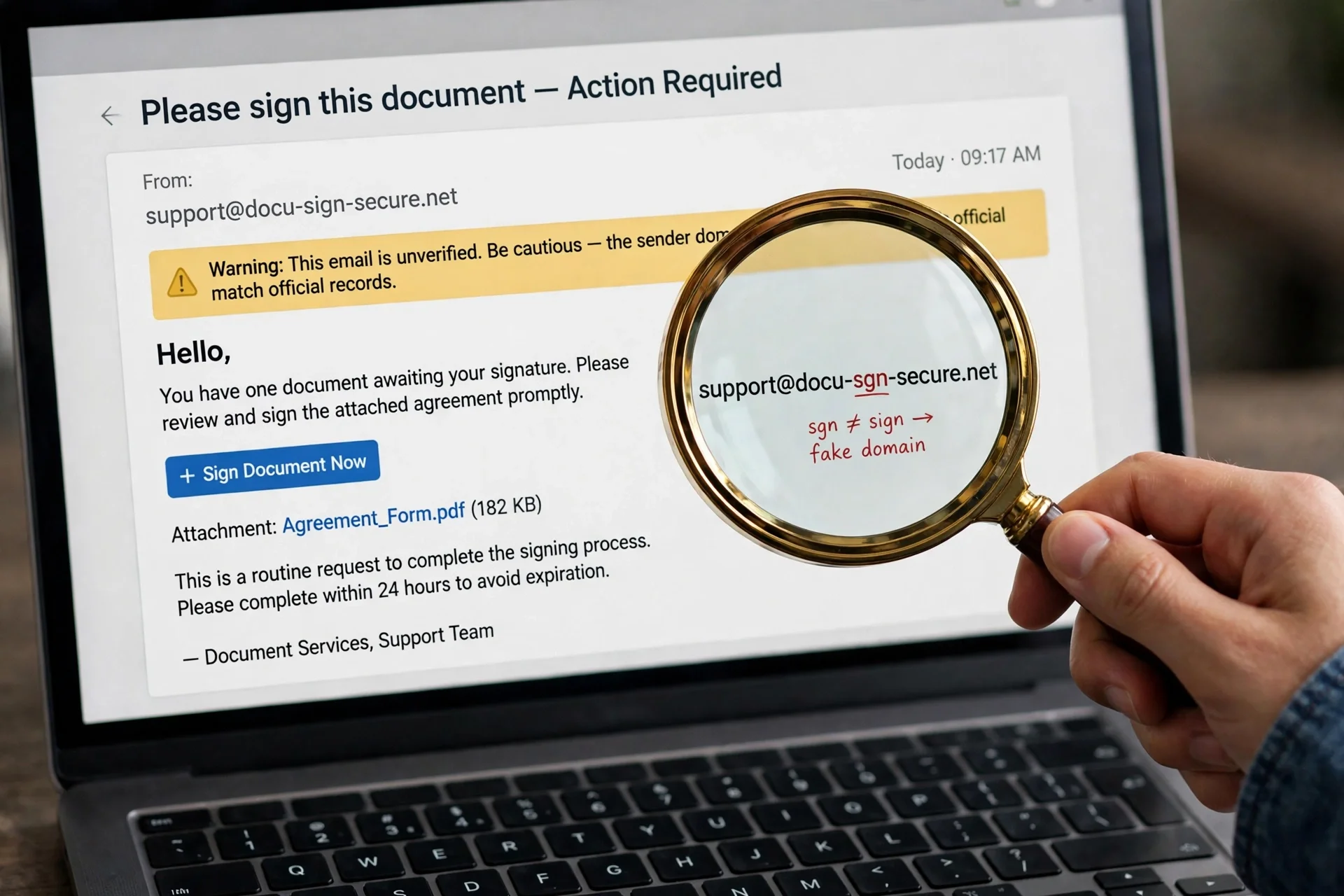
Microsoft detected roughly 129 million malicious messages in Q3 that spoofed the sender domains of tracked business services — the real domains of document-signing, survey, and invoicing tools. Not lookalike domains. Not a misspelled brand. The actual domain, claimed as the sender identity. Volume had been running at 41 to 46 million a month since May, and in September, DocuSign was the most frequently spoofed brand, accounting for 29% of that month's total. Adobe, SurveyMonkey, and Barracuda all rose toward the end of the quarter.
Think about what that means for the advice everyone gives — "check the sender address." A DocuSign email asking you to sign a document is one of the most routine messages in office life. The whole point of spoofing the real domain is that the sender address stops being a useful check. The email looks right because the part you were trained to inspect is the part the attacker copied most carefully. The tell, if there is one, is not in the "from" line. It is in the ask: a document you were not expecting, a signature request with no context, a link that takes you to a sign-in page for a service you are already signed into.
This is also where the report connects to a story from this week on this site. The fake OpenAI and SpaceX event invites we covered on November 6 worked the same way — a trusted name, a plausible request, and a sign-in page at the end of it. The names change. The shape does not.
The filter caught it. The exception let it in.
Here is the number that should bother anyone who runs email for a company — and, by extension, anyone whose work inbox is managed by one.
In September, tenant- or user-level overrides applied to 63% of the spoofed business-service messages that had a recorded security outcome. Read that sentence again, slowly. These were messages that had failed email authentication checks and had been identified as malicious. The filter did its job. Then an exception — a rule someone created to keep a legitimate workflow running, an allow-list entry, a "let this sender through" setting — overruled it, and the message was delivered anyway. Tenant-level overrides accounted for most of them.
Microsoft is careful about what this does and does not prove, and I will be too: the figures do not show that recipients opened the messages or that accounts were compromised. An override that delivers a message is not the same as a person falling for it. But the direction of the failure is what matters. The weak point was not detection. Detection worked. The weak point was the pile of exceptions that organizations accumulate — each one reasonable when it was created, each one a hole that a spoofed DocuSign email can walk through, because the exception was written for the real DocuSign and the attacker is wearing its name.
If you manage email for a team, the report's practical advice is an exceptions audit: list every allow rule that covers a business-service sender domain, check whether it is tied to an authenticated sender, and remove the ones that cover a whole domain. If you do not manage email for anyone, the lesson is different and simpler: nobody's filter is going to save you reliably, because the filter is not the last line of defense. You are. And "you are" is a bad security strategy unless you shrink what is at stake.
The attachment is a door, not a bomb
The third number reframes the whole threat. Across Q3, approximately 94 to 96% of payload-based attacks directed recipients toward a phishing site or showed a fake sign-in page locally. The attachment did not need to install software to put an account at risk. It just needed to get you to a page where you would type your own credentials into it.
The payload mix tells the same story in detail. HTML and PDF attachments together accounted for roughly 56 to 62% of payload-based attacks each month — the familiar formats, still doing most of the work. The change was SVG: from 13% of attacks in July to 20% in August, when volume hit 10.1 million — the highest monthly SVG volume in more than a year — then 13% again in September, still about 50% higher than the first half of 2026's monthly average. Word documents, meanwhile, collapsed to under 3% by September, 76% below their first-half average. Attackers follow the path of least resistance, and right now that path runs through image files and web pages, not Office macros.
The two campaigns Microsoft describes show how ordinary the lures are. In August, a campaign aimed at legal organizations sent personalized salary-review documents with QR codes that led into device-code phishing — the same technique behind those fake event invites. In September, purchase-order and payroll lures used disguised archives to deliver Agent Tesla, malware built to collect credentials. A salary review. A purchase order. A payroll update. The emails work because they look like Tuesday.
Two more numbers round out the picture. Business contact impersonation — plain-text emails pretending to be a trusted person to get money or documents — fell to about 6.2 million attacks in Q3, its lowest monthly level since at least July 2025. But inside that decline, invoice-payment requests more than tripled between June and September, up 89% in the month alone. And Microsoft observed roughly 141,000 malicious Teams call attempts in the quarter — down 31% from a July peak, but still 38% above the first half of 2026's monthly average — with attackers increasingly using ordinary personal names instead of help-desk identities. The phone call from "Sarah in accounting" is now a phishing vector with a six-figure quarterly count.
What actually protects a personal inbox
None of this is a reason to panic. It is a reason to change one habit, because the report points at exactly one habit that matters for a regular person: stop giving your real email address to everything that asks for it.
Every attack in this report ends the same way — with a page asking you to sign in, or an inbox that already knows who you are. The DocuSign lure works because the address it went to is the address you use for work. The salary-review QR works because the phone that scanned it is the phone logged into everything. The Teams call works because the name on the screen matches someone you expect to hear from. The common thread is not a missing security product. It is that your real address is the key to your accounts, and you have handed copies of that key to hundreds of services, any one of which can leak it, sell it, or get it scraped.
That is the entire case for a throwaway inbox, and it is stronger after this report than before it. Use a temporary address for the signup, the download, the "free" trial, the event registration — anything that is not your bank, your work, or your recovery account. When that address starts receiving DocuSign lures and salary-review QR codes, you delete it. The attack still exists. It just has nowhere to land that matters.
Three more habits, in order of how much they help:
Never sign in from an email link. If an email says your DocuSign document is waiting, open DocuSign yourself. If it says your payroll details need updating, open the payroll system yourself. A legitimate message survives this test every time; a phishing message fails it every time. This one habit defeats the 94 to 96% of payload attacks that end at a fake sign-in page, because you never arrive at their page at all.
Keep one address for recovery and nothing else. Your recovery email should be an address you have never typed into a signup form, never posted anywhere, and never used to contact anyone. If a service only ever sees your throwaway address, then the address the attacker has is not the address that resets your accounts. Claude Code was quietly putting users' real account emails into web requests until this month — a reminder that your address leaks through channels you never chose, which is all the more reason to keep the important one out of circulation.
Treat "trusted sender" as a description of your history, not a verification. Japan's disaster-alert system was hacked this week and 1.42 million phishing emails went out from an address people trust. Apple Mail's "trusted sender" banner, which made news this week, works the same way — it reflects that you have emailed with an address before, not that the message in front of you is genuine. A familiar sender is exactly what the spoofed-domain numbers describe. Familiarity is the attacker's raw material now.
None of these habits requires buying anything. The throwaway inbox is the only one that needs a tool, and the one on this site's homepage is free. The rest is just refusing to walk through the door the email built for you.
Frequently asked questions
Did Microsoft really detect 7.3 billion phishing emails in one quarter?
Yes, according to Microsoft Threat Intelligence's Q3 2026 email threat report, published November 5, 2026. The figure covers July through September, with nearly 3 billion detected in September alone — up 41% from August. It counts threats Microsoft detected across its email telemetry, not every phishing email sent in the world.
What is a spoofed sender domain, and why is DocuSign the example?
Spoofing means the message claims the real domain of a legitimate service — DocuSign, Adobe, SurveyMonkey — as its sender identity, rather than a lookalike domain. Microsoft counted about 129 million such messages in Q3. DocuSign was the most spoofed brand in September at 29% of that month's spoofed messages, because "sign this document" is a request people act on without thinking.
What does the 63% override figure mean?
In September, for spoofed business-service messages that had a recorded security outcome, tenant- or user-level exceptions overrode the security protection in 63% of cases — even though the messages had failed authentication and been identified as malicious. It does not mean 63% of people were compromised; Microsoft says the figures do not show whether recipients opened the messages. It means the filter caught the message and a human-made rule delivered it anyway.
Are QR code phishing attacks over?
No — they are smaller, not gone. Microsoft counted about 12.1 million QR attacks in Q3, down 67% from the previous quarter and 86% below the March peak. But QR codes embedded directly in email bodies more than tripled by the end of the quarter, and an August campaign used QR codes in fake salary-review documents to reach device-code phishing. Treat any QR code in an unexpected email as a link you cannot preview — because that is what it is.
Why do attackers use SVG files now?
SVG is an image format that can also carry code, which makes it useful for two things: slipping past filters tuned for dangerous PDFs and Office files, and rendering a CAPTCHA-gated fake sign-in page. SVG attachments drove the CAPTCHA-gated phishing comeback in Q3, rising sixfold in August to 65% of those attacks. If an email attachment opens into a "prove you're human" screen, close it.
Does a temporary email address actually help against this kind of phishing?
It helps in the specific way that matters: it separates the address attackers collect from the address your accounts depend on. Phishing needs a target address to reach you and, usually, a real account behind it to steal. A throwaway address takes the first hit — the signup confirmation, the marketing, the leaked list — and can be deleted when it starts attracting lures. It does not protect an address you have already given away, which is why the recovery address should never be used for signups.
The bottom line
Microsoft's quarter, in one sentence: the volume spiked in September, the lures got more familiar, the filters mostly worked, and the exceptions undid them. The part that should stay with you is not the 7.3 billion. It is the 94 to 96% — the share of payload attacks that never tried to infect anything and just wanted you to sign in. That is a problem a spam filter cannot solve for you, because the malicious part of the email is your own keystroke.
The fix is not a better filter. It is a smaller target: a throwaway address for everything that asks, a recovery address for nothing that asks, and a rule that you never sign in from a link in an email. September sent 3 billion reminders. You only need to act on one of them.
Need a disposable temporary email?
Protect your real inbox from spam and promotional clutter instantly and free.
Received a suspicious email, text, or charge alert?
Verify whether the sender domain is disposable, spoofed, or unverified before clicking links.