



Email spam filters automatically spot and separate unwanted or risky messages before they land in your main inbox. In 2025 that job increasingly includes spotting AI-powered phishing and privacy attacks. This guide walks through how modern filters work, why layered defenses (prevention plus detection) matter, and how temporary email services and AI checkers can work alongside traditional tools. You’ll get a clear overview of the core technologies — rules and Bayesian filters, ML/AI models, and sender authentication — a practical comparison of tool types, and a decision framework for individuals and small teams. We also cover hands-on practices, from spotting phishing to keeping a tidy inbox, and show how disposable addresses and an AI Spam Email Checker fit into prevention. The focus stays practical: reduce risk, protect privacy, and keep legitimate mail flowing, with product mentions kept factual and limited.
What Is Email Spam and Why Do You Need Effective Spam Filters?
Email spam covers unsolicited or malicious messages sent broadly or targeted at specific people. Spam wastes time, erodes privacy, and can carry scams or malware. Effective filters use content checks and sender reputation to stop these messages before they reach you. Filters evaluate message headers, body text, and attachments, apply policies or models, then deliver, quarantine, or block mail based on scores. The payoff is less risk of credential theft, a cleaner inbox, and better productivity. As attackers adopt AI-generated social engineering, old rule-only approaches aren’t enough — layered defenses that include sender authentication and behavioral detection are now best practice. The sections that follow break down the security impacts and the main threat types to watch for.
Spam affects security and privacy in several subtle ways. Understanding those effects helps you choose the right defenses. Recognizing common threat categories lets you match filters and behaviors to the risks you actually face.
How Does Spam Impact Your Email Security and Privacy?
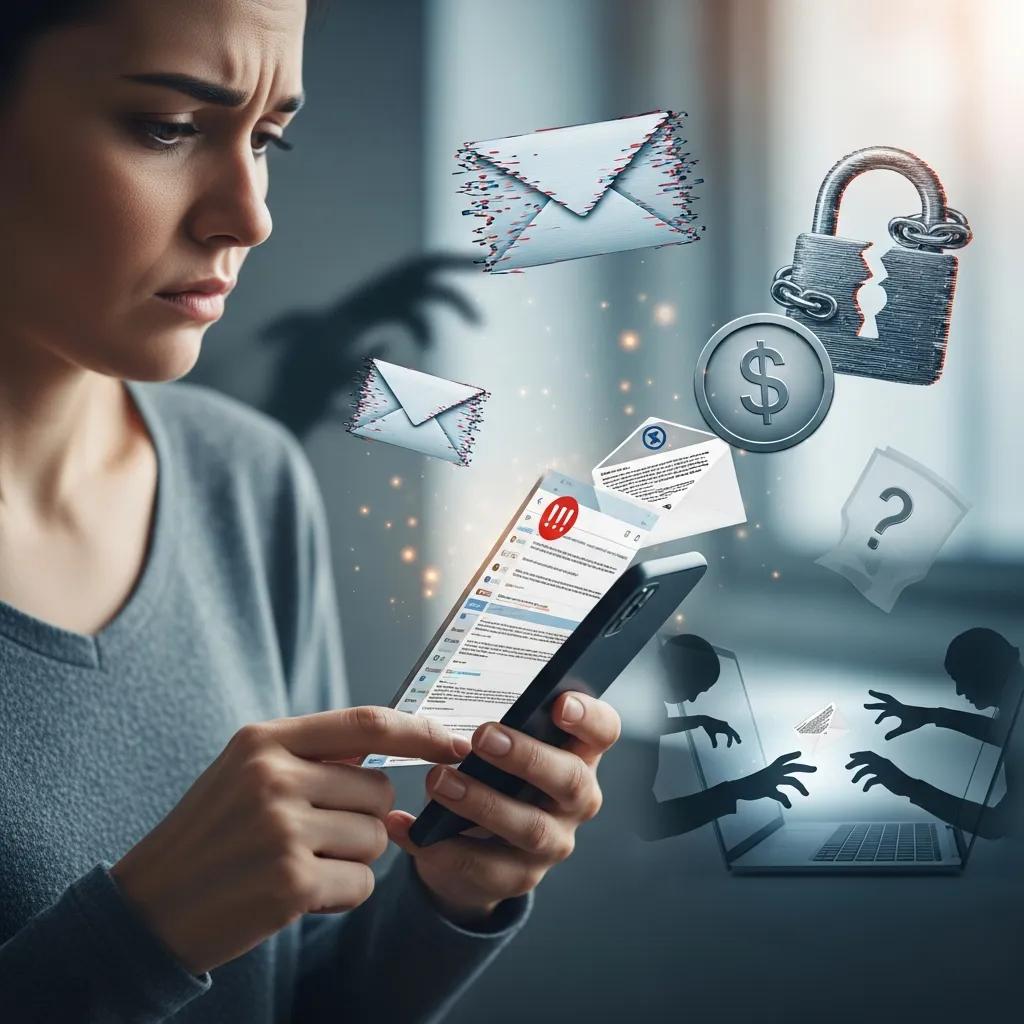
Spam widens the attack surface for credential theft and phishing by delivering links and attachments designed to steal logins or install malware. A successful click can lead to account takeover and data leaks. Beyond direct compromise, marketing emails and tracking pixels let companies and bad actors profile users across services, which hurts privacy. Repeated exposure to spam also normalizes risky behavior and makes social-engineering attempts more convincing. Practically speaking, people who click spam links are at higher risk of multi-account fraud, while organizations that tolerate spam see lower productivity and more operational risk. Cutting spam with filters and preventive habits reduces these cascading problems and makes it easier to trust legitimate messages.
Seeing these impacts makes it clear why prevention plus detection is the recommended approach. The next section outlines the specific threat types filters aim to stop.
What Are Common Email Threats Like Phishing and Malware?
Phishing tricks you with messages that impersonate trusted senders to steal credentials or approve fraudulent actions. Malware arrives as attachments or links that run harmful code. Other common dangers include fake login pages used for credential harvesting, business email compromise (BEC) that targets finance or HR, and social-engineering scams that exploit urgency or authority. Simple detection tips: hover over links to check domains, never open unexpected executable files, and verify unusual requests through a separate channel. Modern filters catch many suspicious patterns, but user vigilance — plus training and MFA — remains the last line of defense.
Knowing these threat types helps you judge how well filters and supplemental tools will protect you. The next major section explains the underlying technologies in plain terms.
How Do Email Spam Filter Tools Work? Key Technologies Explained
Email spam filters combine several technologies — content analysis, sender authentication, rule-based heuristics, reputation services, and machine learning — to flag and quarantine unwanted messages. Systems extract signals from headers and bodies, score messages with statistical or model-based engines, then take actions like deliver, hold, or block. That automation preserves inbox integrity and gives admins levers to tune behavior; the trade-off is that models need updates and correct configuration to avoid blocking legitimate mail. Below is a compact breakdown of the main components and why each matters. temporary email
Each technology targets different indicators. Understanding their effects makes it easier to pick tools that match your needs.
Before the table: this comparison links each technology to what it inspects and the practical impact, showing how standards, statistical methods, and AI work together in a layered system.
| Technology | What it verifies or analyzes | Practical effect |
|---|---|---|
| SPF/DKIM/DMARC | Sender identity and domain signing | Makes spoofing harder and improves trust decisions |
| Bayesian & Heuristic Filters | Statistical patterns and rule heuristics | Quickly removes common spam with adjustable sensitivity |
| ML / AI Models | Content, behavior, and contextual patterns | Finds novel and context-aware phishing while reducing false positives |
| Quarantine & Hold Rules | Isolation of suspicious messages | Lets you review and restore uncertain mail safely |
Putting standards, statistical filters, and AI together creates a more resilient defense that balances prevention and detection.
What Role Does AI Play in Modern Spam Detection?
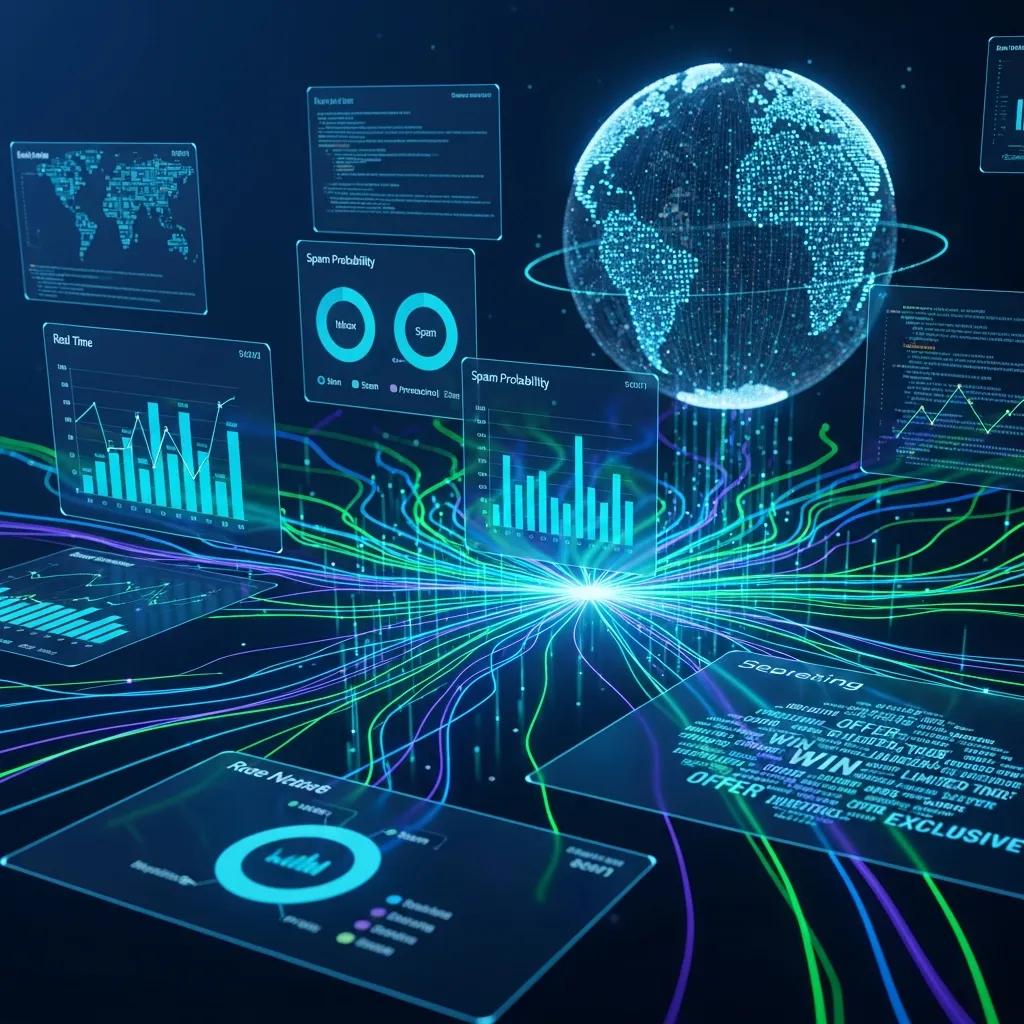
AI and machine learning spot large-scale patterns in message content, sender behavior, and delivery telemetry to flag subtle phishing, scams, and zero-day campaigns that rule-based systems miss. Models pull semantic features, look for contextual anomalies (like sudden changes in sending behavior), and produce probabilistic spam scores used in delivery and quarantine decisions. Benefits include adaptive detection and improving accuracy over time; limits include model drift, training-data bias, and the need for ongoing monitoring to avoid mislabeling legitimate mail. AI is most effective when paired with sender authentication and human review — it provides strong signals, not absolute judgments.
Appreciating AI’s role explains why you should pair it with standards like SPF/DKIM/DMARC, which the next section covers.
How Do Sender Authentication Methods Like SPF, DKIM, and DMARC Protect You?
SPF checks whether the sending IP is authorized for a domain, DKIM attaches a signature that verifies message integrity, and DMARC connects those checks to a policy so receivers can reject or quarantine spoofed mail. Together they make domain spoofing harder, reduce successful phishing, and help legitimate mail get delivered. Proper DNS setup and report monitoring are important; misconfiguration can reject valid messages. Sender authentication is a low-effort, high-impact layer that strengthens content- and behavior-based detection above it.
These protocols work with filters to form a layered defense. Next, we compare tool types that implement these features.
Which Are the Top Email Spam Filter Tools for 2025? Reviews and Comparisons
Picking the right tool depends on priorities: zero-cost options, privacy-first services, or enterprise-grade detection. Common categories include best free tools, best for privacy, best for small businesses, and top AI platforms. Each makes trade-offs: free tools favor simplicity, privacy-first services limit retention, business solutions add admin and deliverability controls, and AI platforms focus on adaptive detection. Below is a compact comparison of representative approaches, followed by short recommendations and use cases.
The table shows how different approaches map to real user needs so you can weigh privacy, detection depth, and cost.
| Tool Category | Detection methods | Privacy | Price model / Best for |
|---|---|---|---|
| Privacy-first disposable service (example) | Prevention + AI pre-check | High privacy, minimal retention | Free / Personal use |
| Cloud-based AI gateway | AI & rules-based filtering | Moderate privacy, logs retained | Paid / SMBs & enterprise |
| Built-in client filters | Heuristic & Bayesian | Low control for privacy | Free / Personal users |
| Managed email security service | Reputation, AI, policy controls | Configurable privacy | Subscription / SMB to large orgs |
This comparison highlights that prevention-focused disposable addresses pair well with detection-focused gateways, while managed services offer broader controls for businesses.
Quick recommendations by category:
- Best free: Lightweight client filters and privacy-first disposable email services for single users.
- Best for privacy: Disposable/temporary email services that limit retention and isolate signups.
- Best for small business: Cloud gateways with admin controls and deliverability features.
- Best detection-focused: AI platforms with adaptive models and quarantine workflows.
These short answers help you match common needs to solution types. Below are focused notes and a factual example.
How Does TempoMailUSA’s Temporary Email Service Prevent Spam?
TempoMailUSA offers an instant, no-signup temporary email service that creates disposable addresses to keep unwanted mail out of your primary inbox. Disposable addresses act as a buffer for signups, trials, and one-off communications so marketing lists and trackers are isolated from permanent accounts. TempoMailUSA uses automatic deletion and minimal retention to shrink the window attackers can exploit and to limit long-term tracking. For non-critical signups, disposable addresses are a practical prevention layer that reduces the load on detection systems and protects your main inbox. temporary email for safe signups.
This factual overview shows how prevention lowers exposure before detection must take over.
What Are the Features of TempoMailUSA’s AI Spam Email Checker?
TempoMailUSA also provides an AI Spam Email Checker that evaluates message subjects and bodies to give a spam score and labels for spam, phishing, and scam indicators. The provider reports a claimed accuracy near 99.7%. You submit suspicious content and metadata and receive a clear score plus a short explanation of the signals found, so you can decide whether to open or escalate the message. Common uses are pre-screening forwarded mail, checking suspicious communications before clicking links, and adding a second assessment layer for uncertain cases. As with any model, treat results as probabilistic and double-check critical messages manually.
That description shows how an AI checker serves as a quick triage tool alongside disposable addresses and standard filters.
How to Choose the Best Email Spam Blocker for Your Needs?
Choosing a spam blocker means matching priorities — privacy, cost, integration, accuracy, or admin control — to solution types like disposable addresses, client filters, cloud gateways, or managed services. Start by deciding how much control you need over retention and logs, whether preventing signups from exposing your main inbox is a priority, and how much administrative overhead you can accept. The decision matrix below maps common user types to recommended solution classes so you can align features to needs quickly.
The table gives direct guidance for personal users, developers, and small businesses so you can pick an appropriate approach fast.
| User type | Top requirements | Recommended solution types |
|---|---|---|
| Personal user | Privacy, ease, low cost | Disposable email + built-in client filters |
| Developer / Tester | Temporary addresses, fast turnover | Disposable/temporary services with API or instant generation |
| Small business | Admin controls, deliverability, compliance | Cloud email security gateway or managed service |
This matrix shows disposable emails fit personal and developer workflows, while gateways and managed services serve organizational needs.
When testing products, check these practical items:
- Integration: Will the tool integrate with your email provider and workflows?
- False positives: Is it easy to review and restore quarantined messages?
- Data retention: What logs are kept, and for how long?
These checks help you evaluate trials and ensure the chosen blocker meets privacy and operational needs.
What Factors Should Personal Users Consider When Selecting Spam Filters?
Personal users should favor convenience, privacy-first options, and low-cost tools that need minimal setup but still catch common phishing and spam. Look for automatic quarantining, simple whitelisting, clear spam-score explanations, and the option to use disposable addresses for risky signups. Practical tips: enable sender-authentication checks in your client when available, turn on multi-factor authentication (MFA) for important accounts, and review quarantined messages periodically to reduce false positives. These choices balance safety and ease without heavy technical work. safe signups.
Those priorities differ from organizational needs, which require admin controls and reporting.
Which Email Security Solutions Are Best for Small Businesses?
Small businesses usually need centralized policy management, reporting for compliance, and deliverability features so customer mail arrives reliably. Cloud gateways or managed services are often the best fit. Important features include role-based admin, quarantine review workflows, robust sender authentication, and integration with hosted Exchange or cloud mail providers. Cloud gateways typically need a subscription but cut the operational burden of on-prem hardware and scale protection as you grow. Choose a solution that balances admin simplicity with strong detection so deliverability isn’t compromised while staff overhead stays low.
Picking the right managed or gateway product depends on company size, compliance requirements, and internal expertise.
What Are the Best Practices Beyond Spam Filters to Enhance Email Security?
Filters are essential but not enough on their own. Complement them with user training, enforced multi-factor authentication, strict password hygiene, and regular reviews of account recovery settings. These habits limit the damage from any single phishing success and speed incident response. Below are a few high-impact practices individuals and admins can adopt quickly to improve resilience.
- Enable MFA on all critical accounts: MFA blocks many takeover attempts even when credentials leak.
- Use unique, strong passwords and a password manager: Prevents reuse across services.
- Educate users on phishing red flags and verification steps: Raises detection and reporting rates.
- Regularly audit forwarding rules and account recovery options: Stops stealthy exfiltration paths.
Combine these habits with technical controls to reduce both the chance and impact of email attacks.
How Can You Recognize and Avoid Phishing and Scam Emails?
Spot phishing by watching for red flags and using a simple verification routine before acting on credential or payment requests. Common signs: mismatched sender domains, urgent money or credential demands, unexpected attachments, and slightly altered familiar domains. A three-step check is: inspect the sender and headers, hover over links to see the real domain, and confirm sensitive requests through a known channel (call or separate message). Regular training and simulated phishing exercises improve user responses, and filters that surface suspicious metadata speed human checks. Master how to spot phishing emails
These cues and workflows help users avoid common traps and support better filter tuning and incident reporting.
What Email Hygiene Habits Improve Inbox Protection and Privacy?
Good email hygiene lowers spam and tracking by unsubscribing from unwanted lists, using aliases or disposable addresses for non-essential signups, and reviewing app permissions tied to your email. Practical steps: unsubscribe from newsletters you don’t read, set rules to auto-archive or delete old newsletters, and audit connected apps that have access to your email. Quarterly checks prevent decay from eroding privacy and keep inbox clutter from hiding important security signals. Together, these habits make both manual and automated defenses more effective.
Regular hygiene works hand-in-hand with preventive measures like temporary addresses, which the next section covers.
How Does Using Temporary and Disposable Emails Complement Spam Filtering?
Temporary and disposable emails act as a preventative layer, stopping bulk marketing, trackers, and unknown senders from reaching your primary account. By isolating signups and one-off interactions behind ephemeral addresses, you reduce long-term exposure and tracking while keeping your main inbox reserved for trusted contacts. Use cases include service trials, public forms, and developer testing where permanent contact isn’t needed. Paired with an AI spam checker for borderline messages, this approach lowers false positives and eases the load on detection systems. The following subsections explain why disposables work and how to use them safely.
Why Are Temporary Emails Effective for Privacy and Spam Reduction?
Temporary emails break the link between your primary identity and outside services, preventing trackers and marketing lists from correlating activity across sites and reducing the chance your main account ends up on bulk lists. Using ephemeral addresses for signups funnels unwanted content into containers that can be auto-deleted, which reduces tracking and the risk of phishing that often begins with large marketing lists. Typical uses: trial signups, gated downloads, or one-time verification flows. The result is a smaller attack surface for credential harvesting and a cleaner primary inbox for important messages.
These benefits make disposable addresses especially useful when combined with strong detection on your permanent accounts.
How Can You Use TempoMailUSA’s Disposable Email Service Safely?
When you use a service like TempoMailUSA, follow simple do/don’t rules: do use temporary addresses for single-use signups, testing, or public forms; do rely on automatic deletion to limit retention; and don’t use disposables for account recovery, banking, or services where you need long-term access. TempoMailUSA’s features — instant generation, no signup, automatic deletion, and minimal retention — support those safe patterns and reduce the risk that a temporary address becomes a persistent liability. For critical services, always use a verified permanent address with MFA and avoid tying disposable addresses to password recovery.
Following these practices ensures temporary emails complement, not complicate, your security posture when combined with detection tools and good hygiene.
Frequently Asked Questions
1. What are the signs that my email account has been compromised due to spam?
Look for unexpected password-reset emails, unfamiliar login locations or devices, or messages sent from your account you didn’t write. If contacts tell you they received spam from your address, that’s a strong sign of compromise. Regularly check your Sent folder and security settings; if you spot anything odd, change your password and enable multi-factor authentication immediately.
2. How can I improve my email security beyond using spam filters?
Layer up: enable MFA on all important accounts, use strong unique passwords with a password manager, and keep staff or family trained on phishing signs. Also review account recovery options and connected apps regularly to make sure nothing can be abused to regain access. These practices make filters far more effective.
3. Are there any specific email hygiene practices I should follow?
Yes. Unsubscribe from newsletters you no longer read, use aliases or disposable addresses for non-essential signups, and periodically audit apps that can access your email. These habits reduce clutter and tracking and help filters and you spot suspicious messages more easily.
4. How do I choose the right spam filter for my business needs?
Start with requirements: how much admin control do you need, what privacy standards must you meet, and what’s your budget? Decide if you need a cloud gateway with reporting or a managed service with support. Compare detection methods — AI vs. traditional heuristics — and test integration with your mail flows before committing.
5. What role does user training play in preventing email-based attacks?
User training is vital. Teaching people to spot mismatched senders, urgent money requests, and unexpected attachments reduces successful attacks. Simulated phishing exercises reinforce learning and raise reporting rates. Together with technical controls, training dramatically lowers risk.
6. Can temporary email services be used for business purposes?
Yes, in specific cases like testing or short-term projects. Temporary emails can keep spam out of business accounts during trials or public signups. But avoid using them for critical communications or accounts that need long-term recovery, as that can create operational and security headaches.
7. How often should I review my email security settings?
Review settings at least quarterly or after major changes to your organization or personal situation. Regular checks of password strength, recovery options, and connected apps keep defenses current. Stay aware of new phishing tactics and adjust policies and training as threats evolve.
Conclusion
Effective spam filtering is a key part of protecting your inbox, but the best defenses combine prevention, detection, and good habits. Understand the technologies available, match solutions to your needs, and adopt simple practices like MFA and disposable addresses where appropriate. Use this guide to choose the right mix for you or your organization, and take practical steps today to make your email safer and less noisy.