



Master Your Email Deliverability
Email remains the backbone of professional and personal communication, with over 347 billion emails sent daily. Yet, when critical messages are diverted to spam, vital communication channels are compromised, leading to missed opportunities and potential security risks. This comprehensive guide delves into advanced strategies and essential tools designed to drastically reduce spam placement and significantly enhance deliverability. We will dissect the mechanics of spam, evaluate traditional defenses, demonstrate the strategic advantage of disposable (temporary) email addresses, and outline industry-leading best practices to ensure your inbox remains secure, private, and consistently reachable.
What Is Email Spam and Why Does It Affect Your Inbox?
At its core, spam is unsolicited bulk email, frequently promotional or overtly deceptive, that inundates inboxes and poses significant security threats. Beyond merely obscuring legitimate correspondence, spam actively impedes productivity and introduces vulnerabilities. Industry analyses consistently report that spam constitutes approximately 45–50% of all email traffic, underscoring its pervasive nature and the critical need for robust countermeasures. The global cost of spam, including lost productivity and security breaches, is estimated to be in the tens of billions annually.
How Does Spam Impact Your Email Privacy and Security?
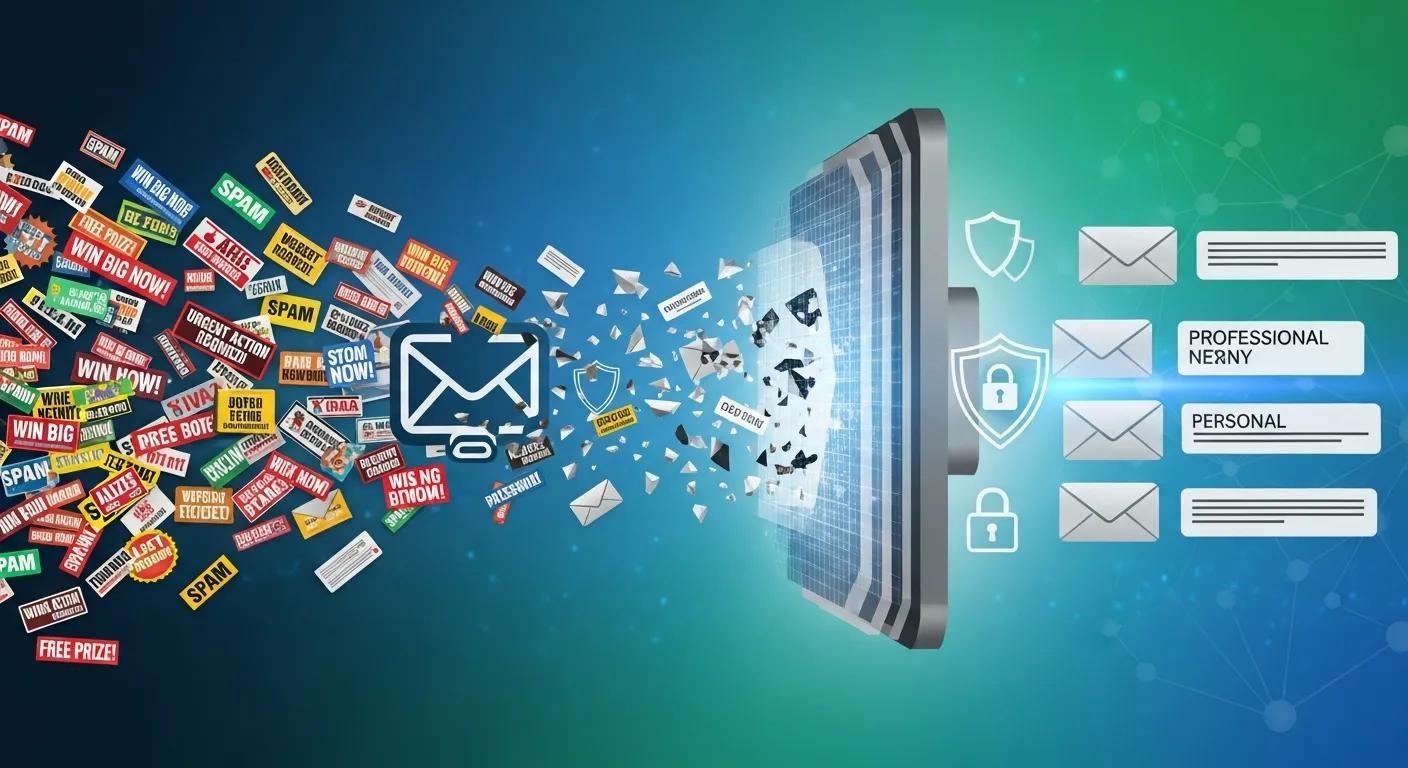
The ramifications of spam extend directly to both personal privacy and digital security. A substantial portion of spam messages are vectors for sophisticated cyber threats, embedding malicious links or attachments designed to facilitate phishing attacks, credential theft, ransomware deployment, or other forms of malware. Furthermore, engaging with spam inadvertently validates your email address, leading to its proliferation among illicit senders and an exponential increase in future unwanted solicitations. Implementing stringent inbox protection protocols is therefore paramount to minimizing exposure and safeguarding sensitive personal and corporate data.
What Are Common Types of Spam and Phishing Emails?
The spectrum of spam is broad, encompassing everything from benign, albeit unsolicited, promotional blasts to highly sophisticated and malicious scams. Prevalent categories include unsolicited marketing communications, deceptive financial offers, and, most critically, phishing emails meticulously crafted to impersonate reputable entities (banks, social media platforms, government agencies) with the sole aim of illicitly acquiring credentials or sensitive data. Developing a keen ability to identify these diverse threat vectors is an indispensable skill for maintaining the integrity and security of your digital accounts and personal information. Stay Safe Combating the risks associated with phishing attacks.
Which Traditional Methods Help Stop Spam Emails and What Are Their Limits?
While built-in email client filters and user reporting mechanisms serve as foundational defenses, their efficacy is inherently limited. These traditional methods, though crucial, are not infallible; sophisticated spam often bypasses filters, and legitimate communications can be erroneously flagged as spam. This necessitates the adoption of more advanced and multi-layered strategies to achieve comprehensive protection.
How Do Email Client Filters and Spam Reporting Work?
Email clients employ a complex interplay of predefined rules, advanced keyword analysis, sender reputation scores, and sophisticated machine learning algorithms to meticulously classify incoming mail. Messages identified as suspicious are typically quarantined in a dedicated spam folder. While user reporting of spam is vital for continuously refining these systems, it is critical to acknowledge that no automated filtering solution offers 100% accuracy, and the occurrence of false positives remains an ongoing challenge.
Why Is Unsubscribing Not Always Enough to Prevent Spam?
While unsubscribing from legitimate newsletters can effectively reduce inbox clutter, this method is far from foolproof. Many unscrupulous senders deliberately disregard unsubscribe requests, and malicious actors frequently exploit unsubscribe links as a tactic to verify the active status of your email address. In such cases, attempting to unsubscribe can paradoxically exacerbate the problem, leading to an increase in unwanted solicitations rather than a reduction.
What Is a Temporary Email Address and How Does It Prevent Spam?
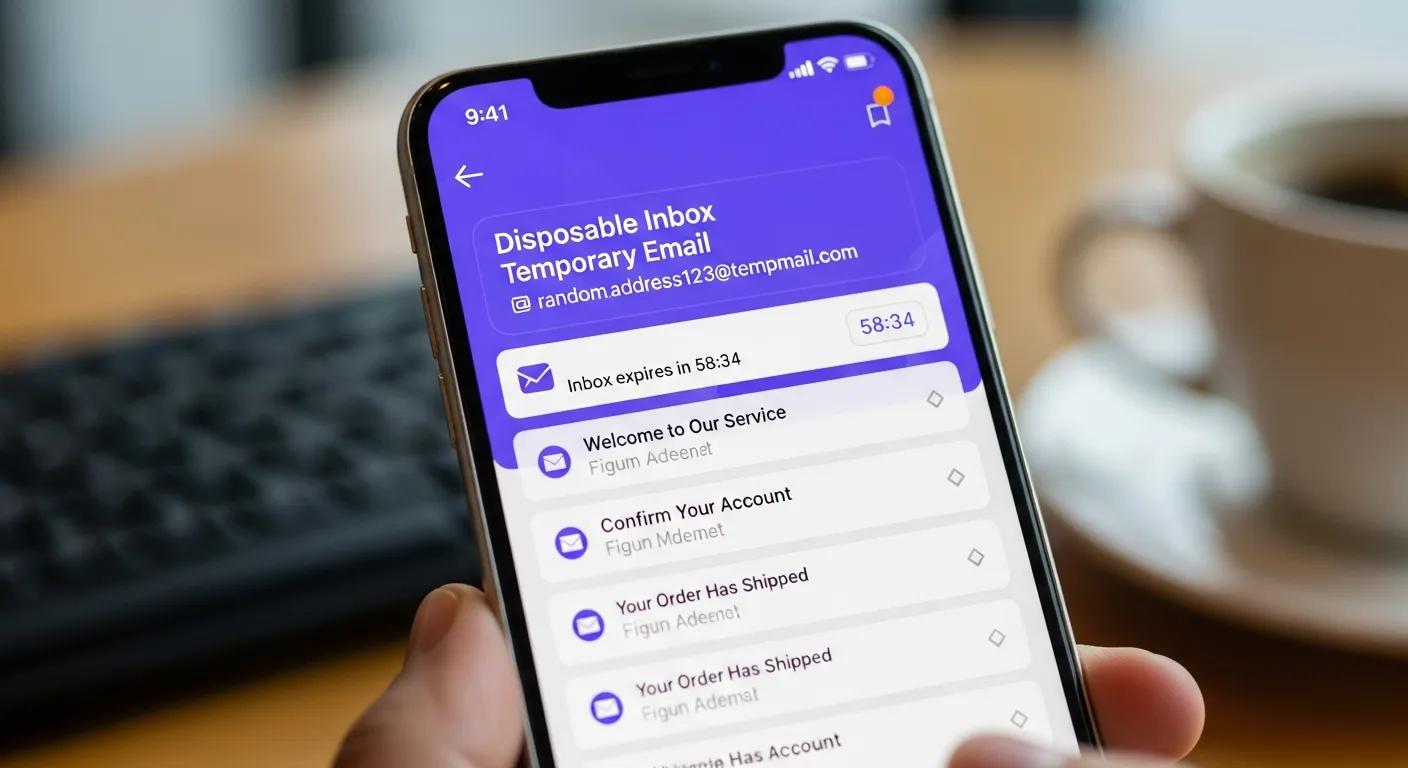
A temporary email address, often referred to as a disposable or 'burner' email, represents a strategic privacy tool: a transient mailbox designed for single-use registrations, free trials, or any scenario where safeguarding your primary email address from potential exposure is paramount. It functions as an impenetrable buffer, meticulously diverting unsolicited promotional content, potential spam, and high-risk messages away from your core inbox, thereby preserving its integrity and security.
How Does TempoMailUSA Provide Disposable Email for Privacy Protection?
TempoMailUSA offers an intuitive and robust solution for immediate privacy protection, providing free, disposable email addresses that can be generated in mere seconds. This empowers users to confidently engage with websites or services that demand an email address without incurring the risk of long-term exposure or data harvesting. This straightforward yet highly effective measure ensures your primary inbox remains pristine, significantly curtailing the influx of unsolicited junk mail and mitigating the threat of targeted spam campaigns.
What Are the Key Benefits of Using a Temporary Email Service?
- Uncompromised Privacy Protection: Systematically shields your main email from exposure, effectively preventing marketers, data brokers, and malicious entities from accessing it.
- Unparalleled Convenience: Facilitates the rapid creation and immediate disposal of email addresses, eliminating complex setup procedures or long-term commitments.
- Superior Spam Management: Decisively prevents unwanted messages from ever reaching your primary inbox, ensuring a clutter-free and highly organized communication environment.
When and How Should You Use Temporary Email to Maximize Spam Protection?
The optimal deployment of temporary email addresses hinges on deliberate and strategic application. They are unequivocally best reserved for ephemeral engagements such as one-time sign-ups, short-term free trials, or any service where a long-term commitment or ongoing communication is not anticipated. This approach constitutes a remarkably simple yet profoundly effective methodology for proactively mitigating future spam risks.
What Are Best Practices for Using Disposable Emails in Online Sign-Ups?
- Strategic Application for Non-Critical Accounts: Exclusively utilize temporary addresses for platforms and services that do not necessitate enduring access or involve the transmission of sensitive personal data.
- Vigilant Monitoring for Essential Communications: Immediately after registration, diligently monitor the disposable inbox for crucial confirmation links, verification codes, or initial setup instructions.
- Prompt Deletion Post-Use: Upon the conclusion of the account's utility or the receipt of necessary confirmations, promptly delete or deactivate the temporary address to irrevocably close that communication conduit.
When Should You Avoid Using Temporary Email Addresses?
- Critical and Sensitive Accounts: For indispensable services such as online banking, healthcare portals, government services, or any platform handling highly sensitive personal information, always employ a permanent, meticulously secured, and personally controlled email address.
- Long-Term Service Engagements: If your intent is to maintain a sustained relationship with a service, utilizing your primary email is imperative to ensure uninterrupted receipt of vital updates, security notifications, and account-related communications.
- Trusted Personal and Professional Contacts: Reserve your primary email for established personal and professional relationships where consistent communication, mutual recognition, and long-term continuity are paramount.
How Can You Enhance Email Privacy Beyond Temporary Email Services?
While temporary email services offer a powerful layer of defense, they represent just one component within a holistic and robust email security framework. To achieve unparalleled protection, it is imperative to integrate their use with rigorous security habits and advanced technical safeguards, thereby fortifying your primary inbox against the persistent threats of spam and sophisticated phishing attacks.
How to Recognize Phishing Attempts and Avoid Email Scams?
- Scrutinize Suspicious Sender Addresses: Exercise extreme vigilance for subtle misspellings, anomalous domain names, or email addresses that deviate from the legitimate sender's established pattern.
- Beware of Urgent or Threatening Language: Approach with profound skepticism any message employing high-pressure tactics, demanding immediate action, or coercing the disclosure of sensitive personal information.
- Never Open Unsolicited Attachments or Links: Under no circumstances should you open attachments or click on embedded links originating from unknown, unexpected, or unverified senders.
What Additional Security Measures Protect Your Primary Inbox?
- Implement Multi-Factor Authentication (MFA): Mandate a secondary verification step (e.g., a code from a mobile app or SMS) for account access, rendering unauthorized account takeover exponentially more difficult, even if passwords are compromised.
- Regularly Update Strong, Unique Passwords: Employ complex, unique passwords for each account and update them periodically. Leverage a reputable password manager to generate and securely store these credentials.
- Leverage Email Authentication Protocols (SPF, DKIM, DMARC): These critical protocols enable receiving mail servers to verify the legitimacy of incoming messages.SPF (Sender Policy Framework): Specifies which mail servers are authorized to send email on behalf of a domain.DKIM (DomainKeys Identified Mail): Adds a digital signature to outgoing emails, allowing recipients to verify that the email was not altered in transit and truly came from the claimed domain.DMARC (Domain-based Message Authentication, Reporting & Conformance): Builds on SPF and DKIM, providing instructions to receiving servers on how to handle emails that fail authentication (e.g., quarantine or reject) and offering reporting capabilities to domain owners. Implementing these significantly reduces email spoofing and enhances deliverability.
The synergistic application of these advanced security measures, in conjunction with the strategic deployment of temporary email addresses, forms an impregnable defense, leading to a dramatic reduction in spam infiltration and a profound enhancement of overall email security posture.
| Strategy | Mechanism | Benefit |
|---|---|---|
| Temporary Email | Disposable addresses | Provides an impenetrable shield for your primary inbox against unsolicited and malicious mail. |
| Email Filters | Algorithmic detection & AI | Automatically quarantines or blocks suspicious messages, continuously learning from new threats. |
| Multi-Factor Authentication | Additional verification layer | Fortifies account security, making unauthorized access exceptionally difficult even with compromised credentials. |
| Email Authentication Protocols (SPF, DKIM, DMARC) | Domain verification & anti-spoofing | Establishes sender legitimacy, drastically reducing phishing and spoofing attempts. |
The comprehensive table above meticulously outlines the most effective strategies for spam prevention and inbox protection, detailing the underlying mechanisms and the profound benefits each approach delivers.
In summary, achieving superior email deliverability and robust spam prevention necessitates a multi-faceted approach, integrating intelligent content strategies, sophisticated filtering technologies, and indispensable tools such as temporary email addresses. By rigorously implementing these proven methodologies, you will not only cultivate a significantly cleaner and more secure inbox but also robustly safeguard your digital privacy and ensure the unimpeded flow of critical communications.
Frequently Asked Questions
What are the definitive indicators that my email might be flagged as spam?
Definitive warning signs include the pervasive use of excessively promotional or sales-oriented language, deceptive or clickbait subject lines, and a disproportionately high image-to-text ratio within the message body. Furthermore, large-scale, unsolicited mailings and consistently low recipient engagement metrics (e.g., low open rates, minimal click-throughs) are critical red flags. Proactive monitoring of your email campaign analytics and ensuring content remains highly relevant and valuable to your audience are imperative to mitigate the risk of being filtered.
How can I improve my email deliverability rates?
To substantially enhance your email deliverability rates, commence with a meticulously curated list of genuinely engaged, explicitly opt-in subscribers, ideally employing a double opt-in process to unequivocally confirm consent. Maintain a consistent sending cadence, rigorously avoiding abrupt and uncharacteristic volume spikes. Crucially, implement and correctly configure SPF, DKIM, and DMARC protocols to robustly authenticate your messages. Concurrently, diligently monitor your sender reputation across various blacklists and feedback loops to preemptively identify and address any potential issues.
What role does sender reputation play in email deliverability?
Sender reputation is arguably the single most critical determinant of email deliverability. This dynamic score is meticulously calculated based on a multitude of factors, including bounce rates, the volume of spam complaints, and recipient engagement metrics (opens, clicks, replies). A robust and positive sender reputation directly correlates with superior inbox placement, whereas a compromised reputation dramatically elevates the probability of your emails being routed to spam folders or outright rejected. Sustaining a high reputation necessitates consistently sending highly relevant and valuable content, coupled with prompt and effective management of all complaints and bounce notifications.
Can using images in emails affect spam filtering?
Affirmative. The judicious use of images in emails is paramount, as a disproportionately high image-to-text ratio or the inclusion of poorly optimized images can indeed trigger spam filters. Best practices dictate a strategic balance between visual elements and substantive text content. Always incorporate descriptive alt text for accessibility and SEO, and meticulously optimize image file sizes to ensure rapid loading and prevent flagging. This approach not only appeases filtering algorithms but also guarantees that your core message remains comprehensible even if images are suppressed by the recipient's email client.
What should I do if my emails are consistently going to spam?
If your emails are persistently directed to spam folders, a systematic diagnostic approach is warranted. Begin by conducting a thorough audit of your content for known spam triggers. Immediately cleanse your mailing list of all inactive, invalid, or unengaged addresses. Prior to deployment, rigorously test your messages using reputable spam filter tools. Verify the correct configuration of your SPF, DKIM, and DMARC authentication records. Finally, engage proactively with your email service provider (ESP) or a specialized deliverability consultant for expert guidance on sender reputation management and advanced deliverability troubleshooting.
How can I educate my recipients to prevent my emails from going to spam?
Proactive recipient education is a powerful strategy. Explicitly instruct your subscribers to add your sending address to their contact lists or to 'whitelist' your domain. Provide clear, concise instructions on how to mark your messages as 'not spam' should they inadvertently land in the junk folder. Furthermore, maintaining consistent branding, utilizing recognizable sender names, and crafting transparent subject lines are crucial for fostering recipient trust and significantly reducing the likelihood of accidental filtering.
Conclusion
Ultimately, the comprehensive prevention of emails being misclassified as spam is not a singular action but a sophisticated synthesis of disciplined habits, meticulous technical configuration, and the strategic deployment of advanced tools such as temporary email addresses. By rigorously adhering to these established best practices, you will not only cultivate a significantly cleaner and more secure inbox but also robustly safeguard your digital privacy and ensure the unimpeded flow of critical communications. Initiate the implementation of these strategies today to experience a tangible and profound improvement in your deliverability and overall digital peace of mind.