

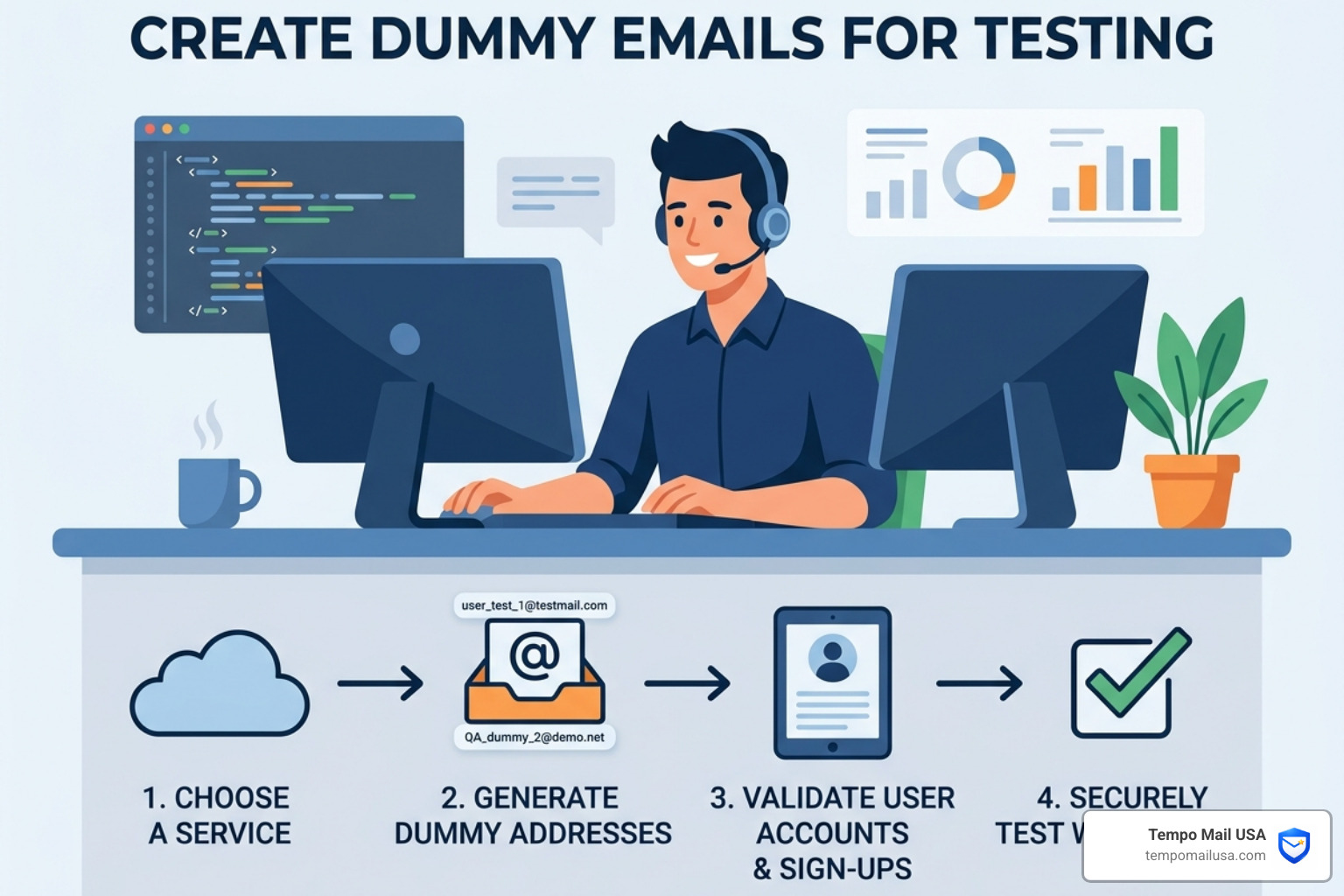

Why You Must Create Dummy Emails for Testing Instead of Using Real Domains
When we build and test software, the temptation to use "quick" data is overwhelming. You’ve been there: you need to sign up for the fifth time today to check a UI bug, and you type in myname+test1@gmail.com. It works, right?
In the short term, yes. In the long term, you are creating a security and data integrity nightmare. Using real domains for testing exposes Personally Identifiable Information (PII). If your staging database is ever compromised or accidentally exposed, those real email addresses are a goldmine for attackers. Furthermore, "database pollution" occurs when real-world domains clutter your test environment, making it impossible to distinguish between a legitimate beta user and a bot-generated test case.
The biggest danger, however, is the accidental SMTP trigger. Modern applications are interconnected. A simple integration test might trigger a "Welcome" email, a newsletter sync, or a billing notification. If you use a real domain—even a fake address on a real domain—you risk hitting a real person's inbox.
| Feature | Dummy Strings (e.g., .test) | Temporary Mail (Functional) |
|---|---|---|
| Resolution | Never resolves to a real server | Resolves to a temporary server |
| Inbox Access | None (Ghost address) | Full access to read messages |
| Safety | 100% safe from accidental sends | Safe if using private domains |
| Primary Use | Form validation, Load testing | OTP, 2FA, Workflow testing |
To understand the mechanics behind these tools, check out our guide on What is Temporary Email and How It Works.
The Hidden Risks of Using Real Domains Like Gmail
We’ve seen similar patterns in legacy codebases where hardcoded SMTP settings suddenly "wake up" during an integration test. If your test data includes admin@gmail.com or test@yahoo.com, your system might actually attempt to deliver those messages.
This leads to production leaks where internal system details are mailed to external, unintended recipients. Worse, if your automated suite generates thousands of emails to a real provider like Gmail, their filters may flag your server’s IP address, damaging your domain's sender reputation before you even launch. For a deeper dive into these risks, see What is Temporary Email? Key Insights and Comparisons.
Psychological Triggers: Why Developers Take Shortcuts
This is where most users get tricked: the Convenience Trap. We tell ourselves, "It’s just staging," or "I'll delete this record later." This is a fallacy. Testing fatigue sets in after the tenth hour of a sprint, and standards slip.
The mistake people make is assuming that a "fake-looking" address on a real domain is safe. It isn't. The only way to ensure safety is to use domains that cannot receive mail. You can learn How to Generate a Random Fake Email Address in Seconds to avoid these shortcuts.
The Anatomy of a Safe Test Address: Reserved Domains and RFC Standards
To create dummy emails for testing correctly, you must follow the standards set by the Internet Engineering Task Force (IETF). Specifically, RFC 2606 reserves several Top-Level Domains (TLDs) specifically so they will never be used in the real global DNS system.
- .test: Reserved for use in tests.
- .example: Reserved for use in documentation.
- .invalid: Reserved for use in cases where an address is intended to be invalid.
- .localhost: Reserved to prevent conflict with local hostnames.
Using these is foolproof. No matter how many emails your system tries to send to user@identity.test, they will never leave your network or bother a real human. For generating these strings quickly, tools like this Dummy Email Address Generator - Dummy Generator are invaluable.
How to Create Dummy Emails for Testing with Realistic Patterns
While safety is paramount, realism is a close second. If your dummy email is a@b.test, you aren't testing your form's character limits or regex validation.
When you create dummy emails for testing, aim for these technical specs:
- Local-part limits: Test up to 64 characters before the "@" symbol.
- Sub-addressing: Use the "+" tag (e.g.,
user+extra@example.test) to test if your system correctly handles or strips aliases. - UTF-8 characters: Use international characters (like
björn@domain.test) to ensure your database and mailers handle non-ASCII data correctly.
You can find more variations using a Random Email Generator | Generate Fake Emails & Passwords | Gmail-Compatible.
Common Email Formats for Realistic Test Data
To ensure your UI looks professional during a demo or QA pass, mimic real user patterns. We recommend using three distinct "personas":
- Business:
firstname.lastname@company.example - Casual:
gamerTag99@provider.test - International:
user.name@domain.co.jp.example(testing multi-part TLDs)
Using realistic data prevents "layout shift" where a long email address breaks your CSS in production. Learn more about choosing the right style in our guide: What is Temporary Email? Learn to Create One Today.
From Manual Entry to Automation: Integrating Dummy Data into Your Workflow
If you are still manually typing emails into forms, you are losing time. Professional QA teams integrate dummy email generation directly into their automation frameworks like Selenium, Cypress, or Playwright.
In Cypress, for example, you can use a library to generate a unique UUID for every test run: const testEmail = 'user-' + uuid() + '@testing.test';
This ensures that every time your CI/CD pipeline runs, it uses a fresh, unique identifier, preventing "email already taken" errors in your registration tests. For a full walkthrough on setup, check our Guide.
Best Practices for Bulk Generation and How to Create Dummy Emails for Testing
When performing load testing—simulating 10,000,000 addresses hitting a system—the "ghost" nature of dummy emails becomes a feature. Because these addresses have no functional inbox, they generate zero network latency and require no storage.
This is not normal behavior for real emails, but it is perfect for stress-testing your database's indexing and write speeds. Always use a UUID in the local part to guarantee 100% uniqueness across massive datasets. For more technical tips, visit our FAQ.
When Dummy Strings Aren't Enough: Switching to Functional Temporary Mail

There is a point where a "ghost" address fails: when you actually need to read the email.
- OTP Verification: You need to grab a 6-digit code to log in.
- Magic Links: You need to click a unique URL to verify an account.
- 2FA Testing: You need to ensure the multi-factor flow works for new users.
In these cases, a static dummy string won't work. You need a functional, disposable inbox that can receive mail but won't clutter your personal account. This is the bridge between "fake data" and "real interaction." See how to handle Secure OTP Verification with Temp Mail.
Using Tempo Mail USA as a PII Firewall for Development
At Tempo Mail USA, we provide a secure alias system that acts as a PII firewall. For developers, this means you can generate functional addresses that proxy your identity.
Instead of exposing your corporate email to a third-party API you are testing, you use a Tempo Mail USA alias. If that service later leaks data or starts sending spam, your real inbox remains untouched. It’s the ultimate tool for identity shielding in a high-risk development environment. Explore how we Stop Spam, Data Leaks & Phishing in Seconds.
Actionable Checklist: How to Create Dummy Emails for Testing Safely

Before you run your next test suite, verify your setup against this checklist:
- [ ] Domain Check: Are you using
.test,.example, or a private testing domain? - [ ] Uniqueness: Does the local part include a timestamp or UUID to prevent collisions?
- [ ] Regex Validation: Have you tested "edge case" formats (long strings, special characters)?
- [ ] SMTP Safety: Is your staging environment configured to "blackhole" outbound mail or route it to a safe dev-server?
- [ ] Sanitization: Does your system correctly handle sub-addressing (the
+sign)? - [ ] Documentation: Are your example emails in the "Help Center" using
example.com?
Frequently Asked Questions about Dummy Emails
What is the difference between a dummy email and a temporary email?
A dummy email is a non-functional text string (like user@domain.test) used for populating databases or testing form syntax. A temporary email is a real, functional inbox that can receive and display messages, which is necessary for testing sign-up verifications or OTPs.
Which domains are officially reserved for testing?
According to RFC 2606, the domains .test, .example, .invalid, and .localhost are officially reserved. They are contractually prohibited from ever resolving on the global internet, making them the safest choice for development.
Can dummy emails receive verification codes?
No. Dummy emails are "ghost" addresses. They follow the correct format to pass validation, but there is no server behind them to catch an incoming message. If your test requires clicking a link or entering a code, you must use a functional temporary email service.
Conclusion
Maintaining high standards for your test data is a core part of cybersecurity hygiene. By choosing to create dummy emails for testing using reserved domains, you protect your company from accidental data leaks, keep your databases clean, and ensure your production reputation remains untarnished.
Whether you are using ghost strings for a load test or functional aliases for a 2FA flow, the goal is the same: Realism without risk.
Ready to shield your development workflow? Protect your identity with Tempo Mail USA and turn your email into a secure firewall today.