


Filing Taxes as a Self-Employed Worker in the USA Is Harder Than It Looks
Finding the Best Tax Software for Self Employed Filing USA is essential for protecting your bottom line. For those seeking the most comprehensive deduction-finding technology, TurboTax Premium stands as the top commercial choice for 2026.
Quick answer for self-employed filers in 2026:
| Software | Federal Cost | State Cost | Best For |
|---|---|---|---|
| FreeTaxUSA | $0 | $15.99 | Budget-conscious freelancers |
| TurboTax Premium | $139 | Additional | Complex returns, investors |
| H&R Block Self-Employed | $130 | $49 | Guided experience, switching users |
| TaxSlayer Self-Employed | $53 | Additional | Mid-range DIY filers |
| TaxAct Entrepreneur | $70 | Additional | Manual-entry comfortable filers |
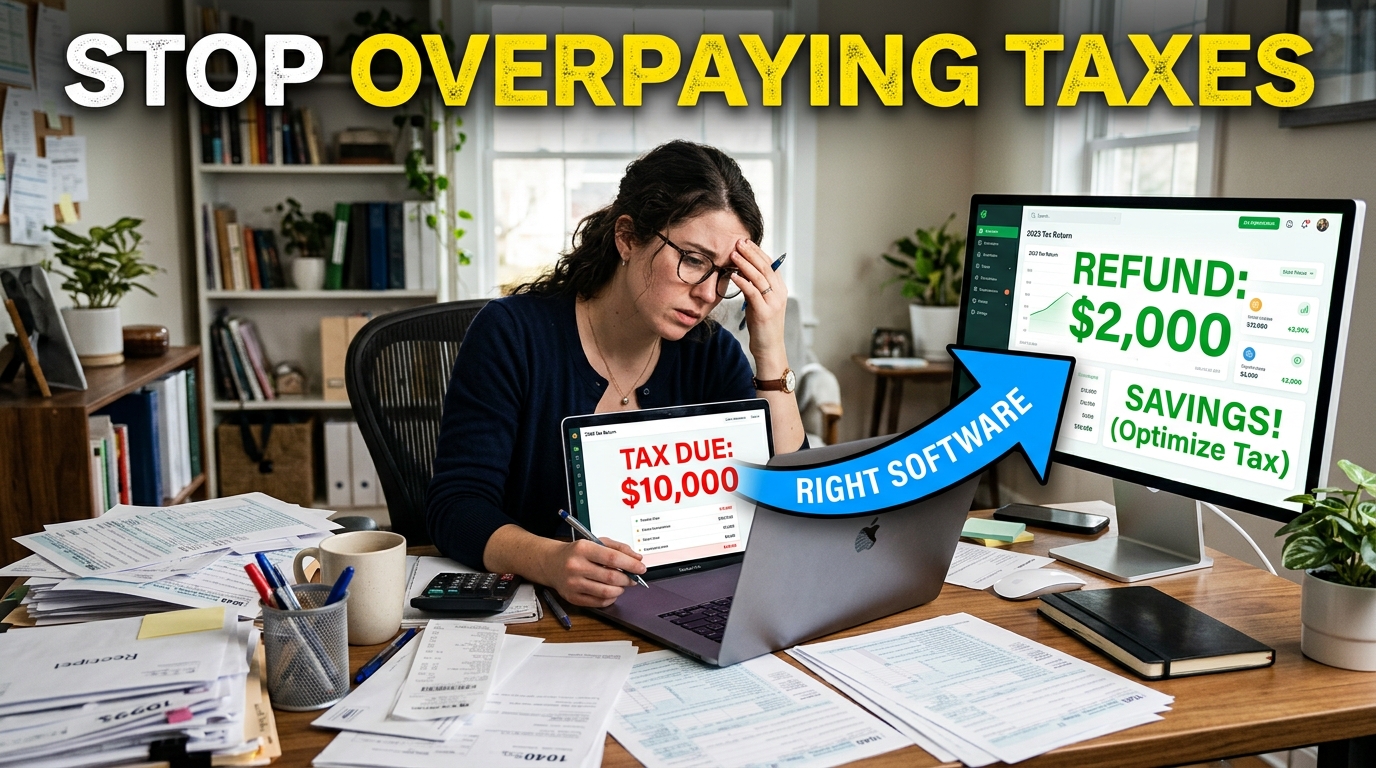
Being your own boss is genuinely great — until tax season hits. Suddenly you're staring down a stack of 1099-NEC forms, wondering what counts as a deductible business expense. One Reddit user described discovering a missed deduction that flipped a $10,000 tax bill into a $2,000 refund — simply by switching software.
The right tax software can mean the difference between leaving hundreds of dollars on the table and getting every deduction you've earned. One thing worth noting before you dive in: tax software accounts require you to enter sensitive personal and financial data. Many privacy-conscious filers are now using tools like Tempo Mail USA to create secure email aliases during sign-up — acting as a PII firewall against the spam and data exposure that often follows account creation.
Understanding Self-Employment Tax Obligations in 2026
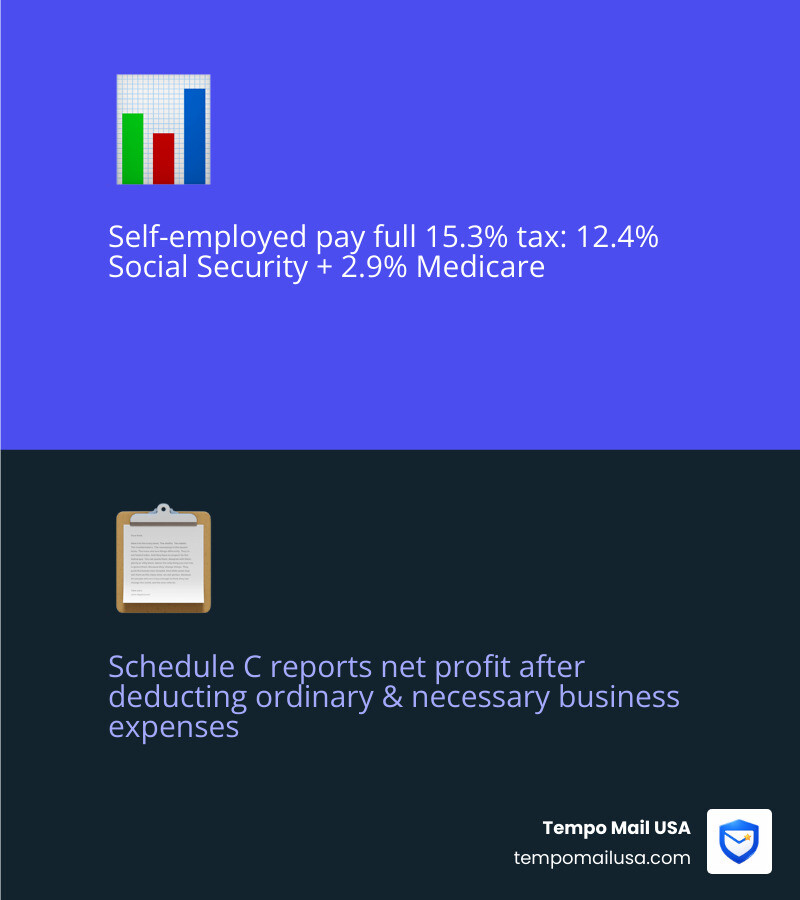
If you are a freelancer, gig worker, or independent contractor in 2026, the IRS views you as both the employer and the employee. This dual role means you are responsible for the full 15.3% self-employment tax rate. This is comprised of 12.4% for Social Security and 2.9% for Medicare. While W-2 employees split this cost with their bosses, we have to cover the whole spread on our net income.
To report this, you’ll primarily use Schedule C to list your business profits and losses, and Schedule SE to calculate the tax itself. It is vital to remember that "net income" is what remains after you subtract your ordinary and necessary business expenses. If an expense is helpful and appropriate for your trade, it’s likely deductible.
Many users now rely on secure platforms, insurance coverage, and advanced privacy tools to avoid financial or data-related risks. Because self-employed taxes involve quarterly estimated payments (due in April, June, September, and January), staying organized is a year-round job. Missing these deadlines or failing to file the correct Form 1040 schedules can lead to penalties that grow over time.

Best Tax Software for Self Employed Filing USA: Top Contenders
Choosing the Best Tax Software for Self Employed Filing USA depends on how much "hand-holding" you need. If you have twenty different 1099-NEC forms and a home office, a premium guided experience might save you more than it costs. If you’re a seasoned pro who knows your deductions by heart, a budget option is the way to go.
Key Features of the Best Tax Software for Self Employed Filing USA
The top-tier platforms distinguish themselves through automation. We look for "1099 snapping"—the ability to take a photo of your 1099-NEC or 1099-K and have the data auto-populate. Other essential features include:
- Mileage Tracking: Comparing the standard mileage rate versus actual vehicle expenses to see which yields a bigger deduction.
- Industry-Specific Guidance: Tailored questions for rideshare drivers, real estate agents, or consultants.
- CompleteCheck & Accuracy Guarantees: Systems that scan your return for errors before you hit "file."
- AI Tax Assist: 24/7 instant answers for complex Schedule C questions.
For those with both business income and a robust investment portfolio, TurboTax Do It Yourself Premium 2025-2026 | Self-Employed & Investor Tax Software is often the gold standard. It handles up to 20,000 crypto transactions and 10,000 stock trades, making it a powerhouse for the modern "multiplying" freelancer.
User Experience and Ease of Use for the Best Tax Software for Self Employed Filing USA
Ease of use isn't just about a pretty interface; it’s about not getting stuck. H&R Block was awarded "Best Overall" by CNET in 2025 because it balances a clean UI with transparent pricing. Meanwhile, FreeTaxUSA is praised by the Reddit community for its "no-nonsense" approach—it doesn't have the flashy AI of competitors, but it supports almost every complex form (including Schedule C and SE) for $0 federal.
If you are worried about the math, most platforms now offer "Expert Assist" or "Full Service" tiers. These allow you to connect with a tax pro who has an average of 12 years of experience. While these upgrades increase the cost, the peace of mind can be worth it if you're navigating your first year of self-employment. For those planning their business finances, checking out more info about loan calculator services can also help in managing cash flow.
Cost vs. Value Breakdown: Pricing Tiers for Freelancers
The biggest frustration for self-employed filers is the "bait and switch." You start for free, but as soon as you mention a 1099, the price jumps.
Best Options Compared
- FreeTaxUSA: Truly $0 for federal, regardless of complexity. They make their money on state returns ($15.99) and optional "Pro Support" ($64.99). This is the undisputed value king.
- H&R Block Self-Employed: Priced at $130 plus $49 per state. It’s a premium price, but it includes unlimited expert help and a very high-rated mobile app.
- TurboTax Premium: The most expensive at $139 for federal (plus state fees), but it offers the deepest integration with accounting software like QuickBooks and the most advanced deduction-finding tools. You can view their full TurboTax Online 2025-2026 | Tax Software & Pricing for the latest 2026 updates.
Common Hidden Fees to Watch For:
- State Filing: Almost never included in the "base" price.
- Refund Processing: Paying your software fees out of your refund often costs an extra $40+ in "convenience" fees.
- Audit Defense: Usually a $20–$30 add-on.
- Prior Year Access: Some services charge to let you download last year's return later.
Maximizing Deductions and Avoiding Audit Risks
The secret to a high refund isn't magic; it's documentation. The Best Tax Software for Self Employed Filing USA will prompt you for deductions you might have forgotten:
- Home Office: Using Form 8829 to deduct a portion of your rent, utilities, and insurance based on the square footage of your dedicated workspace.
- Health Insurance: Self-employed individuals can often deduct 100% of their health insurance premiums for themselves and their families.
- Startup Costs: If 2025 was your first year in business, you can deduct up to $5,000 in organizational costs.
- Qualified Business Income (QBI): A massive deduction that allows many self-employed people to deduct up to 20% of their qualified business income from their taxes.
To ensure you aren't a red flag for the IRS, choose software with an accuracy guarantee. For example, TaxAct offers a guarantee of up to $100,000 in fees if their software makes a calculation error. You can find more scientific research on self-employed deductions to see how these automated tools compare to manual entry.
Protecting Your Financial Data and Privacy During Tax Season
Tax season is "feeding time" for hackers and identity thieves. When you file online, you are handing over your Social Security Number, bank account details, and income history. This is why we advocate for a "defense-in-depth" approach to your digital taxes.
First, consider your email. When you sign up for tax software, your email address is often sold to "partners" or used for aggressive marketing. By using Tempo Mail USA, you can generate a temporary email alias that acts as a PII (Personally Identifiable Information) firewall. If that alias starts receiving spam or looks compromised, you simply delete it without ever exposing your primary inbox.
Second, never file over public Wi-Fi without protection. Using advanced privacy protection via NordVPN ensures that your financial data is encrypted from the moment it leaves your laptop until it reaches the tax server.
Finally, be wary of "Refund Advances." While getting up to $4,000 of your refund immediately sounds great, it often requires opening a specific bank account or using a specific app that tracks your spending data. Always read the fine print on more info about secure tools to understand the long-term privacy cost of "fast cash."
Frequently Asked Questions about Self-Employed Tax Filing
Can I file for free if I have 1099-NEC income?
Yes, you can file for free using FreeTaxUSA or Cash App Taxes, which both support Schedule C and 1099-NEC forms at no federal cost.
What is the most affordable way to file a Schedule C?
FreeTaxUSA is the most affordable option, offering $0 federal filing and a flat $15.99 fee for state returns, regardless of your business complexity.
How do I handle multiple 1099 forms from different gig platforms?
You can combine income from multiple 1099s on a single Schedule C if they relate to the same business activity, or use automated import tools in premium software to sync data from Uber, Lyft, and other platforms.
Conclusion
As we navigate the 2026 tax season, the goal is clear: keep more of your hard-earned money while staying invisible to the IRS audit department. Whether you choose the feature-rich automation of a premium provider or the raw value of a budget-friendly platform, the Best Tax Software for Self Employed Filing USA is the one that makes you feel confident in your numbers.
Your financial security is only as strong as your privacy habits. Protect your identity with Tempo Mail USA aliases and stay encrypted with a VPN. For more help with your financial planning, check out more info about our services.
Happy filing, and may your refund be maximum and your stress be minimum!