
Check the APK File Size Before You Download — What 31.8 MB Really Costs

It is the 24th of the month, the data plan has 300 MB left in it, and the app page says 31.8 MB next to the download button. That number looks small enough to ignore. It is also the only number on the page that tells you what this download will cost you, and it is doing more work than it looks like: it is the whole of your information about the size of the thing you are about to put on your phone, and it leaves out the second download, the retry, the unpack room, and every update after this one.
I spent an afternoon on the TempoPlay demo reading size labels the way a person on a capped plan would — not as decoration next to a button, but as a budget. The demo is the shop's APK download website script, and its pages print sizes everywhere: on the catalogue cards, on the app pages, in the copy itself. That makes it a good place to test what a size label actually tells you. The answer is: less than the page implies, and more than most download sites bother to print at all. Both halves matter, and the gap between them is where your data goes.
The catalogue prints the size — on the cards that feel like it
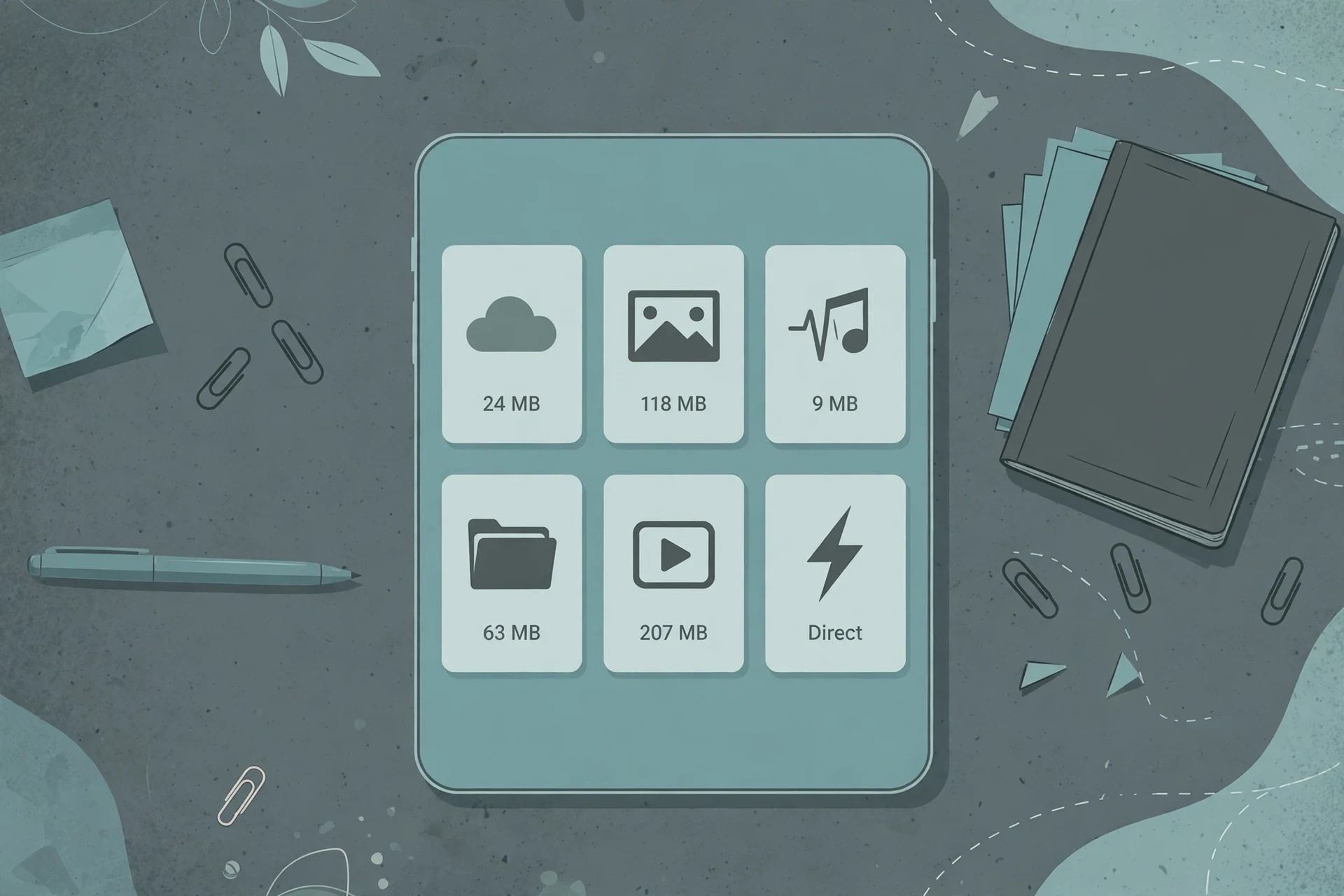
Open the MOD catalogue and the first page shows 12 of 47 apps. Seven of the twelve cards print a file size in plain megabytes: Boomplay at 43.9 MB, APUS System at 31.8 MB, dr.fone at 10.5 MB, AccuBattery at 19.6 MB, two PDF utilities at 12.5 and 16.6 MB, and a system-tools app at 4.4 MB. The range alone is useful. The smallest file on the page is a tenth the size of the largest, and you can see that before opening anything, which is exactly what a capped plan needs: a way to compare downloads without spending data to open twelve pages.
Then the other five cards. Device Info HW+, Total Commander, X-plore File Manager, Smart Tools, and NordVPN do not print a size at all. In the slot where the others say "31.8 MB" or "10.5 MB", these five say "Direct". Same page, same template, same slot — two different kinds of information wearing the same position. "Direct" is a download-type word, not a size. It tells you how the file arrives. It tells you nothing about how big it is.
So the catalogue lets you compare sizes, but only for the listings that have one. For the other five, the comparison stops before it starts, and there is nothing on the card to explain why. My guess — and it is only a guess, because the page does not say — is that those listings simply have no size stored, and the template fills the empty slot with the download type instead of leaving it blank. That is a small design decision with a real consequence: a visitor sorting by size, or just scanning for the lightest option, gets a page that is honest for seven apps and silent for five. A size column that is blank a third of the time is not a size column. It is a sometimes-column, and a person budgeting data cannot plan around sometimes.
The catalogue does let you sort by rating and filter by developer, and it has a MOD-only toggle. There is no sort by size. That ordering tells you what the site thinks matters: how good the app is rated, who made it, whether it is a MOD. Size is displayed but not treated as a way to choose. I think that is backwards for this audience. On a capped plan, size is not a detail you check after deciding. It is the first filter: can I afford this download this month, yes or no. A catalogue that will not sort by the one number that decides affordability is asking the visitor to do the sorting by hand, card by card, while five of the cards refuse to play.
31.8 MB against 10.5 MB: the same label, two different downloads
Open the two pages I have been following through this whole series and the sizes are printed twice each: once on the card, once in the copy. APUS System, version 3.20.2, is 31.8 MB. dr.fone, version 3.2.4.195c, is 10.5 MB. Both pages also print the exact file you will get — apus-system_3.20.2.apk and drfone-recovery-amp-transfer-wirelessly-amp-backup_3.2.4.195c.apk — served from the Cloudflare edge CDN. Credit where it is due: the file name next to the size is genuinely useful. It tells you what will land in your Downloads folder before you tap, and it lets you check afterwards whether the file you got is the file the page promised.
What the pages do with the numbers is less honest. Both app pages call their file "extremely lightweight" in the pros list, in nearly identical wording. APUS at 31.8 MB is "extremely lightweight". dr.fone at 10.5 MB is "extremely lightweight". One is three times the other, and the same word covers both. The body copy does the same thing: both pages say the developers compressed "audio banks and high-resolution texture caches into a compact 31.8 MB package" and "a compact 10.5 MB package" respectively — the same sentence with the number swapped. "Lightweight" on these pages is copy, not measurement. It is a word the template pastes next to whatever number the listing carries.
That matters because the number is the only part a downloader can act on. 31.8 MB against a 2 GB monthly plan is about 1.6 percent of the month. 10.5 MB is about half a percent. Neither is large on its own. But the gap between them — 21.3 MB — is itself twice the size of dr.fone, and it buys nothing the pages can name. The pages do not explain what the extra megabytes are. APUS is a launcher and system tool; dr.fone is a recovery and transfer tool; neither page says why one needs three times the download of the other, and I am not going to invent a reason. The honest reading is narrower and more useful: the size tells you what the download costs in data. It tells you nothing about what the app is worth. Small does not mean worse — the 4.4 MB system-tools card on the same catalogue page proves the range runs from tiny to forty-plus megabytes without tracking quality at all. Judge the app on what it does. Judge the download on the number, and only on the number, because the adjectives next to it are the same for every listing.
The number on the button is the first charge, not the total
Here is where the audit turns against the label. The 31.8 MB is the size of the APK file. It is not necessarily the size of getting the app working, and on this demo the gap is written into the install guide itself. Both app pages carry the same step four: "Include OBB Data (If Required). Once installation finishes, tap Open to start your session immediately. If the game requires an additional OBB cache file, extract the .obb archive into your device directory."
Read that as a data budget and it says: there may be a second file, and its size is nowhere on the page. No number, no estimate, no "typically" — just a conditional and a folder path. For APUS and dr.fone, both utility apps, the OBB step probably never triggers. For the games in this catalogue, it is the difference between the download you budgeted for and the download you actually pay for. The FAQ on both pages adds the XAPK case: some large games arrive as XAPK or split APKS bundles, and you install the base APK and then place the OBB data folder into Android/obb/ yourself. Again, no size for the second half. The page prices the first file and leaves the second one unpriced, which is like a ticket that covers the flight but not the bag — except here you only find out about the bag after you have already paid for the flight.
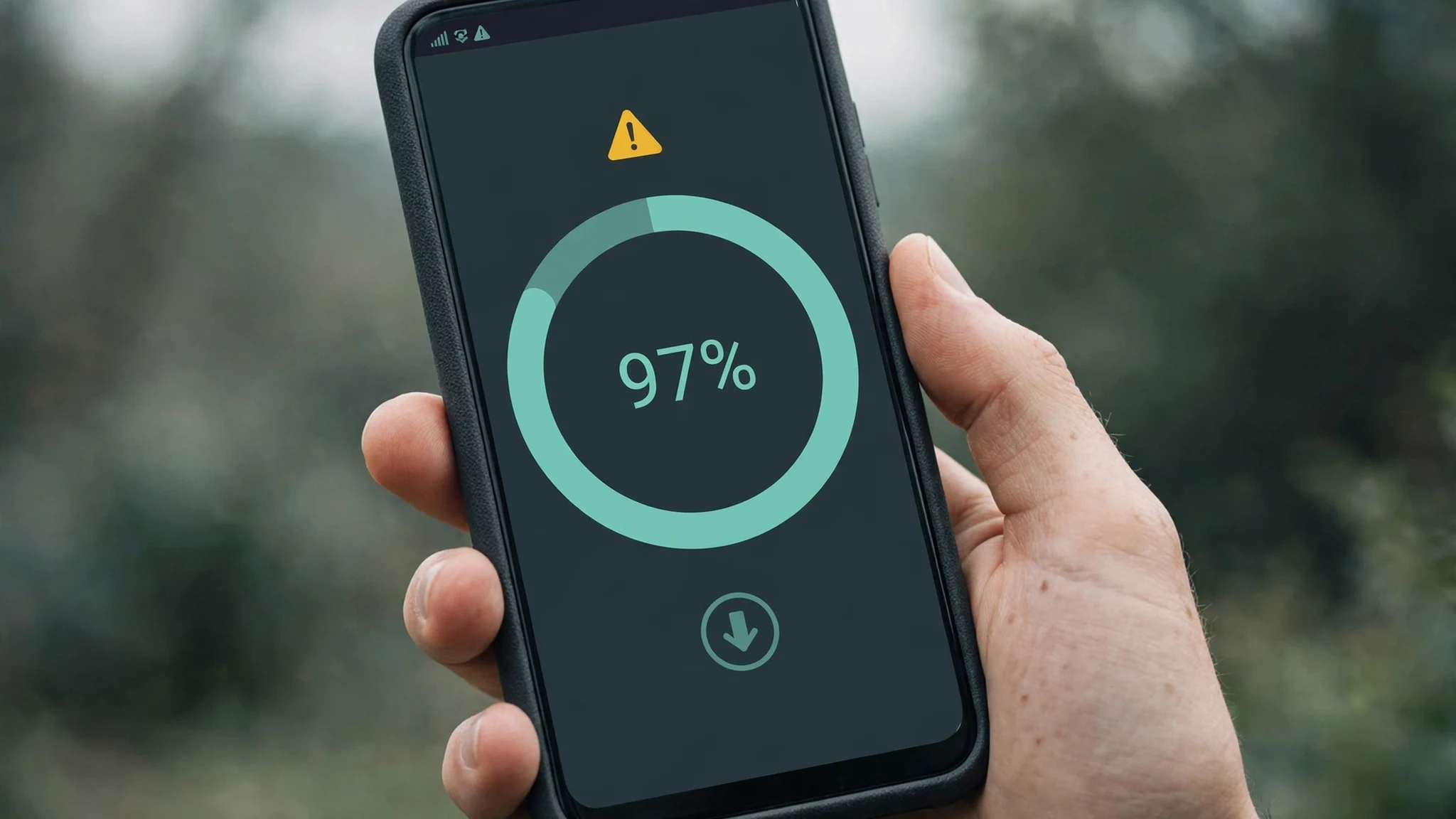
Then there is the retry. A download that stalls and restarts does not resume from where it stopped unless the server answers range requests — the shop blog's download-funnel post tested exactly this and found it is a server property, not a given. A 31.8 MB file that dies at 97 percent and restarts from zero costs you 62 MB of data for a 31.8 MB app, and the page's size label will still say 31.8 MB afterwards, because the label describes the file, not your connection. I cannot test the demo's own resume behaviour from the page text alone, and I will not claim it fails. But the label cannot tell you whether it will, and that is the point: the number is a property of the file. Your data bill is a property of the file plus your connection plus how many times the transfer breaks.
And then there are the updates. Every new version is another full download of the whole file — 31.8 MB again for what might be a one-line fix — because there is no delta update and no changelog on the page to let you judge whether the new version is worth the re-download. That was the finding of the update-lifecycle audit of this same demo, and it belongs in any honest size calculation: the price of an app is not its size. It is its size multiplied by how many versions you will fetch while you own it.
The twice-the-size rule, read from the phone's side
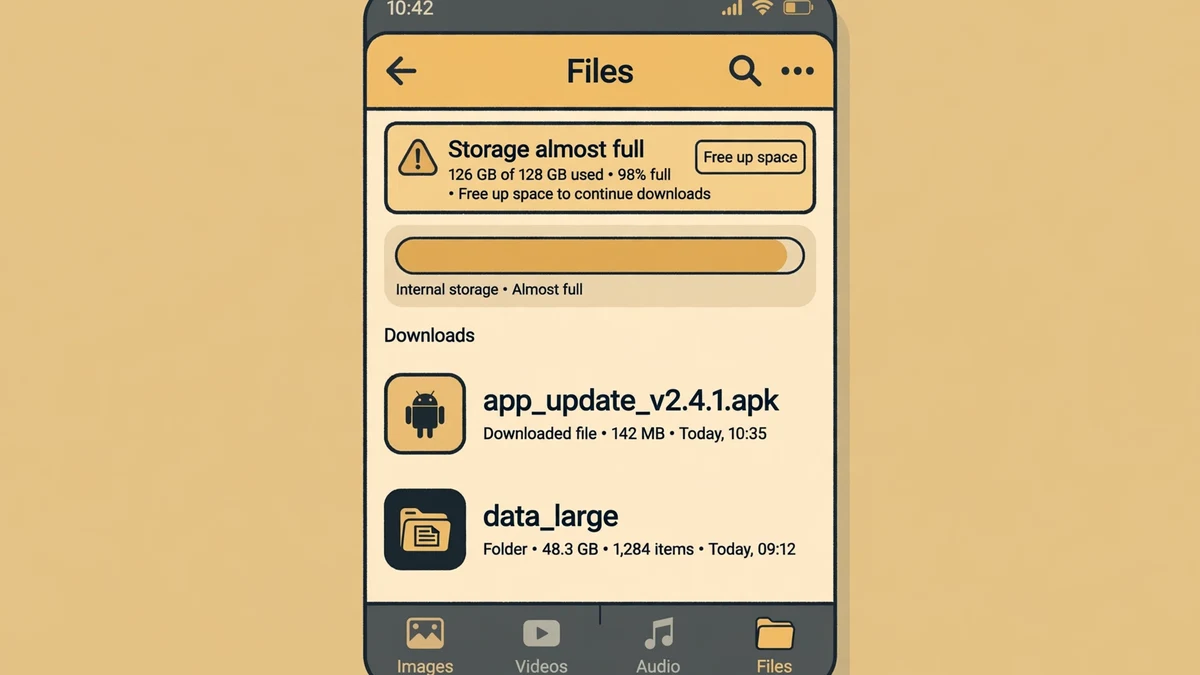
The shop blog's funnel post gives a rule of thumb for the storage side of this: keep at least twice the file size free before installing, because the installer needs the APK file plus working room to unpack it. Its worked example is a 180 MB APK on a phone with 220 MB free — the download takes 180, leaves 40, and the install fails on a download that "succeeded".
Read that rule from the downloader's side and it changes what the size label means. 31.8 MB on the button means about 64 MB of free space needed on the phone, not 31.8. dr.fone's 10.5 MB means about 21 MB free. Neither is much — until it is the third app of the afternoon. Three downloads at roughly 30 MB each is 90 MB of files and roughly 90 MB of unpack room, and a phone that started the afternoon with 200 MB free ends it with a completed download and a failed install, staring at a message that blames nothing and explains nothing. The visitor concludes the file is broken. The file is fine. The phone is full, and nobody told the visitor how much room the install needed, because the page prints the file size and stops there.
My opinion is simple: the size label should never travel alone. One line next to it — "keep about twice this free to install" — would cost the site nothing and would save the exact failure the shop blog documents. The demo already prints the size reliably on the cards that have one. The next line is the difference between a number and advice.
A data ledger for one download
So let me put the whole cost in one place, as a worked example — my own arithmetic from the numbers on the live pages, not a measurement and not the site's claim. Take a 2 GB monthly mobile-data plan, which is 2,048 MB.
One download of APUS System at 31.8 MB is about 1.6 percent of the month. One download of dr.fone at 10.5 MB is about 0.5 percent. Neither matters. Now take the seven sized cards on the catalogue's first page — 43.9, 4.4, 10.5, 12.5, 31.8, 16.6 and 19.6 MB — which average about 19.9 MB each. Ten apps at that average is about 199 MB, roughly 10 percent of the plan, before a single update, before any OBB second download, before one stalled transfer that restarts from zero. If each of those ten apps updates once in the month, double it: about 20 percent of the plan spent keeping apps current, on files you already downloaded once.
None of those numbers is large. That is the trap. The size label trains you to think per download — 31.8 MB, fine — and the plan is charged per month, across every download, every retry, every update, every second file the page never priced. The habit is what costs money, and the page only ever shows you one version of one app at a time, so the habit is the one number the site never prints. My rule, after this audit: before tapping download on a capped plan, add the file size to the month so far, add it again for the next update, and add the unpack room to the phone's free space. If any of the three totals looks wrong, wait for Wi-Fi. The download will still be there. The data will not come back.
The operator side, briefly
TempoPlay is the shop's APK download website script — "APK Download Website Script (PHP/Laravel) – TempoPlay" — listed at $39.00 for a Regular License on the shop, a price confirmed in both shop blog posts, the second of which was updated today. That buys the structure behind every page in this test: the catalogue with its 47 MOD listings, the category system, the charts, the MOD and official labels, the publisher portal, and the app-page template that prints the size on the card and the file name on the page.
What the $39 buys, on size specifically, is a size field that works most of the time: printed on seven of twelve cards, printed on both app pages I read, and honest where it appears. What it does not buy is the rest of the ledger: no OBB size, no total-install size, no free-space note, no way to sort the catalogue by size, and no changelog display — even though the publisher portal already collects version changelogs from submitters, according to the homepage FAQ. The field exists upstream. It just never reaches the page the downloader reads.
A buyer who wants this script to stand out on a capped-plan audience has a cheap win waiting: print the second file's size where an OBB exists, print the free-space line next to the size, and let the catalogue sort by megabytes. None of that is a new feature in the hard sense. It is the size field, finished. The script gives you the pages. The honest data budget is still yours to build — and it is the cheapest trust a download site can buy, because it is the only number on the page the visitor can verify against their own bill.
Frequently asked questions
How do I check an APK file size before downloading?
Read the catalogue card first — on the TempoPlay demo, seven of the twelve cards on the first MOD page print the size in megabytes. If the card says "Direct" instead of a number, open the app page: the size is printed there too, along with the exact file name. If neither the card nor the page shows a number, do not guess from the app's reputation. A big-name app can be 4.4 MB and a nobody utility can be 43.9 MB. The number is the only evidence.
Is 31.8 MB big for an APK?
On this catalogue, no. The seven sized cards on the first MOD page run from 4.4 MB to 43.9 MB, so 31.8 MB sits in the upper half but well inside the normal range. Whether it is big for you depends on your plan and your free space, not on the catalogue: 31.8 MB is 1.6 percent of a 2 GB monthly plan and needs about 64 MB free on the phone to install. Big is a budget question, not a file question.
Does the APK size include everything the app needs?
No — and that is the main finding of this audit. The size is the APK file only. Some games need an additional OBB data file, extracted into Android/obb/ after install, and the OBB size is never printed on the demo's pages. XAPK and split-APK bundles are the same story: the base APK plus extra data. Budget for the listed size plus an unknown second file, and treat any game listing as "size plus more" until the page says otherwise.
Why did my download use more data than the file size?
Usually the retry. If a transfer breaks and the server does not support resuming from where it stopped, the download starts over from zero — a 31.8 MB file that dies at 97 percent costs about 62 MB of data. Updates cost the same way: every new version is another full download of the whole file, because there is no delta update. The size label describes the file. Your data bill describes the file plus every attempt it took to get it onto your phone.
How much free space do I need to install an APK?
Keep at least twice the file size free — that is the shop blog's rule of thumb, and it matches how Android installs: the APK file plus working room to unpack it. For APUS System at 31.8 MB, that is about 64 MB free. For dr.fone at 10.5 MB, about 21 MB. Clear the space before tapping download, not after the install fails, because a completed download on a full phone fails at the last step and looks exactly like a broken file.
So the size label is worth reading, and worth mistrusting in exactly the ways this audit names. It is honest about the file, silent about the second download, silent about the retry, silent about the update, and silent about the room the install needs. Read it, double it for space, add it to the month, and download on Wi-Fi when the sum looks wrong. For the rest of the picture, start from the homepage tool, browse the blog index, run the five-check compatibility audit before you install anything, read the claim-by-claim audit of the demo's highest-rated MOD listing, or follow one app past install day in the update lifecycle test.
Need a disposable temporary email?
Protect your real inbox from spam and promotional clutter instantly and free.
Received a suspicious email, text, or charge alert?
Verify whether the sender domain is disposable, spoofed, or unverified before clicking links.