

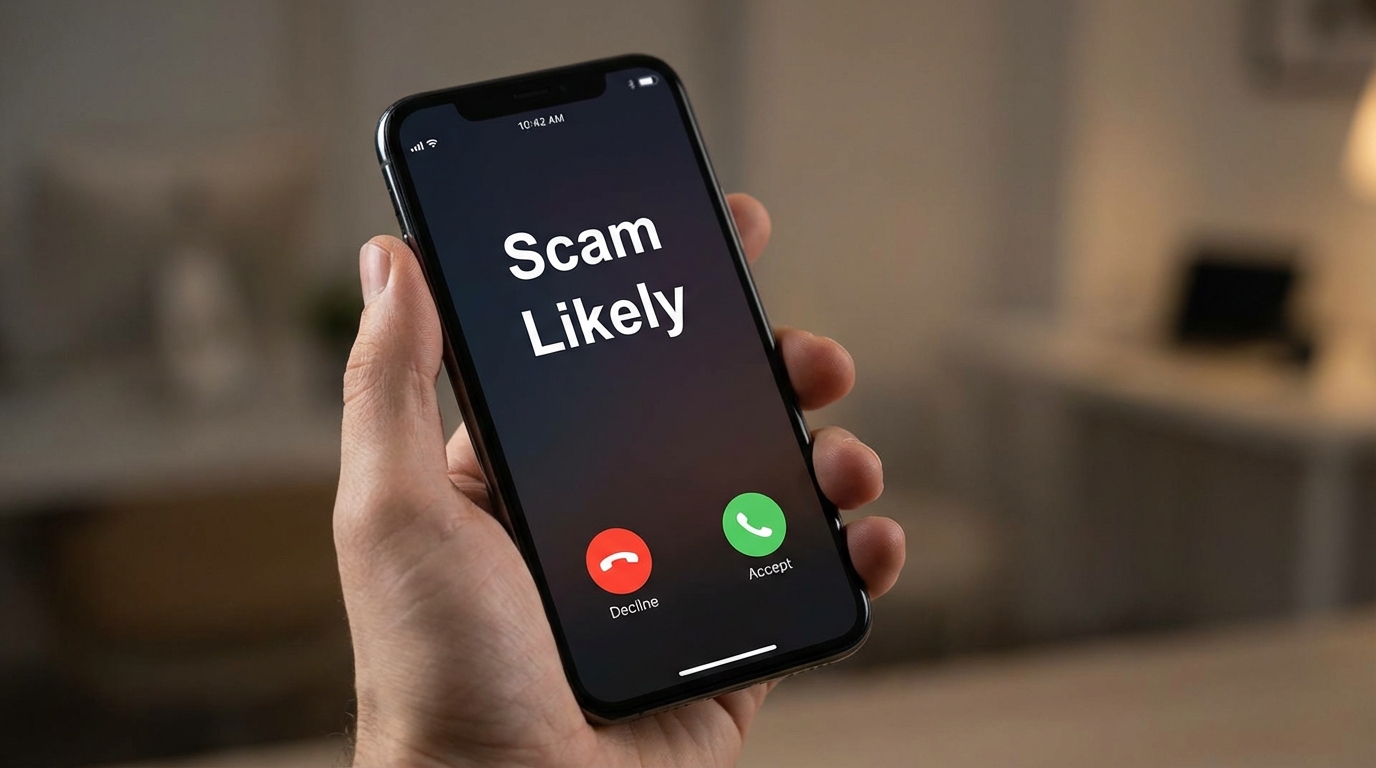

Why Your Phone Keeps Showing “Scam Likely”
If your phone keeps lighting up with “Scam Likely,” you’re not alone.
It doesn’t mean you did anything wrong. It just means your number is already circulating in the same databases scammers use to make bulk calls.
Once your number gets into that system, the calls don’t really stop on their own.
What “Scam Likely” Actually Means
That label comes from your carrier, not from the caller.
Companies like T-Mobile, Verizon, and AT&T track calling patterns across their networks.
If a number is:
- making thousands of calls
- getting reported repeatedly
- or behaving like a robocaller
it gets flagged before it reaches you.
That’s why you see “Scam Likely” instead of a normal number.
Why You’re Getting So Many Calls
There are usually only a few reasons:
- Your number was part of a data breach
- You entered it on websites or apps
- It was sold by data brokers
- You answered a spam call once (this confirms your number is active)
Once that happens, your number gets reused and shared.
That’s why the calls can suddenly increase out of nowhere.
Why Blocking One Number Doesn’t Work
Most of these calls are not coming from a single number.
They use spoofing — meaning the number you see is often fake or temporarily generated.
So when you block one, another one appears.
That’s why basic blocking doesn’t solve the problem.
What Actually Works
If you want to reduce these calls, you need to stack multiple layers.
1. Use your carrier’s built-in protection
All major networks already filter spam to some extent.
For example:
- T-Mobile has Scam Shield
- Verizon has Call Filter
- AT&T has ActiveArmor
These work at the network level, so they stop many calls before your phone even rings.
2. Turn on your phone’s built-in filtering
On iPhone:
- Enable “Silence Unknown Callers”
On Android:
- Turn on “Caller ID & spam protection”
This won’t stop everything, but it removes most of the noise.
3. Stop answering unknown numbers
This is simple but important.
The moment you answer, your number gets marked as active.
That increases the number of calls you receive later.
4. Use a third-party app (if needed)
Apps like Truecaller or similar tools use shared databases to identify spam numbers.
They can help, but only if you’re okay with giving them access to call data.
5. Register on the Do Not Call list (limited impact)
You can register on the National Do Not Call Registry.
It won’t stop scammers, but it reduces legitimate telemarketing.
Which means:
any remaining calls are easier to identify as spam.
The Part Most People Ignore
Blocking calls doesn’t fix the root problem.
The real issue is that your number is already exposed.
That usually happens through:
- signups
- leaks
- reused data
Once it spreads, it keeps circulating.
How to Reduce Future Exposure
You can’t fully erase your number from these systems, but you can slow it down.
- Avoid entering your number unless necessary
- Don’t reuse the same contact details everywhere
- Be careful with “free offers” and unknown sites
The less your data spreads, the fewer new lists you end up on.
Bottom Line
“Scam Likely” is actually your phone trying to protect you.
The calls won’t disappear completely, but they can be reduced a lot if you:
- stop answering unknown numbers
- enable filtering
- and limit where your number is shared
That’s the only combination that actually works long term.