

Best Temporary Email for Software Testing: 5 Options

A test signup can fill your work inbox with codes and alerts, or fail because a disposable domain gets rejected. The right temporary email for software testing depends on whether you need a quick manual check or an API for repeatable tests. Here are five options, starting with TempoMailUSA.
1. TempoMailUSA
TempoMailUSA provides disposable email addresses with real-time inboxes for private sign-ups and verification. It’s a good fit for manual QA and quick checks when you want to keep test messages out of your personal inbox.
The free plan supports one active inbox. Messages are locked unless you upgrade or unlock an individual message. Pro inboxes last 365 days and can hold up to 50 inboxes at once.
For a basic signup test, open the service, copy the address it gives you, then paste it into the test form. Return to the inbox to read the verification email. Copy the code or open the link in your test environment. If you need more inboxes at once, Pro plans add that capacity. A separate Developer API plan includes domain sync and mail fetch by API, with monthly and yearly billing.
Address acceptance varies by site. A target service may reject disposable domains, so test with the same domain you plan to use in your QA run. If a site blocks it, follow that site’s rules and use an approved test address instead.
Ready to keep test signups out of your personal inbox?
2. Mailinator: Built for developer and QA testing
Mailinator is designed for developers and QA teams, rather than consumer signups. It’s worth considering when your testing needs call for a service aimed at team workflows.
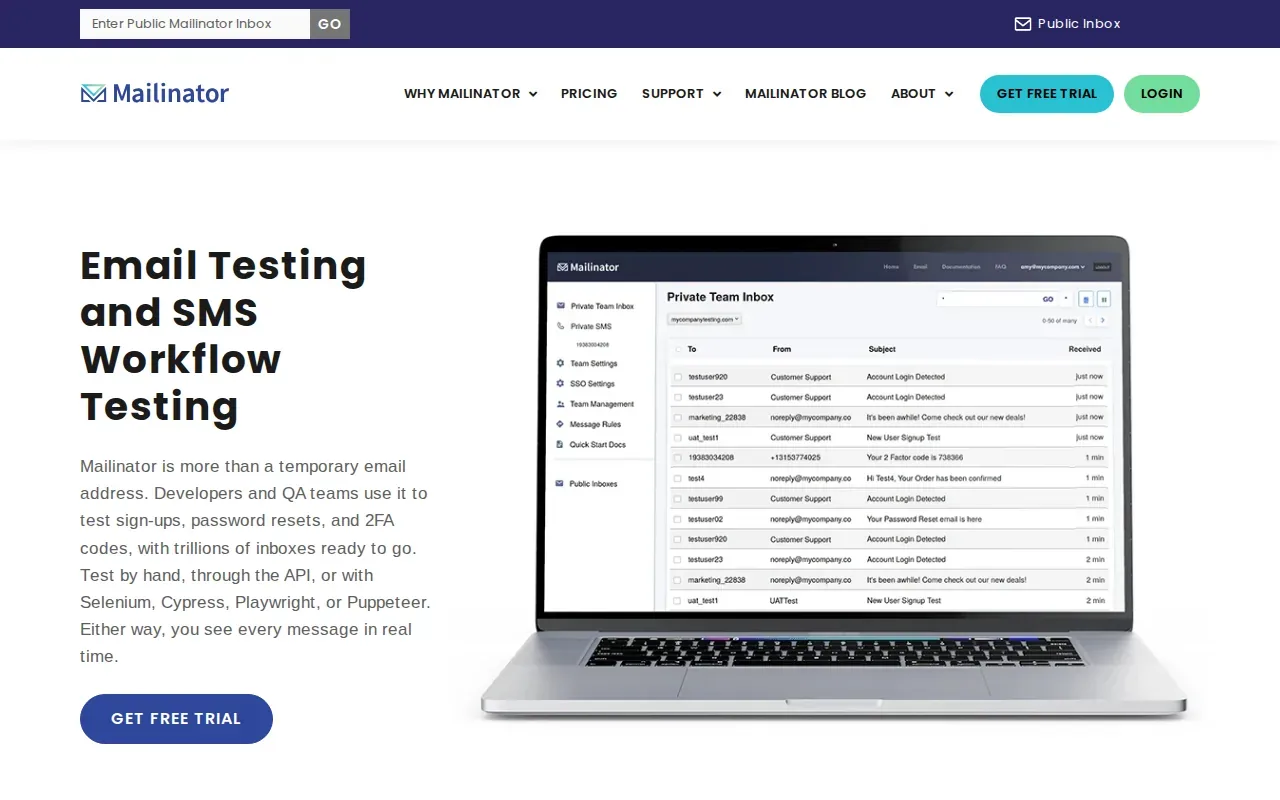
Mailinator has a free tier and supports the mailinator.com domain. Its Indie tier starts at $79 per month. That price doesn’t ensure a test website will accept the domain; acceptance depends on the website being tested.
For a manual check, enter an address on the supported domain in your signup form, then check the corresponding inbox for the message. For an automated suite, first confirm that your chosen plan and setup support the exact inbox access your tests need. Don’t treat the word “developer” as proof that every test can run unattended.
Mailinator’s fit is clearest when you’re evaluating a service designed for QA. If your main concern is cost or a particular signup site’s domain rules, test those conditions before building a larger workflow around it.
When the test is about message layout rather than delivery, a browser-based HTML email preview tool can help you inspect how a template appears across screen sizes and dark mode.
3. Clean Temp Mail: API support for verification flows
Clean Temp Mail is an API-supported disposable inbox for sign-up emails, verification flows, and attachments. It’s the most direct fit in this shortlist when you need to connect inbox checks to an automated test.
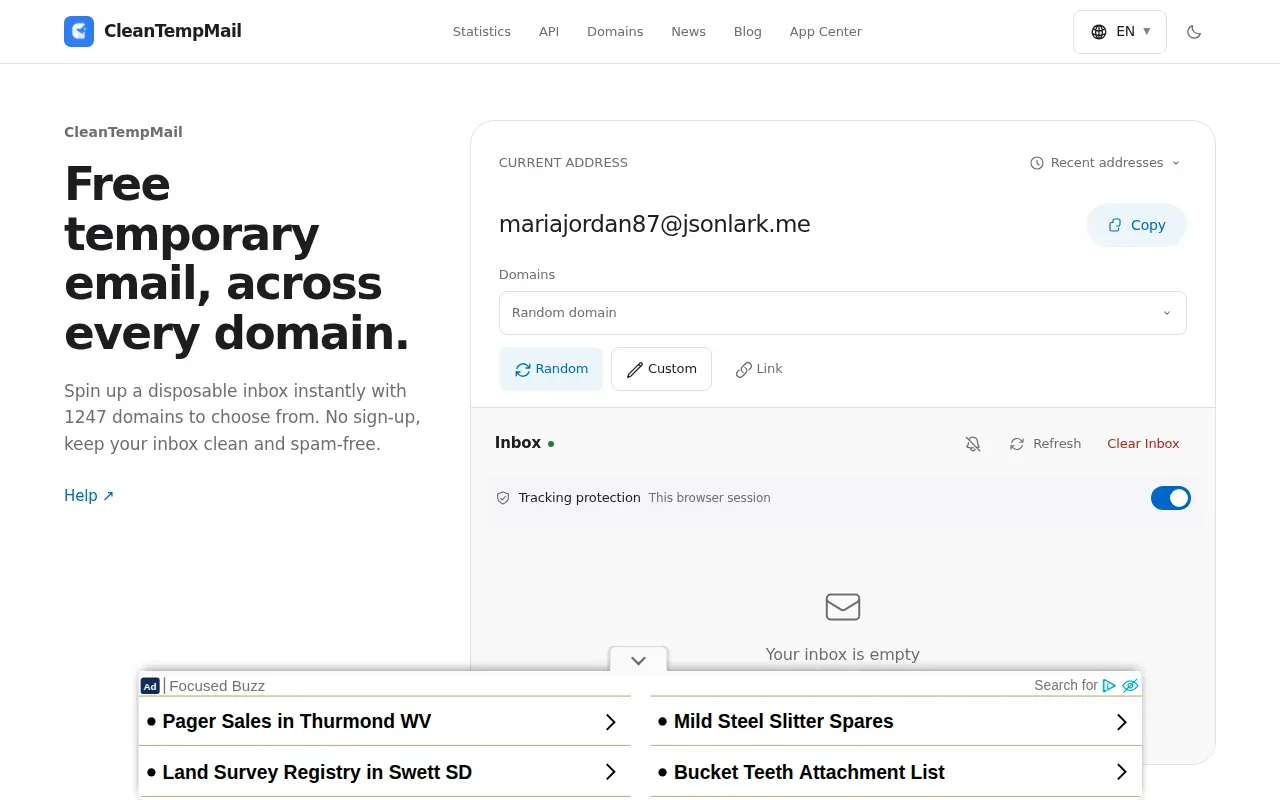
Inboxes are wiped after one day, and the service uses an API key.
That setup makes it different from simply opening a temporary inbox in a browser. Before a test run, confirm that your API key is ready. Then have the test submit a signup, check the inbox for the expected message, and verify the code or link in the test flow. If a message contains an attachment, the service’s use case includes attachment testing too.
One-day retention suits short test cycles, but it won’t match a workflow that needs to inspect old messages later. Set your own test records to expire on a schedule that matches the inbox window.
If you only need to check how a message looks, not whether a code arrived, use a separate email preview workflow. That keeps message rendering checks distinct from inbox and verification checks.
4. Temp Mail: Quick disposable inboxes for simple checks
Temp Mail generates a random email address automatically when you visit the site. It’s a straightforward option for a quick manual signup or a one-time verification check.
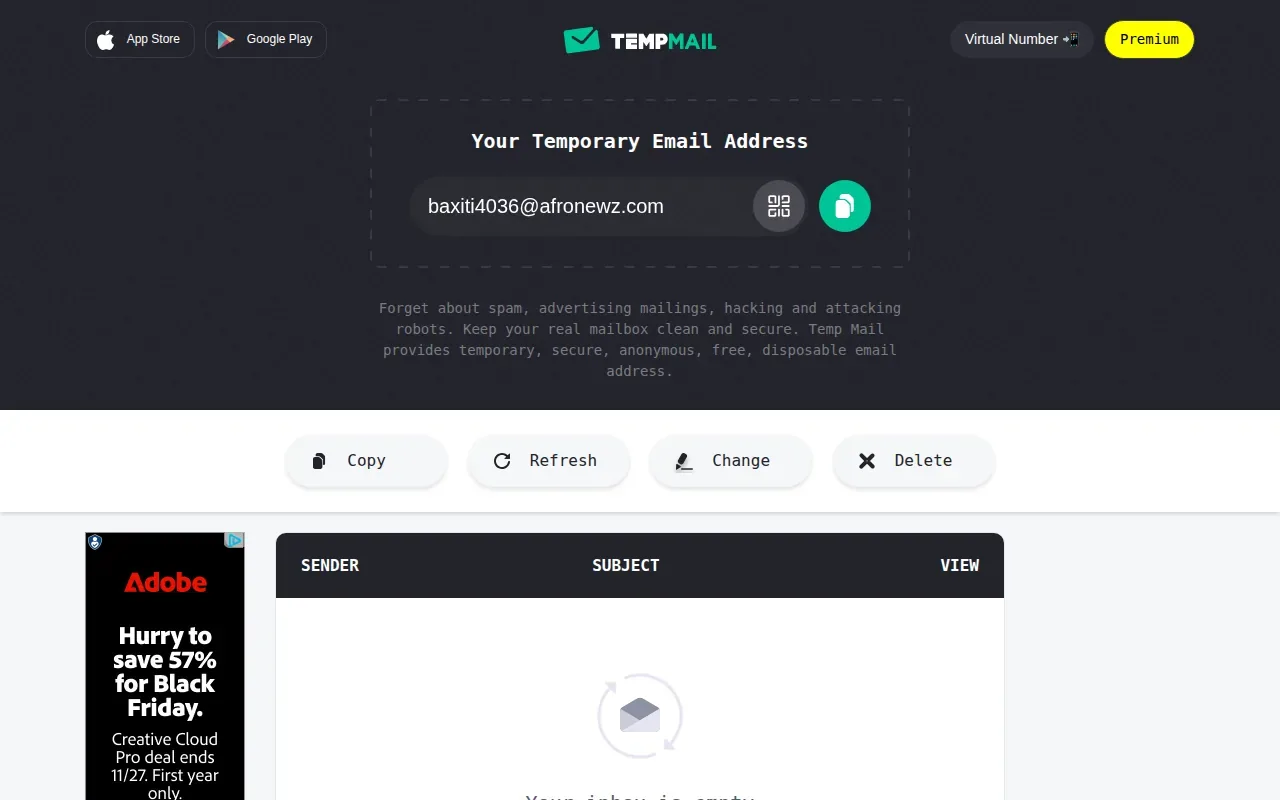
Temp Mail has a free tier and starts at no cost. Inbox retention is session-only, so treat it as a short-lived place to read a message rather than a record of test history.
For a simple check, open the service and copy the address it generates. Submit it in your test signup form, then return to the inbox to look for the confirmation email. If the test needs a code, record the result in your test log before ending the session.
That short retention can be useful when you want a clean, one-off test. It can also get in the way if you need to revisit a message after the session ends. For a test that spans multiple runs, choose an inbox whose stated retention covers the time you need.
Never use an address you may need for account recovery. Disposable inboxes are for low-risk tests, not banking, legal, or other important long-term accounts.
5. Guerrilla Mail: A disposable inbox that can send email
Guerrilla Mail is a disposable inbox with one unusual distinction in this shortlist: it can send email. It’s a possible fit when a test needs to check outgoing mail as well as receive a verification message.
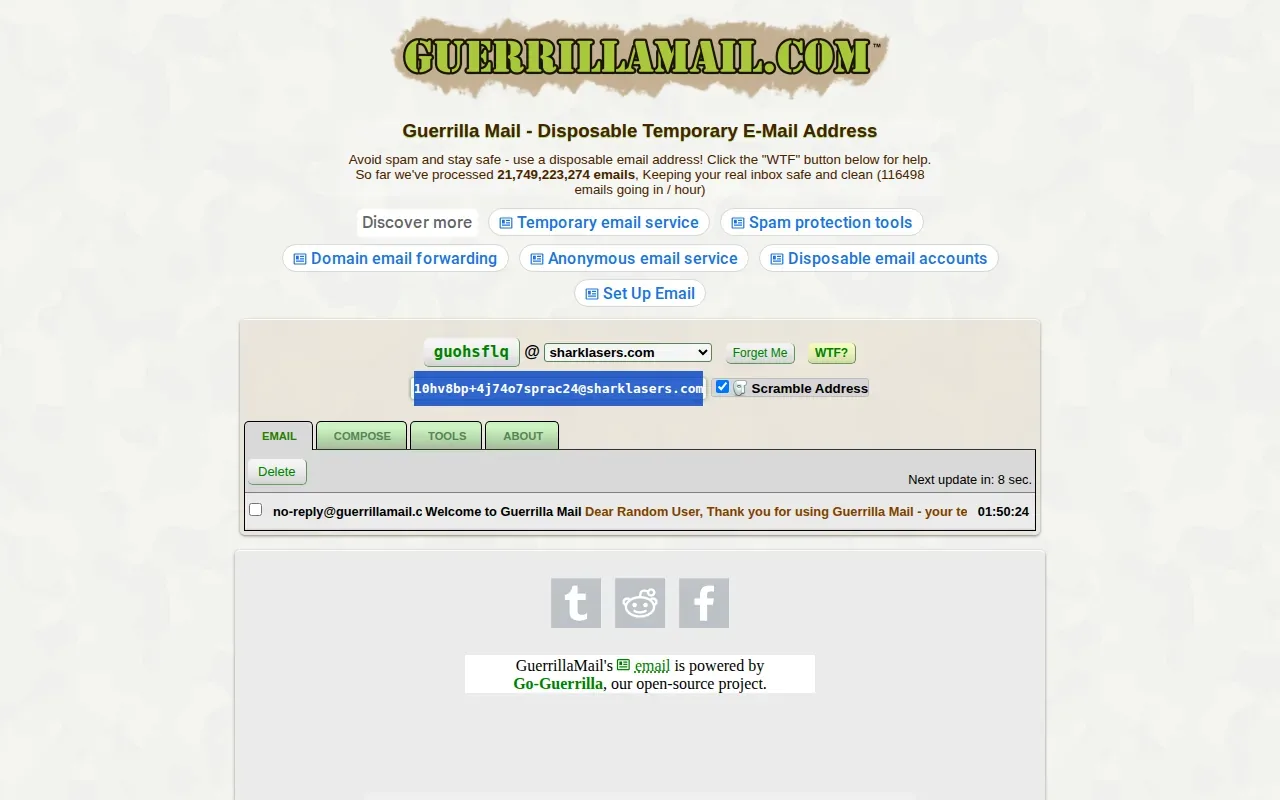
The service has been running since 2006. Guerrilla Mail offers a free tier, with a starting price of $9.99 per year.
For a manual test, submit the disposable address to your app, read the incoming message, then use the send feature if the test case requires a reply. Keep the test focused on the behavior you’re checking. Don’t use the inbox for a real account that needs future password resets.
Sending ability can help with a test that includes a reply step, but it doesn’t replace a full email delivery setup for production. If you’re testing a business signup flow, the same basic QA pattern can apply to sites across industries, including a real estate brokerage. Use test accounts and follow the site’s own rules.
For messages that deliver one-time passwords, keep the code check tied to a test case and avoid storing live credentials in test logs. A separate temporary email comparison for OTPs focuses on that specific use.
Compare the 5 temporary email options for software testing
Choose by the work your test must do. A short manual signup doesn’t need the same inbox lifetime or setup as an API-driven verification test.
| Option | Best fit | Retention or access detail | Cost detail |
|---|---|---|---|
| TempoMailUSA | Private signups and manual checks | Free: one active inbox; Pro inboxes last 365 days | Free tier; Pro plans available |
| Mailinator | Developer and QA workflows | Supported domain: mailinator.com | Free tier; Indie starts at $79 per month |
| Clean Temp Mail | API-based verification and attachment checks | Inbox wiped after one day | API key |
| Temp Mail | Quick manual checks | Session-only inbox | Free |
| Guerrilla Mail | Disposable inbox that can send | Limited retention, measured in hours | Free tier; $9.99 per year starting price |
For the least setup, start with a manual inbox. For automated checks, use an option with API support and verify the setup before wiring it into a test suite. If you need to read a message days later, short or session-only retention is a poor match.
Frequently Asked Questions
Why use a temporary email for software testing?
A temporary email keeps test messages out of your personal or work inbox. It also lets you repeat signup and verification tests without making a permanent inbox for every test account. You can use one to check whether an app sends the expected message, then read its code or link in a separate inbox.
How do I use a disposable email for a signup test?
Open a disposable inbox service and copy the address it provides. Enter that address in your test signup form, then return to the inbox and open the message. Use the code or link in your test environment, and record only the result your test needs. Check the inbox’s retention before relying on it.
Can I use a temporary email in automated tests?
Yes, if the service provides an API and your test setup is configured to use it. Clean Temp Mail supports API-based testing with an API key. TempoMailUSA also has a separate Developer API plan. A browser-only inbox can still work for manual checks, but automation needs a repeatable way to access messages.
Are disposable email addresses safe for important accounts?
No. Don’t use them for banking, legal matters, or accounts you need to keep long term. You may lose access to the inbox, which can block password recovery or important notices. Keep disposable addresses for low-risk testing, and use an approved permanent address when an account needs ongoing access.
What should I do if a test site blocks a disposable email?
Don’t try to bypass the site’s rules. Use an approved test address or a test environment that allows disposable inboxes. If you continue with a temporary address, try only domains the site permits. Domain acceptance can vary, so check it before relying on that address in a test suite.
Conclusion
For manual signup and verification checks, start with TempoMailUSA’s free tier, then confirm the target site accepts your chosen domain. If your tests need API access or longer message history, match the plan and retention to the test cycle. Open TempoMailUSA and try a disposable inbox with your next low-risk signup test.
Need a disposable temporary email?
Protect your real inbox from spam and promotional clutter instantly and free.
Received a suspicious email, text, or charge alert?
Verify whether the sender domain is disposable, spoofed, or unverified before clicking links.