

Best Temporary Email for Online Surveys: 5 Options

Giving every survey your personal email can invite follow-up mail long after you’ve finished. A temporary email for online surveys gives you a separate inbox for signup links and codes. Here are five options, with TempoMailUSA first and the main trade-offs to check before you use one.
1. TempoMailUSA
TempoMailUSA provides disposable email addresses and real-time inboxes for private sign-ups and verification. It has a free tier, with paid upgrades for people who need multiple inboxes, longer retention, or more domains.
It’s the first option to consider if you want a free inbox for a one-off survey signup. The key is to check the survey’s email rules before you begin. Some survey sites may reject disposable addresses, so a working inbox alone can’t guarantee that the site will accept the address.
A temporary address can keep survey notices and follow-up messages out of your everyday inbox. If you expect to use the same address across more than one signup, consider how long you’ll need to read incoming mail. TempoMailUSA’s paid upgrades are aimed at users who want longer retention or several inboxes, rather than a single quick signup.
Think through the full task before you paste in an address. If the survey sends a confirmation link, you’ll need to open the inbox and follow it. If you might need the same address later, don’t assume a disposable inbox will remain available. The service’s own plain-language explanation of temporary email covers the basic use and limits.
For a quick survey that needs one confirmation message, TempoMailUSA is the straightforward place to start. If you’ll need more time or separate inboxes, compare the upgrade needs with the other options below.
2. Tmailor: a free inbox with 24-hour retention
Tmailor generates a free temporary email address without signup. Its inbox keeps messages for 24 hours, and the service lists more than 500 domains.
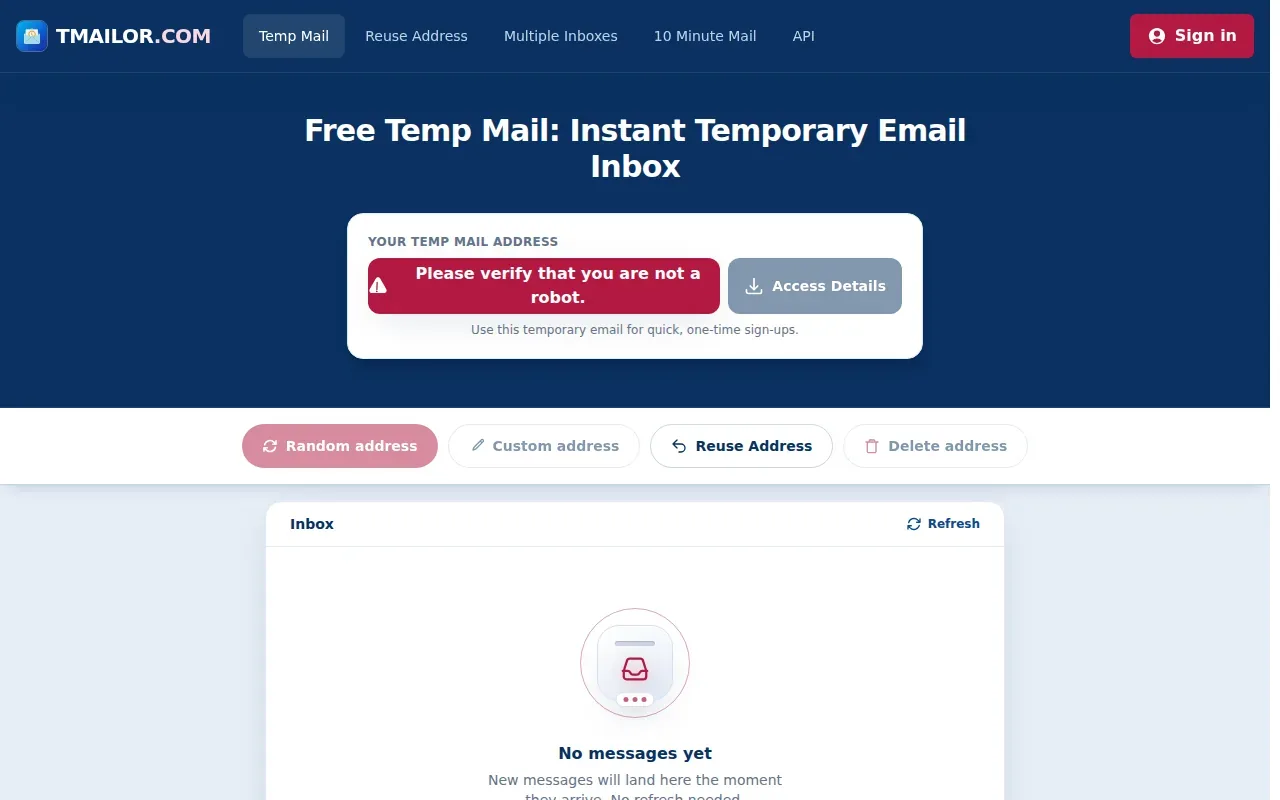
That window can suit a survey that sends a confirmation right away. Open the inbox, copy the address into the survey form, then watch for the message. Tmailor says new mail appears in the live inbox without a manual refresh. If you save the access token, you can reopen the same address within the retention window.
For a survey that may send a delayed link, the access token is worth keeping. Losing it can mean losing access to the same address, and messages are removed after 24 hours. Tmailor also describes its inbox as receive-only, so don’t choose it if you need to reply from the disposable address.
A large domain pool gives you more address choices, but it doesn’t mean every survey site will accept every domain. Some sites block disposable email domains. If the confirmation message doesn’t arrive, check the address you entered and the site’s instructions before starting again.
Tmailor also describes mobile apps and a browser extension. Those can help if you’re checking a survey link away from your computer, though the same short retention period still applies. For a brief survey with an immediate verification step, the 24-hour limit may be enough.
3. CleanTempMail: instant inboxes with many domain options
CleanTempMail provides free, instant disposable inboxes and lists more than 1,249 domains. Its stated retention period is one day.
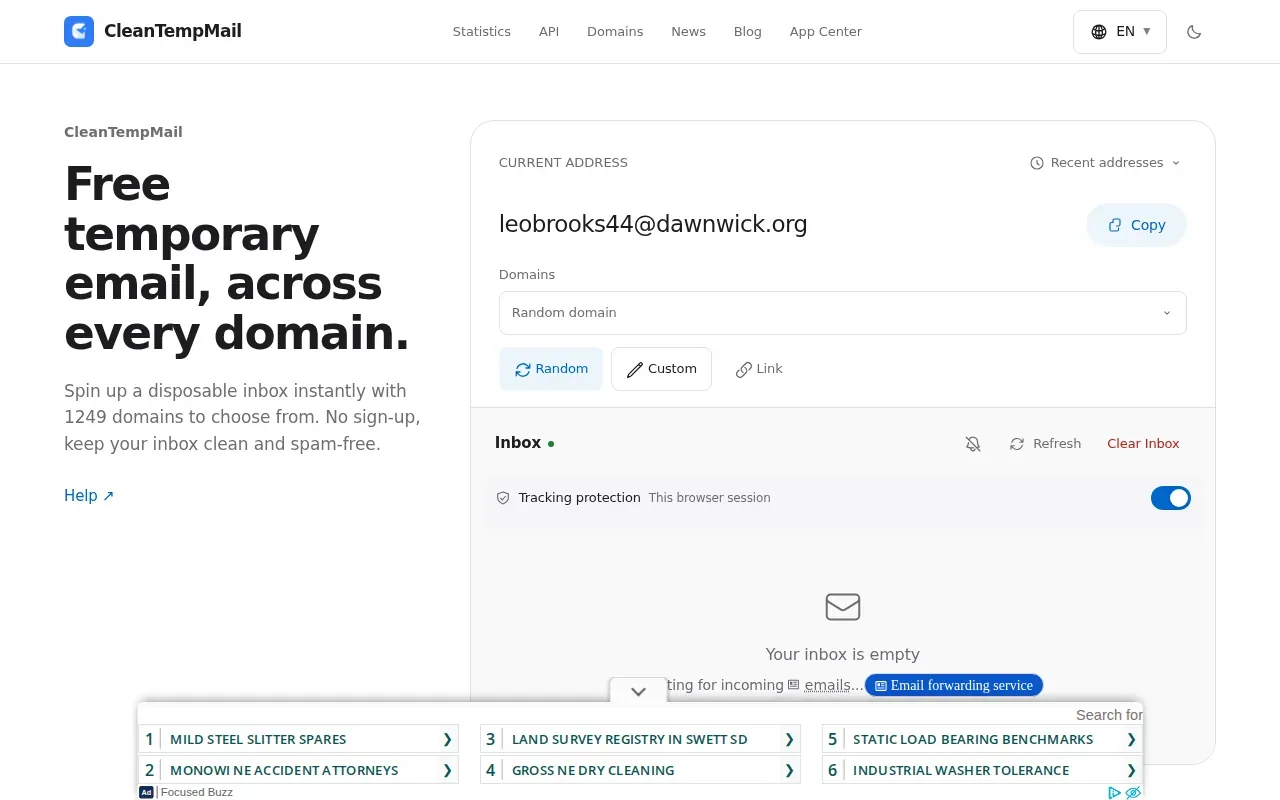
Its domain range is the largest specific count among these picks. That may be useful when a survey form rejects one disposable domain and lets you try another. It’s not a promise of acceptance, though. The survey site controls which addresses it permits.
CleanTempMail says incoming messages appear in real time and that emails are automatically wiped after one day. That makes the timing easy to plan around: submit the form, check for the confirmation, and finish the survey before the inbox expires. Don’t use a temporary inbox as the only place to receive something you’ll need well after the survey.
The service also describes an API for testing signup emails and verification flows. That points to a different use case from answering one survey by hand. If you’re running a survey workflow that needs automated email checks, confirm that the API fits your setup before you rely on it.
For individual respondents, its large domain pool and one-day inbox are the details to weigh. For automated checks, the API may matter more than the domain count.
4. Temp Mail Pro: a free option with a retention detail to verify
Temp Mail Pro has a free tier and two listed domains. Temp Mail Pro has a seven-day retention period, while its inbox life can be extended from 10 minutes to 24 hours.
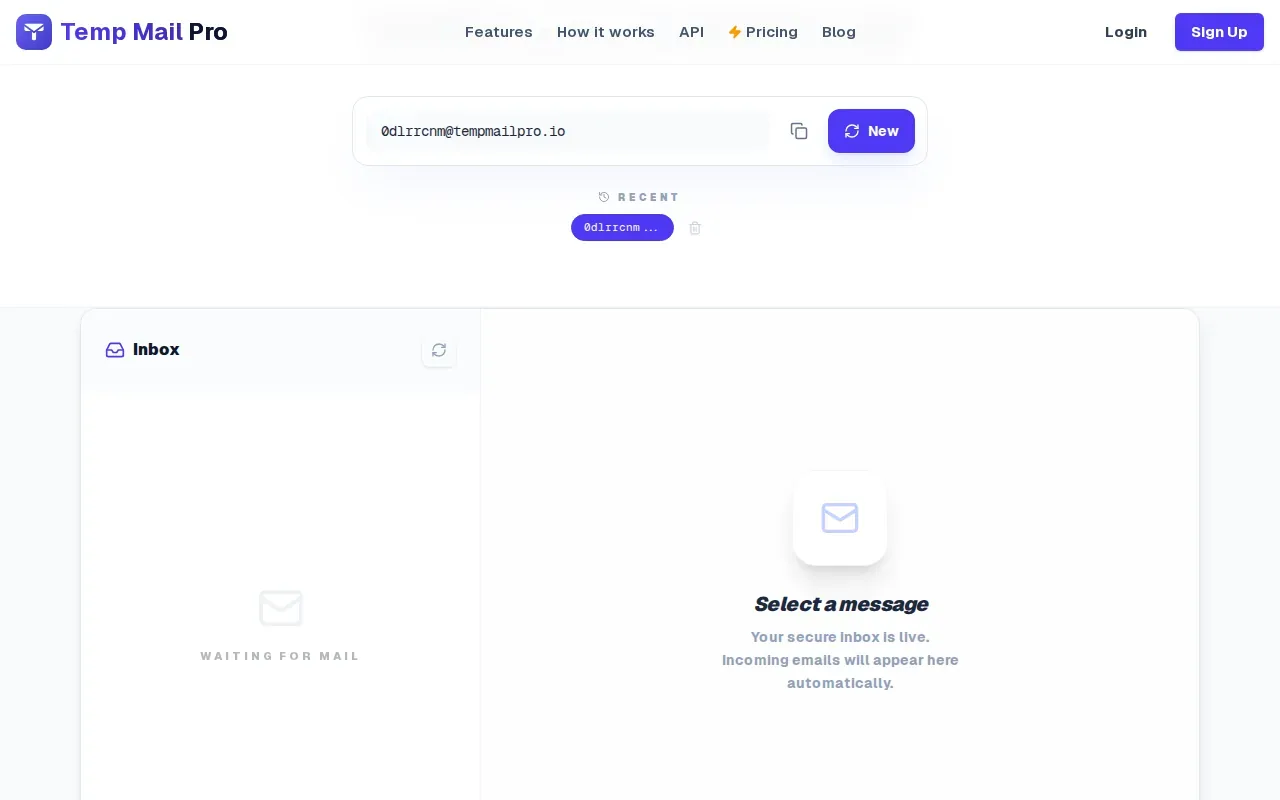
That difference matters if a survey sends its confirmation late or you plan to return to the inbox the next day. Check the active timer shown by the service before entering the address. A short timer could expire before you open the survey link.
Two domains give you fewer choices than services with larger domain pools. If the survey rejects the address, there may be less room to switch to another domain. That’s a reason to test acceptance early, before spending time on a long questionnaire.
For a short survey, the free tier may be enough if the inbox stays active until you’ve received and used the confirmation email. For a delayed message, treat the retention mismatch as a prompt to verify the timer first. Don’t count on a particular window until the service’s current inbox view confirms it.
Survey workflows can also vary. A simple email confirmation may arrive quickly, while a site may ask you to return later. Match the inbox’s live time limit to the task, not just the wording in a service description.
5. SecureTempMail: a self-destructing inbox focused on privacy
SecureTempMail describes a free temporary email address that is anonymous and self-destructing. Its focus is protecting the primary inbox from spam, scams, and trackers.
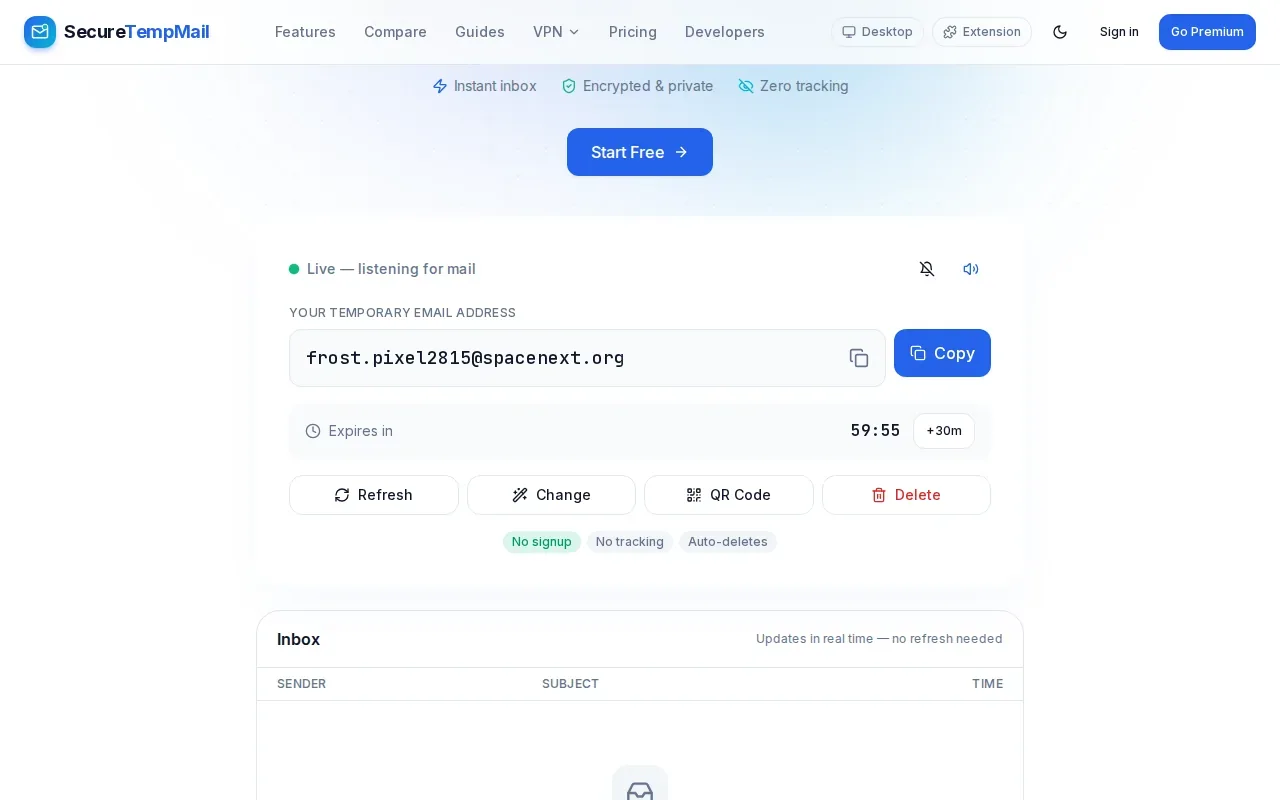
That focus can fit a survey signup when you want to avoid handing over your everyday email. Use the address only for a task you can complete before the inbox disappears. A self-destructing inbox is a poor fit if you need to keep the survey email for later or recover access through that same address.
For any disposable inbox, separate the privacy benefit from the acceptance question. A temporary address can keep your main inbox out of the signup flow, but the survey platform may still block the domain. If the form rejects it, follow the platform’s rules rather than trying to bypass them.
Before you enter any address, read the survey’s terms and decide whether a temporary inbox is allowed. A survey tied to a prize, payment, or later follow-up may require a lasting address. In that case, an inbox that can vanish is not the right place for important mail.
Compare the five temporary email options for surveys
All five options are described as having free access, but the inbox window and address choices differ. The table focuses on the details that affect a survey signup. A free inbox is only useful if the site accepts the address and you can read the confirmation in time.
| Option | Free access | Retention stated here | Useful detail |
|---|---|---|---|
| TempoMailUSA | Free tier | — | Paid upgrades include longer retention, more domains, and multiple inboxes |
| Tmailor | Yes | 24 hours | 500+ domains; access token can reopen an inbox within the retention window |
| CleanTempMail | Yes | 1 day | 1,249+ domains and an API for email checks |
| Temp Mail Pro | Yes | Conflicting timeframes | Two domains; confirm the active inbox timer |
| SecureTempMail | Free address | Self-destructing | Privacy-focused description |
For one survey, start with an inbox you can open quickly and check before submitting the form. Then look for the confirmation message and follow the link while the address remains active. If the platform rejects the address, use an email method the platform permits.
A Gmail alias may be another option for sorting signups, but it isn’t the same as a disposable inbox. Google explains that dots don’t change the destination of a Gmail address in its Gmail address guidance. An alias still reaches the same account, so it won’t give you a separate inbox that self-destructs.
For a survey involving vehicle claims or appraisal questions, the email choice is only one part of protecting your details. A U.S. reader looking into an appraisal can also review a service related to vehicle appraisals; keep personal information out of survey fields unless it’s needed for the task.
FAQ
What is a temporary email address?
A temporary email address is a short-term address you use instead of your everyday inbox. It receives messages such as signup links or verification codes, then may expire or delete its messages after a set time. Wikipedia’s definition of disposable email addresses describes the general idea, though each service sets its own rules.
How do I use a temporary email for a survey?
Open the service and copy the address it provides. Enter it in the survey form, then keep the inbox open and look for a confirmation email or one-time code. Follow the survey link promptly. Before you start, check the inbox timer and the survey site’s rules about disposable addresses.
Will a survey site accept a disposable email?
Not always. Survey platforms can block disposable email domains, and acceptance can depend on the site’s rules. If the form rejects the address, don’t keep trying to get around the restriction. Use an address the survey allows, or skip the survey if you don’t want to share one.
Can I receive a survey verification code in a temporary inbox?
Yes, if the survey site accepts the address and sends the message successfully. Check the inbox soon after submitting the form, since some temporary inboxes expire quickly. If the email doesn’t arrive, confirm that you copied the address correctly and check the service’s active time window.
Is a Gmail alias the same as a temporary email?
No. A Gmail alias can help sort incoming mail, but messages still reach the same Gmail account. A temporary email service gives you a separate disposable inbox. Choose based on whether you need a different inbox or simply want to label and manage survey messages in your regular account.
Conclusion
For a quick survey signup, start with TempoMailUSA’s free tier and check that the survey accepts disposable addresses. Open the inbox before submitting, then use the confirmation message while it’s available. See the signup confirmation steps if you want a simple checklist for receiving the email without using your personal address.
Need a disposable temporary email?
Protect your real inbox from spam and promotional clutter instantly and free.
Received a suspicious email, text, or charge alert?
Verify whether the sender domain is disposable, spoofed, or unverified before clicking links.