



Mastering Phishing: Spot, Report, Prevent
Every day, countless individuals fall victim to phishing scams, losing money, personal data, and even access to their online accounts. One particularly common and deceptive tactic involves scammers impersonating trusted brands like Geek Squad, the tech support arm of Best Buy. These fake messages are designed to trick you into believing your service is at risk or that you owe money, creating a sense of urgency that can lead to costly mistakes.
This comprehensive guide will equip you with the knowledge to recognize these sophisticated scams, understand how they work, and take effective steps to protect yourself. By learning the telltale signs and implementing practical security measures, you can significantly reduce your risk of becoming another statistic.
Understanding Geek Squad Phishing Scams
A Geek Squad phishing email is a fraudulent message crafted to look like it comes from the legitimate Best Buy tech support service. Scammers meticulously copy names, logos, and language from official communications to make their fake messages appear authentic. Their primary goal is to steal your passwords, payment details, or other personal information, often by tricking you into clicking a malicious link or installing harmful software.
How These Scams Work
These emails often create a false sense of urgency, claiming there's an issue with your service, an expiring subscription, or an unauthorized charge. The scammer's aim is to pressure you into clicking a link or providing information without carefully checking the message first. Recognizing this manipulative tactic and the false authority it conveys is your first line of defense.
Common Techniques Used by Scammers
Phishing attackers employ several repeatable tricks:
- Spoofed Sender Addresses: They manipulate the sender's email address to make it look like it's from an official Geek Squad or Best Buy domain.
- Copied Branding: They use legitimate-looking logos, colors, and formatting to mimic the company's official communications.
- Counterfeit Websites: Links in the email often lead to fake websites that look identical to the real Geek Squad or Best Buy pages, designed solely to capture your login credentials or payment information.
- Urgency and Fear: Many messages try to create panic or a sense of immediate threat, hoping you'll bypass basic security checks in your haste.
Spotting Fake Geek Squad Emails: Key Red Flags

Learning to identify the warning signs of a phishing email is crucial. Here are the most common red flags to watch for:
- Generic Greetings: Legitimate companies typically address you by name. Scammers often use non-specific salutations like "Dear Customer" or "Valued Member."
- Urgent or Threatening Language: Messages that demand immediate action, threaten account suspension, or warn of dire consequences are almost always attempts to rush you into making a mistake.
- Suspicious Links: Always hover your mouse cursor over any link (without clicking!) to see the actual URL. If it doesn’t clearly point to an official Best Buy or Geek Squad domain (e.g., bestbuy.com or geeksquad.com), do not click it.
- Poor Grammar and Spelling: Many scam emails contain noticeable typos, awkward phrasing, or grammatical errors. These are strong indicators of a fraudulent message.
- Unexpected Attachments: Be wary of unsolicited attachments, even if they seem to be invoices or order confirmations. They could contain malware.
If you spot even one of these warning signs, treat the email as suspicious. When in doubt, it's always safer to assume it's a scam.
Common Geek Squad Scam Examples
Scammers frequently use fake renewal notices, claiming your service will expire unless you click a link to update your payment. Another common tactic involves alerts that your account has been "compromised" and asks you to "verify" details. Both strategies aim to create urgency, pushing you to follow a link or give up information instead of contacting the company directly through official channels.
What to Do If You Receive a Phishing Email
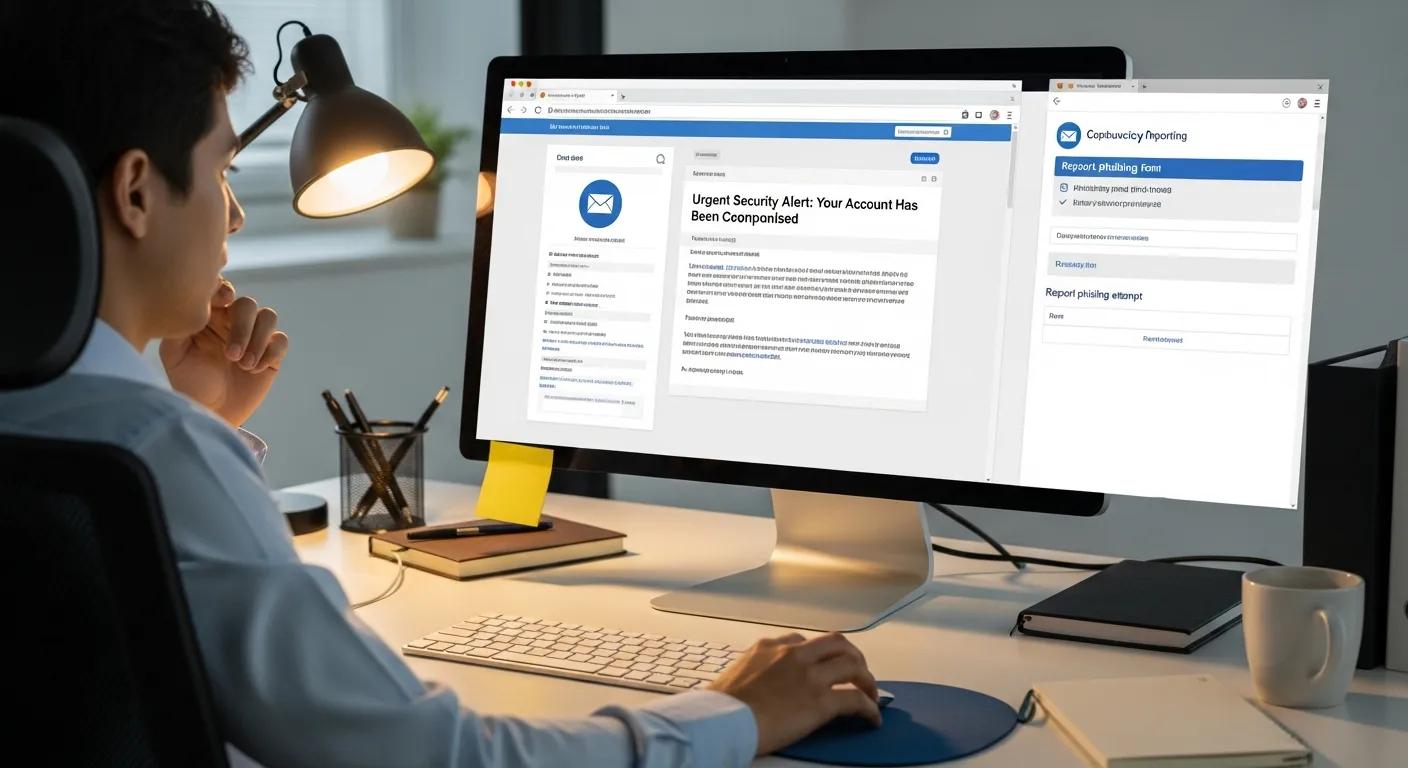
Receiving a suspicious email can be unsettling, but knowing the right steps to take can protect you and help others.
Safely Handling and Reporting Suspicious Emails
The most important rule is: Do not click any links or open any attachments in a suspicious email. Instead, follow these steps:
- Take a Screenshot: Capture a screenshot of the email as evidence.
- Forward the Email: Forward the suspicious message to the appropriate reporting addresses:
- Geek Squad/Best Buy: Forward it to [email protected] so the company can investigate.
- Federal Trade Commission (FTC): Report it to the FTC at reportfraud.ftc.gov. The FTC collects consumer complaints to track and combat fraud.
- Anti-Phishing Working Group (APWG): Forward it to [email protected]. The APWG tracks phishing attacks across the web.
- Delete the Message: After reporting, delete the email from your inbox and trash folder to prevent accidentally interacting with it later.
What if You Accidentally Clicked a Link?
If you accidentally clicked a suspicious link, act quickly:
- Disconnect from the Internet: Immediately disconnect your device from the internet (turn off Wi-Fi or unplug the Ethernet cable) to prevent further data transmission.
- Run an Antivirus Scan: Perform a full scan of your computer using reputable antivirus software.
- Change Passwords: Change passwords for any accounts that might have been exposed, especially if you entered credentials on a fake site. Use strong, unique passwords for each account.
- Monitor Accounts: Watch your bank accounts, credit card statements, and other online accounts closely for any unusual activity.
- Report the Incident: Report the incident to your email provider and, if you suspect financial fraud, to your bank and the appropriate authorities.
Using Disposable Email Services for Phishing Protection
Disposable or temporary email addresses offer an additional layer of protection against phishing and spam. These services provide you with a temporary email address that forwards messages to your real inbox, or allows you to check them on a temporary platform, without revealing your primary email.
Benefits of Disposable Emails
- Enhanced Privacy: You can sign up for newsletters, trials, or one-off accounts without exposing your main email address to potential spammers or data breaches.
- Spam Prevention: Using a throwaway email for less trusted websites keeps marketing emails and potential scam messages out of your primary inbox, reducing clutter and risk.
- Reduced Data Breach Risk: If a temporary address is compromised in a data breach, you can simply discard it without affecting your main email account.
Considerations for Disposable Emails
While beneficial, disposable email services have limitations. They are generally not suitable for critical accounts like banking, primary social media, or important professional contacts, as you might lose access to password recovery or important communications. Always understand the service's retention policy and ensure it meets your needs for temporary use.
Common Geek Squad Scam Tactics and How to Avoid Them
Beyond general phishing, specific scam variations target Geek Squad customers or those who might believe they are.
Auto-Renewal and Fake Invoice Scams
Scammers frequently send fake auto-renewal notices with forged invoices, attempting to trick you into entering payment details or calling a fraudulent "support" number. To avoid these:
- Verify the Sender: Always check the sender’s full email address, not just the display name.
- Log In Directly: If you receive a renewal notice, log in to your account directly from the official Geek Squad or Best Buy website (by typing the URL yourself, not clicking a link in the email) to verify your subscription status.
- Never Enter Payment Info from an Email Link: Legitimate companies will not ask you to update payment information via a link in an email.
Tech Support and Password Reset Scams
Fake tech support emails may claim they've detected a problem with your device or account, urging you to call a number or click a link for "support." Similarly, fake password reset emails ask you to reset your password via a malicious link. Remember:
- Unsolicited Support is Suspicious: Real companies rarely initiate unsolicited support requests via email, especially not with urgent demands.
- Go to the Official Site: If you receive an unsolicited support message or password reset request, navigate to the service’s official website yourself and contact customer service directly through their published channels.
- Never Share Credentials: Be extremely cautious about sharing login credentials or granting remote access to your computer to anyone who contacts you unexpectedly.
General Email Security: Protecting Yourself Beyond Geek Squad Scams
While specific to Geek Squad, the principles of email security apply broadly. A layered approach combining technology and good habits is the most reliable way to cut down on phishing risk and protect your personal data.
Essential Security Tools and Habits
- Multi-Factor Authentication (MFA): Enable MFA on all your important accounts. This adds a second verification step (like a code from your phone) beyond just a password, making it significantly harder for scammers to access your accounts even if they steal your password.
- Antivirus and Anti-Malware Software: Keep your antivirus and anti-malware software up to date. These tools help detect and block known threats before they can harm your device or data.
- Safe Browsing Practices: Always check sender addresses, hover over links before clicking, and be skeptical of unexpected messages. Use strong, unique passwords for every account, and update your software and operating system regularly to patch security vulnerabilities.
- Regular Account Review: Periodically review your account activity for all online services. Remove unused accounts or services to shrink your "attack surface" – the number of places where your data could be exposed.
| Strategy | Description | Benefit |
|---|---|---|
| Multi-Factor Authentication (MFA) | Adds an extra verification step (e.g., a code from your phone) beyond just a password. | Significantly reduces the risk of account takeover, even if your password is stolen. |
| Antivirus & Anti-Malware Software | Scans for, detects, and blocks known malicious software and phishing attempts. | Prevents harmful attachments and links from compromising your device. |
| Safe Browsing Habits | Encourages cautious, deliberate online behavior, such as verifying links and senders. | Lowers the chance of falling for scams and inadvertently exposing personal data. |
Frequently Asked Questions
What are the legal consequences for sending phishing emails?
Sending phishing emails is a serious crime in the United States and many other countries. It can lead to criminal charges, substantial fines, and prison time under laws such as the Computer Fraud and Abuse Act (CFAA) and the CAN-SPAM Act. Victims can also pursue civil claims for financial losses.
How can I educate others about phishing scams?
Start by sharing clear, real-world examples of common tactics, such as generic greetings, urgent demands, and suspicious links. Demonstrate how to inspect sender addresses and URLs safely. Share reliable resources and encourage open discussion, emphasizing that it's always okay to ask for help or verification before clicking.
Are there specific tools to help identify phishing emails?
Yes. Many email providers include built-in spam and phishing filters that automatically flag suspicious messages. Additionally, services like PhishTank and VirusTotal allow you to check suspicious URLs or files against known threat databases. Use these tools in conjunction with your own critical thinking for the best protection.
How can I protect my personal information when shopping online?
Always ensure the website uses "https://" in the address bar (indicating a secure connection). Use strong, unique passwords for each shopping account and enable multi-factor authentication whenever available. Avoid making purchases over public Wi-Fi. Regularly check your bank and credit card statements for unauthorized transactions, and consider using virtual or single-use credit card numbers for online purchases if your bank offers them.
Conclusion
Protecting yourself from Geek Squad phishing emails and other online scams is an ongoing effort, but it doesn't have to be overwhelming. By understanding how these scams work, recognizing the red flags, and taking proactive steps, you can dramatically lower your risk.
Remember to always verify unexpected messages, report suspicious emails to the proper authorities, and leverage security tools like multi-factor authentication and antivirus software. Your vigilance is your strongest defense. Stay informed, stay skeptical, and stay safe online.