



Privacy Shield Pro: A Comprehensive Guide to Digital Identity Protection
Privacy Shield Pro is a comprehensive digital privacy application designed to safeguard personal information and prevent unauthorized access in an increasingly interconnected world. This guide explains the product's functionalities, how its features enhance security, and the role of temporary email and spam-blocking tools in maintaining online anonymity. By offering practical tools to reduce exposure and aid recovery from potential incidents, Privacy Shield Pro addresses concerns about identity theft and data leaks.
What is Privacy Shield Pro and How Does it Protect Digital Identity?
Privacy Shield Pro is a privacy-focused software suite that helps shield your online identity from common threats. It utilizes robust encryption and adherence to contemporary privacy protocols to keep your data confidential. With features such as anonymous browsing, data masking, breach monitoring, and real-time alerts, the software assists in detecting and responding to suspicious activity, contributing to a safer online experience.
How Privacy Shield Pro Functions as a Digital Privacy Solution
Privacy Shield Pro employs a layered approach combining encryption, anonymization, and continuous monitoring to mitigate digital risks. The interface is designed for straightforward use, making adjustments to privacy settings and reviewing alerts accessible. The product aims to provide users with greater control over their personal information.
How Privacy Shield Pro Prevents Data Breaches and Identity Theft
Data breaches and identity theft are widespread concerns. Privacy Shield Pro scans for signs of compromised credentials and flags unusual activity, enabling prompt action. By integrating detection, alerts, and protective features, it reduces the likelihood of personal information misuse by attackers.
How Does Secure Temporary Email Enhance Online Privacy?

Temporary email addresses offer a simple method to protect your primary inbox. They provide disposable addresses for sign-ups, downloads, or one-off interactions, preventing exposure of your main email to spam, trackers, or phishing attempts.
The Role of Temporary Email in Spam Prevention and Phishing Protection
Disposable emails serve as a buffer against unwanted messages and scams. Using them for newsletters, trial sign-ups, or websites you do not fully trust helps keep your main inbox clean and reduces the risk of falling for phishing attacks.
Enhancing Temporary Email Security with Cryptographic Recovery Keys
Adding cryptographic recovery keys strengthens temporary email accounts by ensuring that only authorized users can regain access. This additional layer enhances the security of disposable addresses and provides confidence that control remains with the user.
What Spam Prevention Tools are Integrated into Privacy Shield Pro?
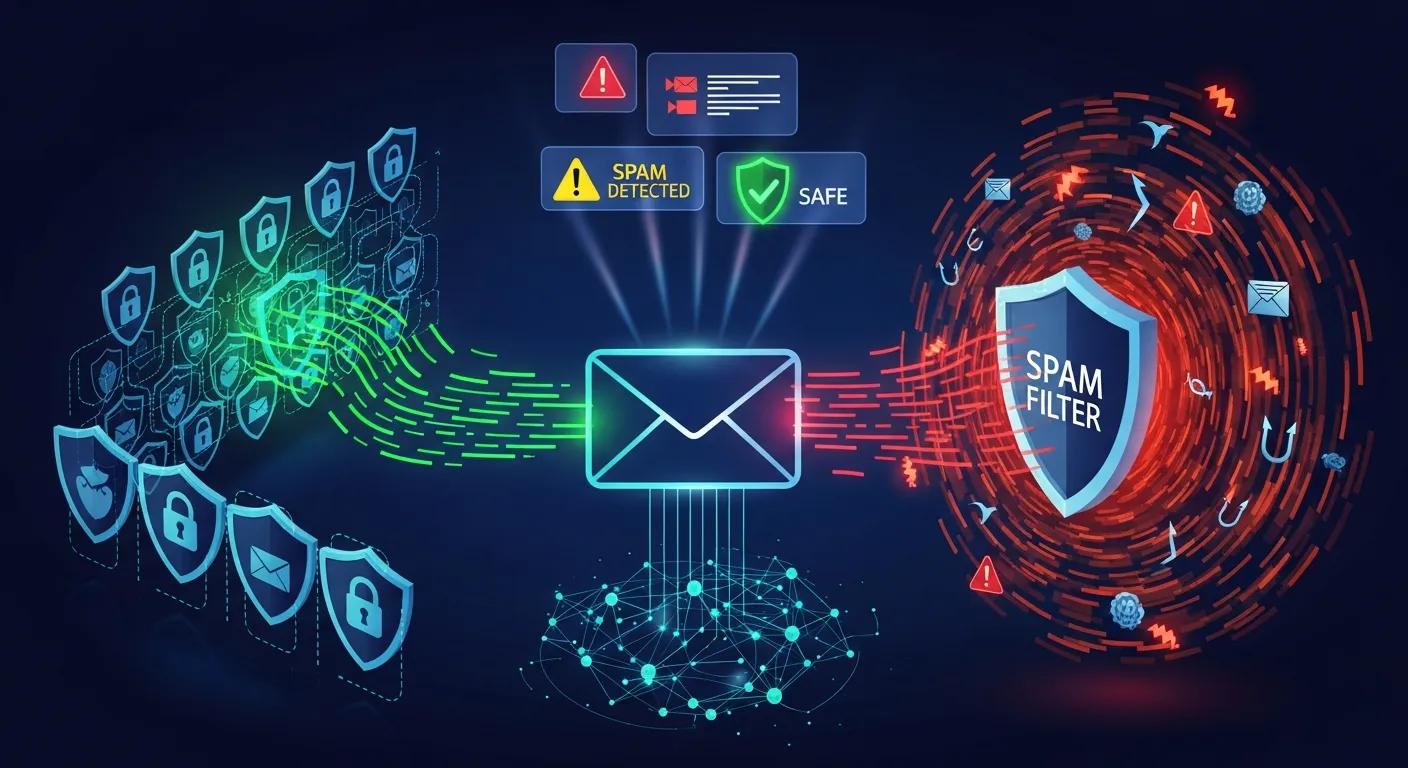
Privacy Shield Pro integrates several spam prevention tools designed to reduce unwanted messages and potential threats, enhancing both security and user experience.
Key Features of Spam Blocking and Tracking Prevention in Privacy Shield Pro
Smart filters detect and remove spam, while customizable settings allow users to adjust the aggressiveness of filtering. Tracking prevention blocks cookies and scripts that attempt to follow users across websites, contributing to enhanced anonymity.
How Disposable Email Addresses Reduce Spam Calls and Data Harvesting
Using disposable emails limits the amount of your contact information that appears on data lists. This practice helps reduce spam calls and decreases the likelihood of your details being harvested and sold to third parties.
How Does Privacy Shield Pro Support Data Protection and Compliance?
Privacy Shield Pro is developed with data protection best practices in mind and aims to meet key legal standards, ensuring that your information is handled responsibly. This approach aims to foster trust and mitigate regulatory risks for both businesses and users.
Privacy Shield Pro's Alignment with GDPR and the EU-US Data Privacy Framework
Privacy Shield Pro adheres to recognized data protection principles, such as those outlined in GDPR and the EU‑US Data Privacy Framework. By emphasizing clear consent and careful data handling, it helps protect users’ rights and supports compliant operations.
Understanding Identity Proxying and Cryptographic Purging in Privacy Shield Pro
The product includes identity proxying, which masks a user's identity during browsing, and cryptographic purging, which ensures sensitive data is securely and permanently removed when no longer required. Together, these steps help prevent unauthorized access and reduce the digital footprint of your data.
Why Choose Privacy Shield Pro Over Other Digital Privacy Solutions?
Privacy Shield Pro consolidates multiple privacy tools into a single package, offering a convenient option for individuals seeking broader protection without managing separate applications.
Privacy Shield Pro Compared to VPNs, Password Managers, and Temporary Email Services
Unlike standalone VPNs or password managers, Privacy Shield Pro combines features such as spam prevention, disposable email, and breach monitoring to provide an all‑in‑one layer of protection that complements these specialized tools.
Core Benefits of Privacy Shield Pro: Instant Access, Anonymity, and Recovery Features
Privacy Shield Pro is designed for rapid setup, enhanced anonymity, and secure recovery options, enabling users to protect themselves quickly and regain access safely if needed.
Essential Secure Online Practices to Complement Privacy Shield Pro
While Privacy Shield Pro offers significant protection, pairing it with sound online habits further strengthens security. Here are practical practices to follow.
Key Practices for Maintaining Online Privacy and Avoiding Tracking
- Use strong passwords: Select unique, complex passwords and update them as necessary.
- Enable two‑factor authentication: Implement a second verification step wherever possible.
- Exercise caution on public Wi‑Fi: Avoid sensitive tasks on open networks or utilize a VPN.
Complementary Tools for Enhanced Online Security: VPNs, Password Managers, and Secure Browsing
Combine Privacy Shield Pro with a trusted VPN and a password manager for a more robust security setup. VPNs encrypt your internet connection, and password managers keep credentials secure — together they provide defense in depth.
| Tool | Feature | Benefit |
|---|---|---|
| Spam Blocking | Smart filtering algorithms | Reduces unwanted messages and phishing attempts |
| Tracking Prevention | Cookie and script blocking | Helps maintain browsing privacy and anonymity |
| Disposable Email | Temporary addresses | Protects your main inbox and limits data leaks |
This table illustrates how Privacy Shield Pro’s tools work together to minimize spam and protect your privacy.
Frequently Asked Questions
1. How does Privacy Shield Pro compare to traditional antivirus software?
Privacy Shield Pro focuses on privacy rather than solely malware removal. While antivirus software identifies and removes harmful programs, Privacy Shield Pro concentrates on protecting your personal data through encryption, anonymous browsing, and spam prevention — offering broader protection against identity theft and tracking.
2. Can Privacy Shield Pro be used on mobile devices?
Yes. Privacy Shield Pro is compatible across desktops and mobile devices, allowing you to utilize the same privacy protections on your phone or tablet while on the go.
3. What should I do if I suspect my identity has been compromised?
Act quickly: change passwords on affected accounts, run a scan with Privacy Shield Pro to check for suspicious activity, and monitor financial statements. Consider adding a fraud alert to your credit report and report the incident to the appropriate authorities.
4. How often should I update my Privacy Shield Pro software?
Keep the application updated regularly. Updates include security patches and feature improvements. Enabling automatic updates is the easiest way to maintain protection.
5. Is my data safe with Privacy Shield Pro?
Privacy Shield Pro employs strong encryption and adheres to privacy best practices to protect your data. It is also designed to align with major privacy regulations like GDPR. However, combining the software with sound personal security habits provides the most comprehensive protection.
6. Can I use Privacy Shield Pro alongside other privacy tools?
Yes — Privacy Shield Pro is designed to complement tools like VPNs and password managers. Using them together creates a more complete security setup.
7. What are the limitations of using temporary email addresses?
Temporary emails are effective for reducing spam, but some services may block disposable addresses, and recovery options are often limited. It is advisable not to use temporary emails for accounts requiring long-term access or for highly sensitive transactions.
Conclusion
Privacy Shield Pro offers practical protections, including spam blocking, secure temporary email, and breach monitoring, to help users manage their online privacy. When combined with sound security habits and complementary tools, it contributes to a safer and more secure online experience.