

720p, 1080p or 4K? Picking a Quality on One TempoMovies Title Before You Download It

Here is the situation I want you to picture, because it is the situation most people are actually in when they open a movie download page. You have a phone with, say, 6 GB free. Your connection is not unlimited — a home broadband plan with a fair-usage cap, or mobile data you are trying not to burn through in a week. You want to watch Cyberpunk: Edgerunners, all twenty episodes, and the page in front of you offers you three qualities and twenty buttons per quality. The question is not which quality looks best. The question is which quality fits in your phone, fits in your data cap, and is actually the same quality all the way through. That is a different question, and it is the one this post answers, using the live TempoMovies demo at tmovies.tempomailusa.com as the example.
I picked this title deliberately. It is a 2022 series, twenty episodes across two seasons, each episode 25 minutes, rated 8.6 on the page with a TMDB score of 8.64 out of 10 beside it. It is the kind of show a person downloads in a batch on a Friday night, not one episode at a time. This is the third TempoMovies test in this series: the first read one title page as a contract, the second ran a search-versus-browse discovery test, and this one is about the money — the gigabytes. And the page gives you everything you need to make the decision badly: every episode labelled with its size, in plain text, before you click anything. That is genuinely good. What it does not give you is the two things that would make the decision easy: a season total, and any sign that the same label means the same thing twice. So I did the arithmetic the page leaves to you.
The ladder on this page has three rungs — but not on every season
Start with what the page promises at the top. The "Movie Info" section lists three qualities with size ranges: 1080p at 1.05 to 1.27 GB, 720p at 114.97 MB to 359.68 MB, and 2160p at 2.42 to 3.06 GB. Three rungs, neat ranges, and the 720p range already looks odd if you read it properly: a range that starts at 115 MB and ends at 360 MB is not a range for one kind of file. It is a range covering two different kinds of file that happen to share a label. Hold that thought; it becomes the whole post in a minute.
Scroll down to Season 1 and the ladder loses a rung. Ten episodes, E01 to E10, and every episode offers exactly two buttons: 1080p and 720p. There is no 2160p button anywhere in Season 1. Season 2, labelled "Latest", is different: all ten episodes offer three buttons — 2160p, 1080p and 720p. So the three-rung ladder the page advertises at the top exists only for the newer season. The older season tops out at 1080p.
That matters more than it sounds, because of how people actually choose. A visitor who reads the top of the page, decides "I will take the 4K version", and then starts downloading Season 1 will discover the 4K version does not exist for those episodes only after they have already committed to a plan. They either watch Season 1 in 1080p and Season 2 in 2160p — a visible quality jump halfway through a show — or they take everything in 1080p and the 4K decision they made at the top of the page turns out to have been a decision about half the show. Neither outcome is a disaster. But both are the kind of small friction that a page could prevent with one line: "2160p available for Season 2 only." The page does not say it. The buttons say it, episode by episode, if you read all twenty of them.
There is a second missing rung worth naming. The site footer lists "480p Mobile Quality" among its resolutions and codecs, alongside 4K Ultra HD, 1080p Full HD HEVC, 720p HD Standard and 10bit x265 HDR. This title offers no 480p option at all. For the visitor in my opening picture — the one with 6 GB free and a capped connection — 480p would have been the most useful rung on the whole ladder, and it is the one that is not there. A footer is a promise about the catalogue. A title page is a promise about one title. When they differ, believe the title page, because it is the page you are downloading from. But notice the pattern: the catalogue advertises five resolutions, this title offers three in one season and two in the other, and nobody on the page tells you which of the five you are actually getting.
The same 720p label, two different files
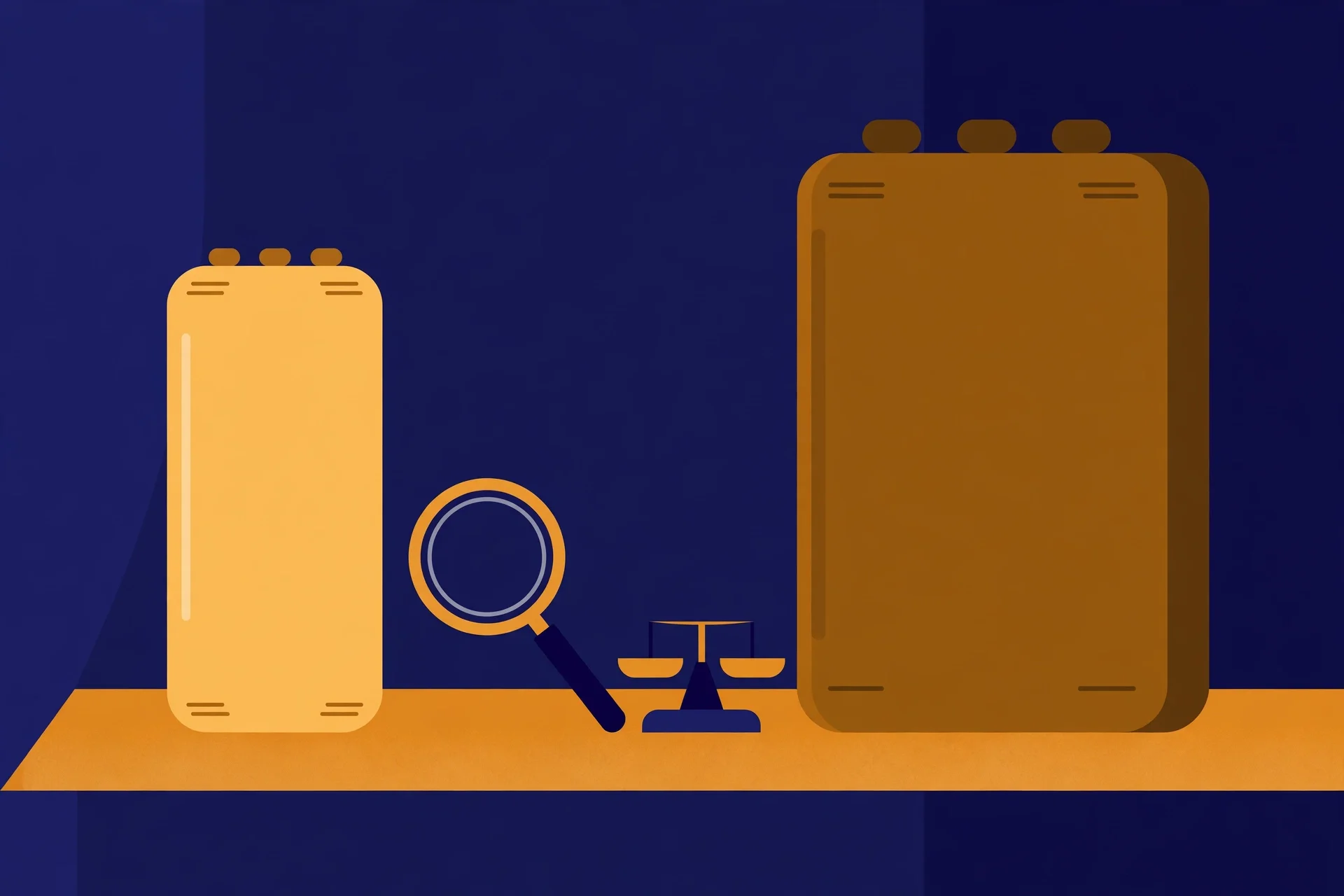
Now the finding that made me write this post instead of a shorter one. Look at the 720p buttons. Season 1, Episode 01: 720p, 114.97 MB. Season 2, Episode 01: 720p, 359.68 MB. Same label, same show, same 25-minute episode length — and the second file is more than three times the size of the first.
It is not a one-episode fluke. Season 1's 720p episodes run from 114.97 MB to 169.14 MB, averaging about 136 MB. Season 2's run from 333.08 MB to 359.68 MB, averaging about 342 MB. Every single Season 2 720p file is more than double every single Season 1 720p file. The two seasons were clearly encoded differently — different bitrate, different settings, maybe a different source — and the page labels both results with the same four characters: 720p.
That label is doing a lot of silent work, and most of it is misleading. Resolution is only one number about a video file. Bitrate is the other one, and on this page bitrate is invisible. A 720p file at roughly 5.4 MB per minute (Season 1's average) and a 720p file at roughly 13.7 MB per minute (Season 2's average) will not look the same on a large screen, and they will not cost the same to download, and the page gives you no way to know either of those things except by reading the file sizes and doing the division yourself. The size is there, to the page's credit. The explanation is not.
My opinion, plainly: this is the single most useful thing on the page to understand before you click, and it is also the thing the page is least interested in explaining. A visitor who picks "720p for everything" thinking they have chosen one consistent quality has actually chosen two different qualities and will only find out when Season 2 looks noticeably better than Season 1 — or, more likely, will never find out, and will just vaguely feel that the show "got better looking" halfway through. A visitor who picks 720p because they did the storage maths on Season 1's sizes will find Season 2 costs them two and a half times what they budgeted. The label is honest about resolution. It is silent about everything else, and on a download page, everything else is the cost.
The 1080p numbers tell the same story more quietly. Season 1's 1080p episodes run 1.05 to 1.20 GB; Season 2's run 1.22 to 1.27 GB. The gap is smaller — about 14% on average — but it is still there, and it is still unexplained. And the 2160p files, which exist only for Season 2, run 2.42 to 3.06 GB per 25-minute episode, or roughly 105 MB per minute. That is a lot of data for a cartoon about a street kid with chrome in his spine, and whether it is worth it depends entirely on what you are watching on, which the page cannot know and does not ask.
Doing the season maths before you tap anything
Here is the arithmetic, because the page will not do it for you. All twenty episodes at 720p: Season 1 is about 1.32 GB and Season 2 is about 3.34 GB, so the whole series is about 4.66 GB. All twenty at 1080p: about 10.98 GB for Season 1 and 12.45 GB for Season 2, so about 23.43 GB for the series. And 2160p, which only exists for Season 2, is about 26.27 GB for those ten episodes alone — more than the entire series at 1080p, for half the episodes.
Now put those numbers against the visitor from the opening. A phone with 6 GB free fits the whole series at 720p, with about 1.3 GB to spare. It fits Season 1 at 1080p and nothing else. It does not fit Season 2 at 1080p, and it fits barely two 2160p episodes. On a capped connection the picture is the same shape: the 720p series costs under 5 GB of your allowance, the 1080p series costs over 23 GB, and the 2160p half-season costs over 26 GB. The jump from 720p to 1080p is roughly five times the data. The jump from 1080p to 2160p is roughly another doubling, for a quality difference your phone screen may not even be able to show.
That five-times jump is the number I want you to remember, because it is the number the page hides best. The buttons sit side by side — "720p (114.97 MB)" next to "1080p (1.07 GB)" — and the eye reads them as two similar options. They are not similar options. One is a file you can carry ten of in a gigabyte and a bit; the other is a file that eats a gigabyte by itself. Per episode, per season, per series, the ratio holds: 1080p costs roughly five to eight times what 720p costs on this title, depending on which season you measure. If you are downloading on a phone, on a train, on a capped plan, that ratio is the decision. Everything else — the poster, the rating, the genres — is decoration.
There is a mixed strategy the numbers quietly support, and it is the one I would actually use. Season 1 at 720p is unusually cheap: 1.32 GB for ten episodes, because those files are encoded at that low bitrate. Season 2 at 720p is 3.34 GB, which is still cheap in absolute terms. But if you care about picture quality, the honest upgrade path is not "1080p for everything" — it is 1080p for Season 2, where the 2160p files also exist and the encode is clearly newer, and 720p for Season 1, where the 1080p files are only marginally larger than the ones you would get anyway and the source is older. That mixed download is about 13.8 GB. It is a compromise, and compromises are what a download page should help you make, instead of leaving you to discover the season-by-season differences by reading forty buttons.
What the buttons do not tell you
Four gaps, stated plainly, because a post that only praises the size labels would be dishonest.
First, codec. The footer advertises 1080p Full HD HEVC and 10bit x265 HDR. The title page shows only "720p", "1080p" and "2160p" labels — no codec, no HDR marker, no HEVC mention on any button I inspected. On older phones and TVs, codec is not trivia: a file your device cannot decode is a file you downloaded for nothing. The page does not answer the codec question, so do not assume the footer answers it for this file.
Second, subtitles. The language line reads "English + Japanese". The word "subtitle" does not appear anywhere on the title page I inspected — no subtitle option, no subtitle selector, nothing. For a show with Japanese audio, that is a real question, not a detail: is the Japanese track subtitled, dubbed, or both, and can you choose per episode? The page does not say. If subtitles matter to how you watch, confirm them for the specific episode you are taking, not for the title in general.
Third, the sidebar button labelled "Download In High Speed". It sits beside the episode buttons as a separate promise, and I did not click it, so I will not claim anything about where it leads. But a visitor should know that it exists as a different kind of button from the per-episode ones, and that its destination is unverified in this post. "High speed" is a claim about a download you have not started yet. Treat it as a claim, not a fact.
Fourth, the rating. The page shows 8.6, with a TMDB score of 8.64 out of 10 beside it. Two numbers that agree with each other look like confirmation, but they are the same kind of number from the same kind of source, and the page shows no voter count or date. Treat it as a hint about popularity, the same way the earlier posts in this series treated the 8.3 on the Mushoku Tensei page. The numbers that deserve your trust on this page are the file sizes, because they are the only numbers you can verify against your own phone after the download finishes.
What I would actually download
If I were the visitor in the opening — 6 GB free, a capped connection, a phone screen — I would take the whole series at 720p, all twenty episodes, 4.66 GB, and be done with it. The Season 2 720p files are the better-looking half of that choice, and the Season 1 files are small enough that the quality trade-off costs me almost nothing in storage. I would not take 1080p, because 23.43 GB does not fit the phone I described and does not fit the cap either, and on a phone screen the difference between 720p and 1080p is the smallest quality jump on this page. I would not take 2160p at all: it exists for only half the show, it costs more than the entire series at 1080p, and it is built for a screen I am not holding.
If I were watching on a laptop or a television with room to spare, I would take 1080p for both seasons and ignore 2160p anyway, because a 25-minute episode at 2.4 to 3.1 GB is paying for resolution your eyes will not resolve at normal viewing distance, and because a quality ladder that changes halfway through a show is a ladder you should not climb to the top of. The honest answer for most people, on most screens, is the middle rung — and on this page, the middle rung is 1080p, not 2160p, and it costs five times what the bottom rung costs. Know that before you tap.
None of that is an argument against the script or the site. The page does the most important thing right: it prints the size on every button, in plain text, before you click. That is rarer than it should be, and it is what made this whole post possible. What it does not do is add the numbers up, explain why the same label costs three times as much in Season 2, or tell you which rungs of its own ladder actually exist for the title you are looking at. Those are small jobs — a season total, a per-season quality note, a codec label — and they are the difference between a page that lists files and a page that helps you choose one.
What this means if you run a site like this
The operator lesson is short, and it is the same shape as the visitor lesson. If your catalogue encodes seasons differently — and most catalogues do, because files arrive over months from different sources — do not let the resolution label be the only thing the visitor sees. Print the codec. Print the bitrate, or at least the size per minute, which is the same information in a friendlier form. Total each season on the page, because nobody should have to add up twenty buttons to learn that the whole series costs 4.66 GB at one quality and 23.43 GB at another. And when a quality exists for one season and not the other, say so at the top of the page, next to the quality list, instead of letting the buttons confess it episode by episode.
The deeper point is about what a download page is for. It is not a catalogue entry. It is the last page a visitor reads before spending their data and their storage, and the decisions on it are irreversible in the small, annoying way that downloads are: once the file is on your phone, the gigabytes are spent whether the file was the right one or not. A page that respects that moment tells the visitor the cost of each choice in the units the visitor actually pays in — gigabytes, not pixels. This page gets halfway there. It prints the sizes. The other half — the totals, the codec, the season-by-season honesty — is still waiting, and it is the half that would turn a good download page into a trustworthy one. More checks in this spirit are on the blog, and the temp-mail tool itself is the reason this site exists in the first place.
FAQ
**Is 720p good enough for watching on a phone?** For most phones, yes. On a phone screen the visible difference between 720p and 1080p is small, and on this title the 720p version of the whole series costs about 4.66 GB against about 23.43 GB for 1080p. If storage or data is tight, 720p is the sensible pick, and the Season 2 720p files on this page are encoded at a much higher bitrate than Season 1's, so they look better than the label alone suggests.
**Why is Season 2's 720p so much bigger than Season 1's?** On this title page, Season 1's 720p episodes average about 136 MB each while Season 2's average about 342 MB, for the same 25-minute length. That means the two seasons were encoded at very different bitrates. The page labels both as 720p and does not explain the difference, so the file size is the only clue. Resolution is one number about a video file; bitrate is the other, and it is invisible here.
**Can I download Cyberpunk: Edgerunners in 4K from this demo?** Only Season 2. The title page offers 2160p buttons for all ten Season 2 episodes (2.42 to 3.06 GB each) and no 2160p button for any Season 1 episode. The page's "Movie Info" section lists 2160p as an available quality without saying it is Season 2 only, so check the season you actually want before assuming 4K is available for the whole show.
**Does this title offer a 480p version for slow connections?** No. The site footer lists "480p Mobile Quality" among its resolutions, but the Cyberpunk: Edgerunners title page I inspected offers only 720p, 1080p and (for Season 2) 2160p. If 480p is the version you need, this title does not have it, whatever the footer promises about the catalogue in general.
**Are there subtitles on this title?** The page I inspected lists the language as "English + Japanese" and the word "subtitle" does not appear on it — no subtitle option or selector was visible. That does not prove the files have no subtitles; it means the page does not tell you. If subtitles matter to how you watch, do not assume they are included.
**How much data does the whole series use at each quality?** From the per-episode sizes printed on the title page: about 4.66 GB at 720p for all twenty episodes, about 23.43 GB at 1080p, and about 26.27 GB for Season 2 alone at 2160p (Season 1 has no 2160p). Those are my totals from the listed sizes, rounded; the page itself does not print a season or series total.
**Can I buy the TempoMovies script from the shop?** I could not verify a price, licence or buy link. A live search of the shop on the day of writing found no TempoMovies listing at all, and the shop blog has no post about it. This post judges the script only by its demo pages, and quotes no price because none could be verified.
Need a disposable temporary email?
Protect your real inbox from spam and promotional clutter instantly and free.
Received a suspicious email, text, or charge alert?
Verify whether the sender domain is disposable, spoofed, or unverified before clicking links.