


Google Killed Its Dark Web Report: What You Should Use Instead
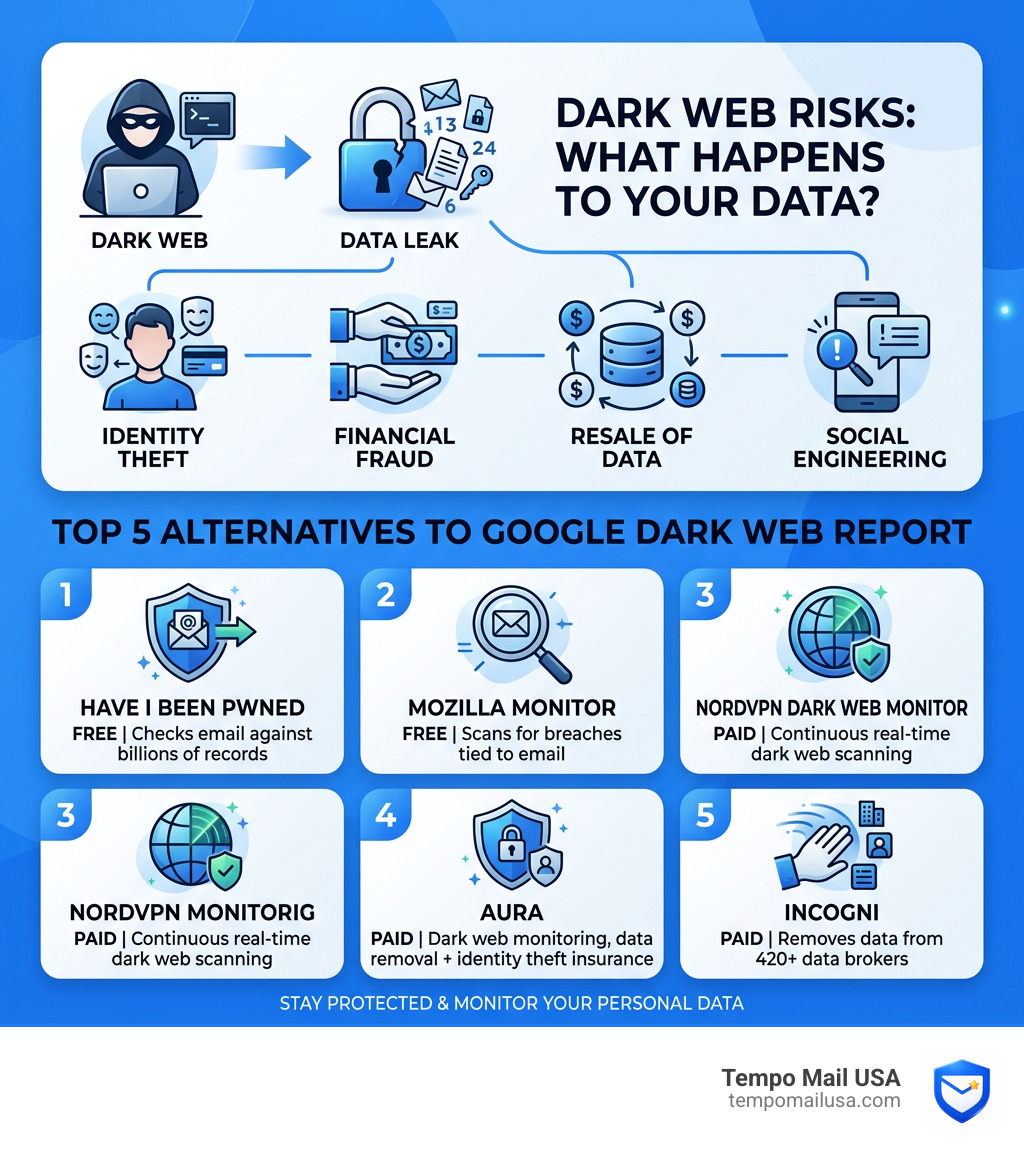
Google Killed Its Dark Web Report: Best Alternatives to Protect Yourself — and if you need a quick answer, here are the top 5 replacements to monitor your personal data right now:
- Have I Been Pwned (haveibeenpwned.com) - Free, checks your email against billions of leaked records
- Experian Free Dark Web Scan - Free, monitors for your SSN and email on the dark web
- Bitwarden - Free/Paid, includes a vault health report to identify leaked credentials
- SOCRadar Labs - Free, provides a deep-dive report into hacker forum exposures
- AmIBreached - Free, tracks smaller, community-reported data breaches
Google quietly announced it is shutting down its Dark Web Report feature. Scans stopped on January 15, 2026, and the tool went fully offline on February 16, 2026 — taking your monitoring profile with it.
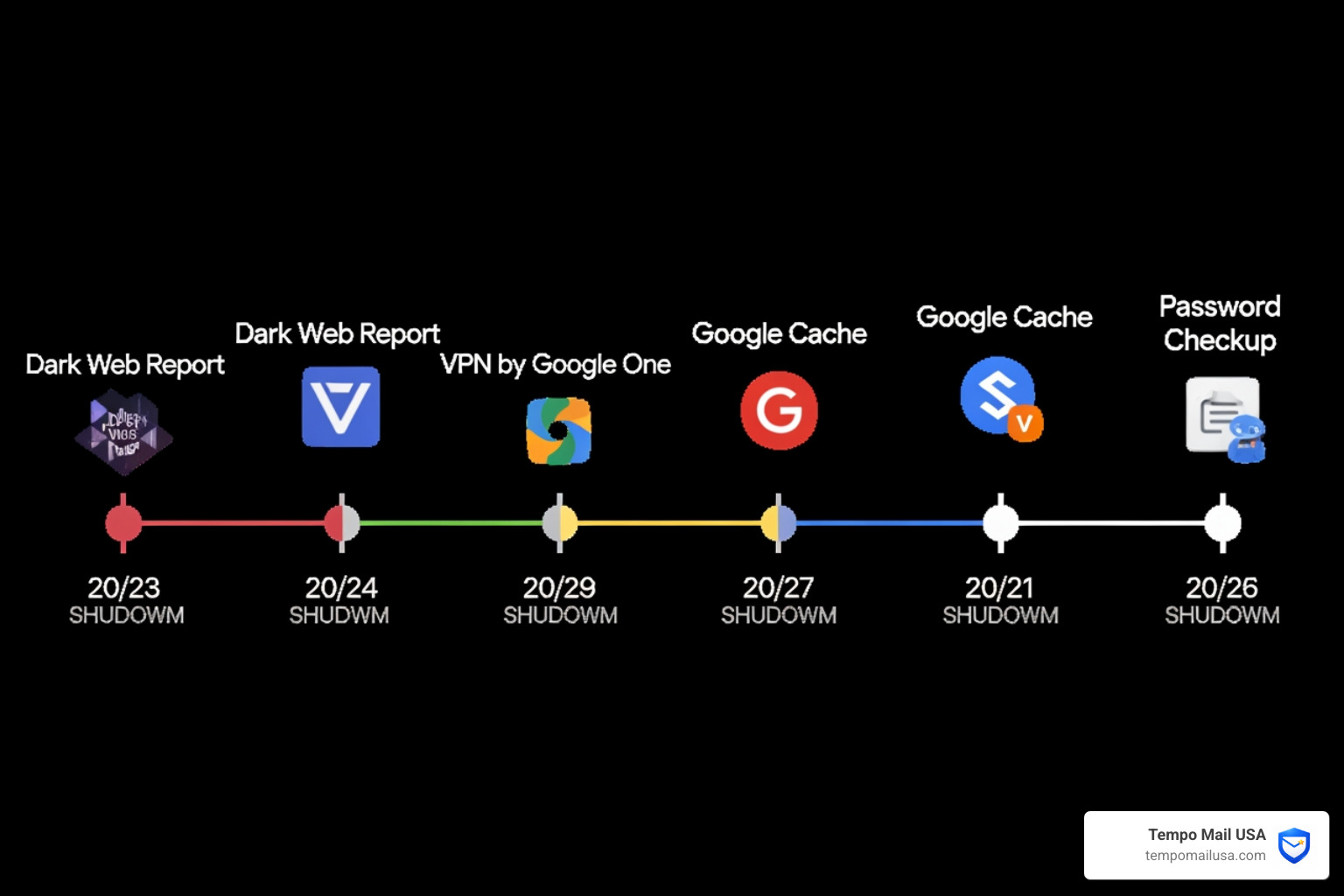
This is part of a familiar pattern. Google has killed over 300 products and services since 2010, including its VPN by Google One and even Google Cache, which survived nearly 24 years before being cut. Dark Web Report lasted less than three years.
The official reason? User feedback showed the tool gave people general information about leaks but offered no clear next steps to actually fix the problem. In other words, it told you your data was exposed — then left you on your own.
That's a real problem, because the risks of having your personal information on the dark web are serious. Stolen credentials, exposed home addresses, leaked Social Security numbers — these don't just sit there. They get copied, resold, and used for identity theft and financial fraud.
The good news: there are better tools available, many of them free.
Why Google Killed Its Dark Web Report: Best Alternatives to Protect Yourself
If you feel like Google is always taking away your favorite toys, you aren't alone. According to the Google Graveyard, the tech giant has a long history of "spring cleaning" initiatives that end up in the digital shredder. Since 2010, they have discontinued over 300 products, ranging from beloved apps to experimental hardware.
The Dark Web Reports service was one of those short-lived projects. Launched initially for Google One subscribers and later expanded to all users, it was designed to scan the "hidden" parts of the internet for your email address and other Personally Identifiable Information (PII). However, by January 2026, Google decided to pull the plug.
Why? The company stated it is shifting focus toward tools that provide "clearer, actionable guidance." While the dark web report was great at sounding the alarm, it was terrible at helping you put out the fire. This isn't the first privacy tool to go; we recently saw the end of VPN by Google One, which provided encrypted data transit, and the Password Checkup extension, which was eventually folded into other services.
Even the heavy hitters aren't safe. Google Cache, a 24-year-old staple for researchers and privacy advocates, was killed nearly two years ago. Other notable entries in the graveyard include Tables by A120), Google Jamboard, and the original Chromecast line.
When Google Killed Its Dark Web Report: Best Alternatives to Protect Yourself became a reality, it left a gap in many users' security setups. But as we’ll see, the alternatives often provide much more "actionable" help than Google ever did.
Top 5 Alternatives for Dark Web Monitoring
Now that the Google tool is history, you need a new way to keep an eye on your data. The dark web is a massive repository for stolen payment cards, passwords, and PII. Research from cybersecurity experts suggests that millions of stolen payment card details change hands there every day, with a card from the US selling for an average of just $11.51.
Here is how the top alternatives compare:
| Feature | Have I Been Pwned | Experian | SOCRadar | AmIBreached | Bitwarden |
|---|---|---|---|---|---|
| Cost | Free | Free | Free | Free | Free / Paid |
| Primary Goal | Breach Database Check | Credit Monitoring | Technical Research | Breach Notifications | Password Health |
| Remediation | None (DIY) | Credit Freeze | Technical Insights | Basic Tips | Password Change |
| Insurance | No | Optional | No | No | No |
1. Reputable Breach Notification Services
The gold standard for checking your status is Have I Been Pwned. Created by security expert Troy Hunt, this free resource allows you to enter your email and immediately see if it has been part of any major data breaches. It doesn't monitor the dark web in "real-time" for you, but it is the most comprehensive database of historical leaks.
2. Proactive Financial Safeguards
Monitoring the dark web is only half the battle. If your Social Security number or credit card info is leaked, you need to protect your wallet. Services like Experian offer dark web scans that pair alerts with credit monitoring. If someone tries to open a new credit card in your name, you get an alert instantly.
3. Specialized Security Research Platforms
For those who want a more technical look, Dark Web Report by SOCRadar Labs provides insights into where your data might be appearing. These platforms often look deeper into hacker forums and illegal marketplaces than a standard consumer tool would.
4. Free Online Breach Detection Tools
AmIBreached is a fantastic free tool that offers breach scores and remediation tips. It helps track smaller breaches that might not make the national news but could still contain your private data.
5. Password Security Audits
Tools like Bitwarden offer vault health reports that check if your stored credentials have been exposed in known breaches. This is a proactive way to ensure that your most important accounts remain secure.
Google Killed Its Dark Web Report: Best Alternatives to Protect Yourself for Free
If you aren't ready to pay for a subscription, don't worry. You can still maintain a high level of security using free tools. The combination of Have I Been Pwned for history and AmIBreached for future alerts covers about 80% of what the average user needs.
However, free tools are reactive. They tell you after the damage is done. To stay ahead of the curve, you might want to look at proactive privacy tools that stop your data from getting to the dark web in the first place—which we will discuss in the "Proactive Privacy" section below.
Immediate Steps After a Data Leak Discovery
Finding out your data is on the dark web is a bit like finding a spider in your bed—it's scary, but you need to act fast to keep it from biting. If you get an alert from one of the alternatives mentioned above, here is exactly what we recommend you do:
- Run a Security Checkup: If you still use Google services, start with their Security Checkup. This tool helps you see which devices are logged into your account and allows you to kick off anyone who shouldn't be there.
- Reset Your Passwords: This is the most critical step. If a password was leaked, it’s likely being used in "credential stuffing" attacks. This is where hackers try the same email/password combo on hundreds of other sites. Use a password manager to ensure every site has a unique, complex password.
- Enable Two-Step Verification (2FA): Think of 2FA as a digital deadbolt. Even if a hacker has your password, they can't get in without the code from your phone or an app. Google offers two-step verification and Authentication Tools through its Safety Center.
- Place a Credit Freeze: If sensitive data like your SSN was leaked, contact the major credit bureaus (Experian, Equifax, TransUnion) to freeze your credit. This prevents anyone from opening new accounts in your name.
- Audit Your Third-Party Apps: Go to your account settings and revoke access to any apps you no longer use. These are often weak points that hackers exploit.
Proactive Privacy: Beyond Dark Web Scans
Monitoring the dark web is a "defense-only" strategy. It’s like checking your smoke detector after the house is already on fire. To truly protect yourself, you need to reduce your digital footprint so there is less data to steal in the first place.
The Power of Temporary Email Aliases
This is where we at Tempo Mail USA come in. One of the biggest reasons people end up on the dark web is because they use their real, primary email address for every service they sign up for. When one of those services gets hacked, your real identity is exposed.
By using a temporary email alias, you create a PII firewall. You can use a unique alias for every newsletter, shopping site, or "free" download. If that service is breached, the hackers only get a proxy email that doesn't lead back to your real inbox or your real identity. It’s the ultimate way to shield your personal data from reaching hacker forums.
Data Broker Removal
Did you know there are hundreds of companies—known as data brokers—whose entire business is collecting your name, address, phone number, and relatives to sell to the highest bidder? Automated data removal services can help request your data be removed from these sites. This is a proactive way to prevent your PII from being leaked in the first place.
Password Managers and Passkeys
Stop reusing passwords! A Password Manager is essential for maintaining unique credentials. Even better, start using Passkeys where supported. Passkeys use your device's biometric data (like a fingerprint) to log you in, making it virtually impossible for a hacker to steal your "password" because there isn't one to steal.
Google Killed Its Dark Web Report: Best Alternatives to Protect Yourself via Browser Tools
Your choice of web browser can also act as a shield. While Chrome is popular, it is built by an advertising company. Privacy-focused browsers like Waterfox offer features that Chrome doesn't:
- Oblivious DNS: This obscures your website requests from your ISP, preventing them from tracking your browsing history.
- Enhanced Tracking Protection: Blocks cross-site trackers, cryptominers, and fingerprinters by default.
- WebRTC Disable Option: Prevents your real IP address from leaking when using VPNs.
- Sync Capabilities: Like Firefox, Waterfox lets you sync your settings and passwords securely across devices.
By using a browser like Waterfox and a private search engine (like DuckDuckGo or Waterfox's upcoming first-party search), you significantly reduce the amount of data being harvested as you browse.
Frequently Asked Questions
When exactly is the Google Dark Web Report shutting down?
The process is happening in two phases. Scans for new dark web breaches officially stopped on January 15, 2026. However, users can still view their existing reports until February 16, 2026. After that date, the feature will be removed from the Google app and all associated data will be deleted. If you want to keep a record of your past leaks, you should log in and take screenshots before the February deadline.
Are free dark web scanners as accurate as paid ones?
Yes and no. Free tools like Have I Been Pwned are incredibly accurate for major public data breaches. However, premium security platforms often have access to private hacker forums and smaller "VIP" marketplaces on the dark web that aren't indexed by free tools. Paid services also provide "continuous" monitoring, whereas some free tools require you to manually check in.
Should average users worry about dark web exposure?
Absolutely. According to the Q4 Threat Report from Gen, the number of breached events climbed by 175% quarter over quarter. It is no longer a question of if your data will be leaked, but when. Even if you aren't a high-risk individual (like a celebrity or a CEO), your data is still valuable to hackers for mass-scale phishing and identity theft.
Conclusion
The fact that Google Killed Its Dark Web Report: Best Alternatives to Protect Yourself is a reminder that we cannot rely on big tech companies to be our permanent security guards. Their priorities change, and products we rely on can vanish overnight.
Protecting your identity in 2026 requires a multi-layered approach. You need a mix of reactive tools (like Have I Been Pwned) and proactive armor. At Tempo Mail USA, we believe the best way to protect your PII is to never give it away in the first place. By using our temporary email aliases, you create a secure identity shield that keeps your real information off the dark web for good.
Don't wait for the next big breach to happen. Switch to a privacy-focused browser, set up a password manager, and start using email aliases today. Your future self will thank you for the peace of mind.