



By Mo Waseem, Cybersecurity Expert
Email is how we do business, sign up for services, and stay connected — and that makes inboxes a prime target for spam. Spam detection tools keep your inbox cleaner and your personal data safer. Below we break down common tools, how they work, and why prevention matters. We’ll also explain how disposable addresses from TempoMailUSA reduce your exposure to unwanted mail. Read on for practical steps to safeguard your email.
What Are Email Spam Checker Tools and How Do They Work?
Email spam checker tools are apps and services that spot and filter unwanted messages before they reach your main inbox. They run incoming mail through a mix of rules, reputation checks, and automated learning to decide what’s safe. The main payoff is less clutter and fewer risky messages landing in your view.
How Do Spam Filters Identify Unwanted Emails?
Filters use a few common techniques to spot spam. Keyword scanning looks for suspicious language or patterns; sender reputation checks whether the sender has a history of sending bad mail; and machine learning adapts over time by learning from flagged messages and user actions. Together, these methods cut down false positives and help keep legitimate messages where they belong.
What Are the Limitations of Traditional Spam Detection?
Traditional filters work well, but they aren’t perfect. False positives — real emails marked as spam — can make you miss important messages. At the same time, spammers keep changing tactics to slip past filters. That’s why combining multiple defenses and staying proactive is necessary to keep detection effective.
Why Is Spam Prevention Essential for Email Privacy and Security?
Preventing spam matters for more than just a tidy inbox. Spam is often the delivery method for phishing and malware that target your personal data. Good prevention practices reduce those risks and make it harder for attackers to reach you.
"In today's digital landscape, proactive spam prevention isn't just a convenience; it's a critical cybersecurity imperative. Ignoring it is akin to leaving your front door unlocked in a busy city."
— Mo Waseem, Lead Cybersecurity Strategist
How Does Spam Impact Your Inbox and Personal Data?
Too much spam overwhelms your inbox, eats into your time, and can expose you to harmful links or attachments. When attackers get access to personal info, the consequences range from identity theft to financial loss. That’s why strong spam defenses are a key part of protecting your accounts.
What Are the Risks of Phishing and Data Breaches?
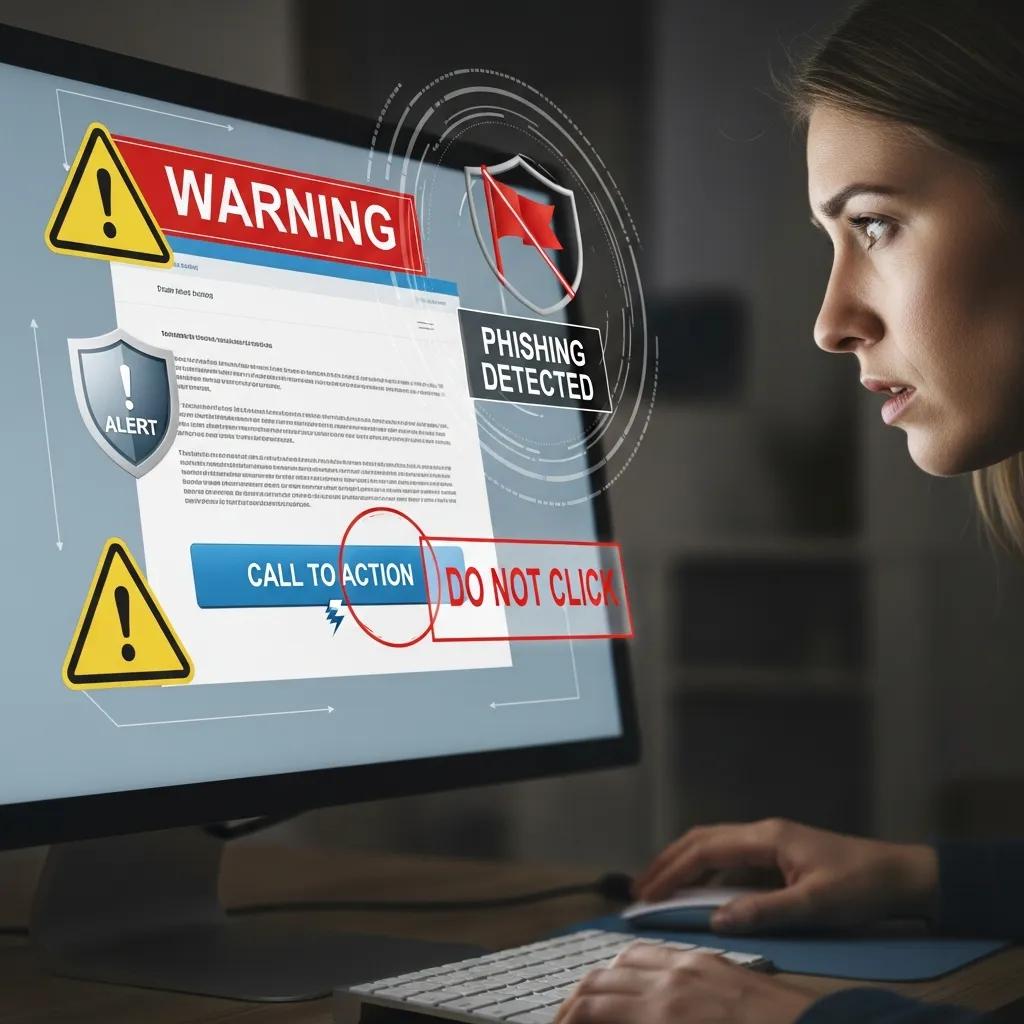
Phishing messages often mimic trusted senders to trick you into giving up passwords or financial details. These attacks are among the most common cyber threats and can lead to unauthorized access and data leaks. Knowing the risks helps you choose the right tools and behaviors to reduce exposure.
How Can Disposable and Temporary Email Services Help Prevent Spam?
Disposable and temporary email services let you use short-lived addresses for sign-ups and one-off interactions, so your main email stays private. When you discard a temporary address, any spam sent to it stops — and your primary inbox remains clean.
What Is a Temporary Email Service and Its Benefits?
A temporary email service creates disposable addresses you can use for a limited time. Benefits include instant address generation to speed up registrations, fewer unwanted messages in your main account, and improved privacy because you can throw the address away after use.
How Does TempoMailUSA Protect Your Primary Email Address?
TempoMailUSA provides a free, easy temporary email service that helps keep your primary address private. No signup is required — create a disposable address in seconds and let messages auto-delete after a preset time, from minutes up to a few hours. It’s a simple way to cut spam without changing how you browse or sign up for services.
Spam isn’t limited to email. Unwanted calls can be just as disruptive. For practical tips on how to protect yourself from spam calls, check our related guide for steps you can take today.
What Features Should You Look for in Anti-Spam Software and Email Privacy Tools?

When choosing anti-spam or privacy tools, look for features that balance security with ease of use. The right combination reduces spam while keeping your data under your control.
Which Security and Privacy Features Enhance Spam Prevention?
Good anti-spam tools include encryption to protect message data, clear data-retention policies so you know how long information is kept, and user controls that let you manage what’s stored or deleted. Together these features cut risk and give you more privacy.
How Do User-Friendly Interfaces Improve Email Protection?
An intuitive interface matters. People are more likely to use and configure protection tools that are easy to navigate. Clear controls and accessibility options help you fine‑tune filters, reducing mistakes and improving overall security.
Recommended Spam Detection Tools for Email Accounts
To help you protect your inbox, here's a breakdown of effective spam detection tools and services, including those that offer temporary email solutions for enhanced privacy.
1. Built-in Email Provider Filters
Most major email providers like Gmail, Outlook, and Apple Mail come with robust, built-in spam filters. These automatically analyze incoming messages for suspicious patterns, sender reputation, and content to move potential spam to a dedicated folder.
- Gmail Spam Filter: Visit Gmail
- Outlook Junk Email Filter: Visit Outlook
- Apple Mail Junk Mail Filter: Learn more about Apple Mail
2. Third-Party Anti-Spam Software & Services
For advanced protection, dedicated anti-spam software and services offer more granular control, advanced threat detection, and often integrate with various email clients.
- SpamSieve (for Mac): A powerful client-side spam filter that integrates with email applications like Apple Mail, Outlook, and Thunderbird. Learn more about SpamSieve
- Mailwasher: Allows you to preview and delete emails on the server before they download to your computer, preventing spam and viruses from reaching your inbox. Visit Mailwasher
- Proton Mail (Secure Email Service): While primarily a secure email provider, Proton Mail includes strong spam and phishing protection as part of its encrypted service. Visit Proton Mail
3. Disposable and Temporary Email Services
These services provide temporary email addresses to protect your primary inbox from spam when signing up for new services or making one-off interactions. They are an excellent proactive spam prevention tool.
- TempoMailUSA: Our free, easy-to-use temporary email service allows you to generate disposable addresses in seconds, keeping your primary email private and spam-free. Messages auto-delete after a preset time. Get a Temporary Email from TempoMailUSA
- Temp Mail: Another popular service for generating temporary, anonymous email addresses. Visit Temp Mail
- Guerrilla Mail: Offers a disposable email address with a simple interface, allowing you to send and receive emails anonymously. Visit Guerrilla Mail
How to Implement an Effective Spam Prevention Strategy for Your Email Accounts?
Building a reliable spam defense is a mix of better tools and better habits. These steps make it practical — and repeatable — for everyday use.
What Are Best Practices for Using Temporary Emails and Spam Tools?
To get the most from temporary emails and spam tools, follow these tips:
- Use Temporary Emails for Sign-Ups: Create disposable addresses when registering on sites you don’t fully trust to keep spam out of your main inbox.
- Regularly Update Privacy Settings: Check and adjust your account privacy and filter settings so they match how you use email.
- Stay Informed About Spam Trends: Learn about new phishing tactics and spam trends so you can spot suspicious messages faster.
How to Integrate Spam Prevention into Your Digital Life?
Make prevention part of your routine: use temporary emails for unknown sign-ups, review settings periodically, and trust your instincts on suspicious messages. Small, consistent habits reduce spam and protect your information over time.
Different tools and techniques each cover a part of the problem. By combining smart filters, privacy-focused services like TempoMailUSA, and cautious habits, you’ll keep your inbox cleaner and your data safer.
| Tool Type | Feature | Benefit |
|---|---|---|
| Spam filter | Keyword scanning | Detects likely spam from message content |
| Sender reputation | Trust scoring | Flags suspicious or low‑trust senders |
| Machine learning | Adaptive filtering | Gets smarter over time to reduce errors |
This table shows how different spam detection methods help keep your inbox under control.
| Feature | Description | Importance |
|---|---|---|
| Encryption | Keeps message data safe while it moves | High |
| User control | Lets you manage what data is saved or deleted | Medium |
| Data retention | Specifies how long emails or logs are kept | Medium |
Use this comparison to prioritize features that matter most to your privacy and workflow.
Frequently Asked Questions
What are the signs that my email account is being targeted by spam?
Watch for sudden spikes in unsolicited messages, repeated failed login alerts, or emails that look like phishing attempts. If you see unfamiliar sent messages in your account, that’s a strong warning sign. Regularly monitor your inbox and account activity so you can act quickly.
How can I improve the effectiveness of my spam filters?
Fine‑tune your filter settings, mark unwanted messages as spam to teach the system, and use layered protection (built‑in filters plus a trusted third‑party tool). Keep your email app and security tools updated so you benefit from the latest detection improvements.
Are there any legal implications of using disposable email services?
Disposable emails are generally legal, but some sites prohibit them in their terms of service — using a temporary address could prevent account access on those sites. Also, temporary addresses aren’t ideal for sensitive or long‑term accounts. Check a site’s rules and privacy policy before using a disposable address for important services.
What should I do if I accidentally clicked on a phishing link?
If you clicked a phishing link, disconnect from the internet if possible, change passwords for affected accounts, and enable two‑factor authentication. Run a malware scan and watch financial or personal accounts for unusual activity. Report the incident to your email provider so they can help secure your account. master how to spot phishing emails.
How often should I review my email privacy settings?
Review your privacy and security settings every few months, or immediately after any security incident. Also update settings whenever your provider introduces major policy changes. Regular checks help keep protection aligned with how you use email.
Can spam detection tools protect against all types of email threats?
Spam tools catch a lot, but not everything. Advanced phishing and targeted malware can sometimes bypass filters. Combine technical defenses with caution: verify unexpected requests, don’t open unknown attachments, and report suspicious messages.
Conclusion
Good spam detection and smart habits make email safer and less noisy. Use tools that mix reputation checks, keyword scanning, and adaptive learning, and add disposable addresses like TempoMailUSA when you need extra privacy. Start protecting your inbox today by trying the approaches that best fit your routine.
About Mo Waseem
Mo Waseem is a highly respected cybersecurity expert with over 15 years of experience in digital defense strategies, data privacy, and threat intelligence. As a lead strategist, Mo specializes in developing robust solutions for individuals and organizations to combat evolving cyber threats, including advanced spam and phishing techniques. His insights are regularly sought after by industry leaders and publications, solidifying his reputation as a leading voice in online security. Mo is passionate about empowering users with the knowledge and tools to protect their digital lives effectively.