



Discord Privacy: No Phone Needed
In an age where online privacy is paramount, creating a Discord account without a phone number can be a significant concern for many users. This comprehensive guide will explore the various methods to maintain your privacy while using Discord, focusing on the use of temporary email services and alternative verification methods. Users often face challenges with phone verification, which can expose personal information and lead to unwanted spam. By leveraging temporary email services, such as those offered by TempoMailUSA, you can create an account that prioritizes your privacy. This article will cover the reasons behind Discord's phone verification, how to use temporary email services effectively, the best alternatives for phone verification, and tips for enhancing your privacy settings on Discord.
Why Does Discord Require Phone Verification and How Can You Avoid It?
Discord's phone verification policy is designed to enhance security and reduce spam accounts. By requiring users to verify their phone numbers, Discord aims to ensure that each account is linked to a unique individual, thereby minimizing the risk of abuse and harassment. However, this policy raises privacy concerns, as sharing personal phone numbers can lead to unwanted contact and data breaches.
What Is Discord's Phone Verification Policy and Its Purpose?
Discord's phone verification policy requires users to provide a valid phone number to access certain features or to verify their account after suspicious activity or multiple account creations. This policy serves multiple purposes, including preventing spam accounts, enhancing security, and ensuring that users can recover their accounts if they forget their passwords. While these measures are beneficial for the platform, they can compromise user privacy, especially for those who prefer to remain anonymous online.
What Are the Privacy Risks of Sharing Your Personal Phone Number on Discord?
Sharing your personal phone number on Discord can expose you to various privacy risks. Data breaches and leaks can lead to your information being accessed by malicious actors, resulting in spam calls, messages, or even harassment. Additionally, once your phone number is linked to your Discord account, it can be challenging to remove it without losing access to certain account features. While specific statistics on unwanted contact after sharing phone numbers on Discord are not publicly available, general online privacy risks highlight the importance of maintaining privacy.
Research further emphasizes the critical role of anonymity in online interactions, particularly on social media platforms.
Anonymity on Social Media: User Identities & Privacy
posts on anonymous social media sites are not associated with well defined user identities or profiles. In this study, our goals are two-fold: (i) to understand the nature (sensitivity, types) of content posted on anonymous social media sites and (ii) to investigate the differences between content posted on anonymous and non-anonymous social me- dia sites like Twitter.
The many shades of anonymity: Characterizing anonymous social media content, D Correa, 2015
How to Use Temporary Email Services Like TempoMailUSA for Discord Registration
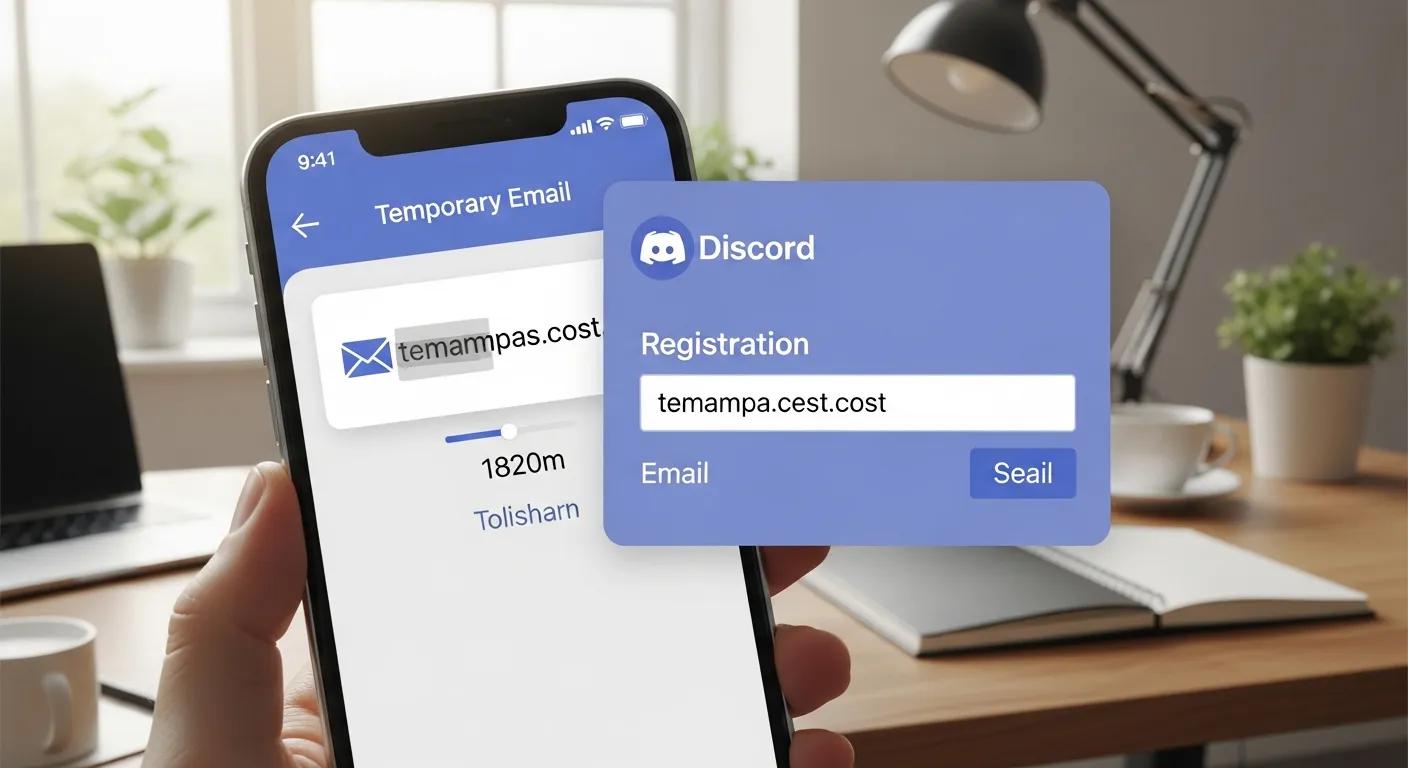
Using temporary email services is an effective way to create a Discord account without compromising your privacy. TempoMailUSA offers a free temporary email service that allows users to generate disposable email addresses for secure and spam-free communication. This method protects your personal inbox but does not bypass Discord's phone verification requirements if phone verification is triggered.
How Does TempoMailUSA Provide Secure Temporary Emails for Discord Verification?
TempoMailUSA provides secure temporary emails by generating disposable email addresses that can be used for account verification. Users can create an email address instantly, which can receive verification codes without exposing their personal information. This service is particularly useful for those who want to maintain anonymity while using Discord. The platform also includes features such as spam protection, ensuring that users can communicate without the risk of unwanted messages.
What Are the Step-by-Step Instructions to Create a Discord Account Using Temporary Email?
- Visit TempoMailUSA: Go to the TempoMailUSA website and generate a temporary email address.
- Sign Up on Discord: Navigate to the Discord registration page and enter the temporary email address.
- Verify Your Email: Check the temporary email inbox for a verification code from Discord and enter it on the registration page.
- Complete Your Profile: Once verified, you can complete your Discord profile without providing a personal phone number unless Discord requests phone verification.
By following these steps, you can successfully create a Discord account while keeping your personal information private, though phone verification may still be required depending on Discord's policies.
What Are the Best Virtual and Temporary Phone Number Alternatives for Discord Verification?
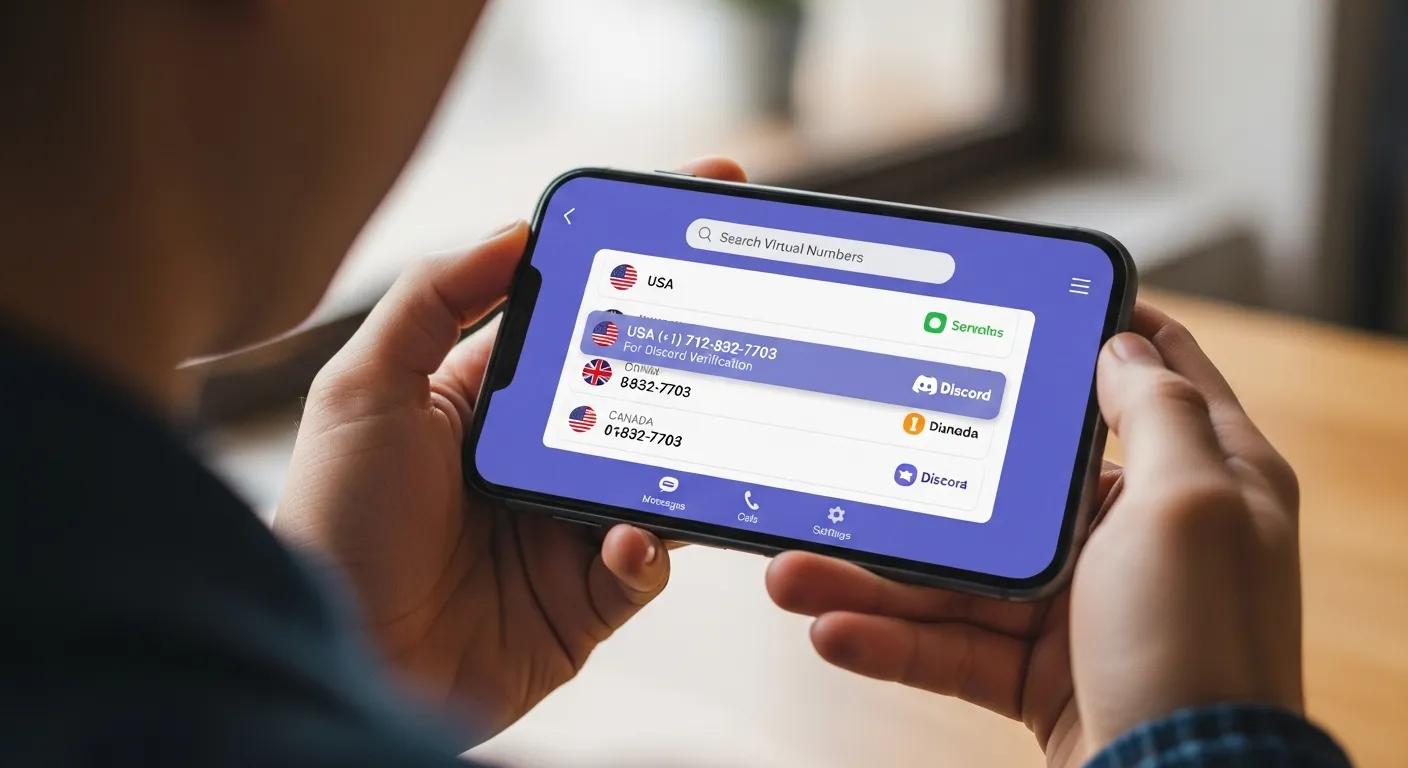
If you prefer not to use your personal phone number for Discord verification, several virtual and temporary phone number services can help you bypass this requirement. These services provide users with disposable phone numbers that can receive SMS messages for verification purposes.
Which Virtual Phone Number Services Can Bypass Discord Phone Verification?
- Google Voice: Offers free phone numbers that can receive SMS messages, but availability is limited to certain regions and may not always work with Discord.
- Burner: Provides temporary phone numbers for a fee, allowing users to maintain privacy; however, Discord may block some Burner numbers.
- TextNow: Offers free phone numbers that can be used for SMS verification, but Discord often blocks numbers from TextNow.
Due to Discord's efforts to prevent abuse, many virtual number services may not reliably work for phone verification.
What Are the Pros and Cons of Using Temporary Phone Numbers for Discord?
Pros:
- Anonymity: Protects your personal phone number from being shared.
- Spam Prevention: Reduces the risk of receiving unwanted messages or calls.
- Easy Account Creation: Simplifies the registration process without compromising privacy.
Cons:
- Limited Lifespan: Temporary numbers may expire after a short period, making account recovery difficult.
- Service Reliability: Many services are blocked by Discord, making verification inconsistent.
- Potential Costs: While some services are free, others may charge fees for premium features.
How to Enhance Your Discord Privacy Settings for Maximum Security Without a Phone Number
Enhancing your privacy settings on Discord is crucial for maintaining security, especially if you choose not to provide a phone number. By configuring your account settings, you can protect your personal information and ensure a safer online experience.
Which In-App Privacy Settings Should You Configure on Discord?
- Direct Messages: Limit who can send you direct messages by adjusting your privacy settings to "Friends Only."
- Server Privacy: Disable the option for servers to see your online status and activity.
- Profile Visibility: Set your profile to private to prevent others from viewing your information.
How Can You Enable Two-Factor Authentication Without Using Your Personal Phone?
Two-factor authentication (2FA) is an essential security feature that adds an extra layer of protection to your Discord account. You can enable 2FA without using your personal phone by utilizing authentication apps like Google Authenticator or Authy. These apps generate time-based codes that can be used for verification, ensuring that your account remains secure even without a linked phone number.
How Can You Leverage Discord with Privacy Tools for Online Earning and Community Building?
Discord is not only a platform for communication but also a valuable tool for online earning and community building. By leveraging privacy tools, you can create a safe environment for your community while exploring monetization opportunities.
How Does Temporary Email Support Affiliate Marketing and Monetization on Discord?
Using temporary email services like TempoMailUSA can support affiliate marketing efforts on Discord. By maintaining anonymity, you can promote products and services without revealing your personal information. This approach allows you to build a community around your interests while protecting your identity.
What Are Best Practices to Protect Your Online Business Identity Using TempoMailUSA?
- Use a Separate Email: Always use a temporary email for business-related communications.
- Limit Personal Information: Avoid sharing personal details in your Discord profile or chats.
- Monitor Your Accounts: Regularly check your accounts for any suspicious activity.
By following these practices, you can maintain your privacy while effectively engaging with your audience on Discord.
What Are the Legal and Safety Considerations When Using Temporary Emails and Phone Numbers on Discord?
While using temporary emails and phone numbers can enhance privacy, it's essential to understand the legal and safety considerations involved. Ensuring compliance with Discord's terms of service is crucial to avoid account suspension.
Is Using Temporary Email and Virtual Numbers Compliant with Discord's Terms of Service?
Using temporary emails and virtual numbers can be compliant with Discord's terms of service, provided that they are not used for malicious activities. However, users should be aware that Discord may take action against accounts that exhibit suspicious behavior, regardless of the verification method used. Additionally, Discord actively blocks many virtual phone numbers to prevent abuse.
How to Avoid Account Suspension While Maintaining Privacy on Discord?
- Adhere to Community Guidelines: Familiarize yourself with Discord's community guidelines and ensure your behavior aligns with them.
- Avoid Spammy Behavior: Refrain from sending unsolicited messages or engaging in spammy activities.
- Use Reliable Services: Choose reputable temporary email and phone number services to minimize the risk of account issues.
By following these practices, you can enjoy a secure and private experience on Discord without compromising your account's integrity.
| Service | Feature | Benefit |
|---|---|---|
| TempoMailUSA | Free temporary email | Protects personal inbox from spam |
| Google Voice | Free phone number | Allows SMS verification without personal number (availability limited) |
| Burner | Disposable phone numbers | Maintains anonymity for online accounts (may be blocked by Discord) |
Discord offers a unique platform for communication and community building, but it is essential to prioritize your privacy. By utilizing temporary email services and understanding the verification process, you can create an account that protects your personal information. Implementing privacy settings and leveraging tools for online earning can further enhance your experience on Discord. Remember to stay informed about the legal considerations and best practices to ensure a safe and enjoyable time on the platform.
Frequently Asked Questions
Can I use Discord without providing any personal information?
Yes, you can use Discord without providing personal information by utilizing temporary email services and virtual phone numbers. These tools allow you to create an account while keeping your identity private. However, be aware that some features may still require verification, and Discord may block certain temporary numbers. Always ensure that the services you use comply with Discord's terms of service to avoid account issues.
What should I do if my temporary email doesn't receive the verification code from Discord?
If your temporary email does not receive the verification code from Discord, first check the spam or junk folder of the temporary email inbox. If the code is still missing, try generating a new temporary email address and reattempt the registration process. Additionally, consider using a different temporary email service, as some may have better reliability with Discord's verification system.
Are there any risks associated with using temporary phone numbers for Discord?
Yes, there are risks associated with using temporary phone numbers for Discord. Many of these numbers can be blocked by Discord, leading to verification failures. Additionally, if the temporary number is reused by others, you may receive unwanted messages or calls. It's essential to choose reputable services and understand that while these numbers can enhance privacy, they may not always be reliable for account verification.
How can I ensure my Discord account remains secure without a phone number?
To keep your Discord account secure without a phone number, enable two-factor authentication (2FA) using an authentication app like Google Authenticator or Authy. Additionally, regularly update your password, limit who can send you direct messages, and adjust your privacy settings to restrict profile visibility. Monitoring your account for suspicious activity is also crucial to maintaining security.
What are the best practices for using Discord for business while maintaining privacy?
When using Discord for business while maintaining privacy, always use a separate temporary email for business communications. Limit the personal information shared in your profile and chats, and avoid discussing sensitive topics in public channels. Regularly monitor your accounts for any unusual activity and ensure compliance with Discord's community guidelines to prevent account suspension.
Can I recover my Discord account if I lose access to my temporary email or phone number?
Recovering your Discord account without access to your temporary email or phone number can be challenging. If you lose access, you may need to contact Discord support for assistance. It's advisable to link a more permanent email address to your account for recovery purposes. Always keep your recovery options updated to avoid losing access to your account in the future.
Conclusion
Maintaining your privacy on Discord is achievable through the use of temporary email services and virtual phone numbers, allowing you to create an account without compromising personal information. By implementing these strategies, you can enjoy a secure online experience while engaging with communities and exploring monetization opportunities. Remember to configure your privacy settings and stay informed about best practices to protect your identity. Start enhancing your Discord experience today by utilizing the tools and tips outlined in this guide.