



Top Free iPhone Spam Call Blockers
Robocalls and spam calls are an everyday annoyance for iPhone users — and they’re more than just a nuisance. They can invade your privacy, waste time, and sometimes try to scam you. This guide walks you through the best free spam-call blocker apps for iPhone, how they work, the built-in tools your iPhone already offers, and why protecting your email can help reduce unwanted calls. Follow these practical steps and tips to reclaim your phone and keep telemarketers and scammers at bay. We’ll also explain how TempoMailUSA’s disposable email tools fit into a smarter privacy strategy.
What Are Spam Calls and Robocalls on iPhone?
Spam calls — often called robocalls — are unsolicited calls made by automated systems, telemarketing firms, or scammers. Many are scripted sales pitches or fraud attempts; a few are legitimate notifications like appointment reminders. Globally, billions of these calls happen every month, eroding trust in phone communications and creating real privacy risks. Recognizing what these calls are and how they operate is the first step to blocking them effectively.
Research highlights how widespread and deceptive these automated calls can be.
Understanding Robocall Attacks & Scams
Billions of robocalls are made around the world every month. Thanks to technology, telemarketers and scammers can make robocalls over the internet. Some robocalls may offer useful information, such as appointment reminders or canceled flights. However, they primarily aim to sell you something, and many of them are scams.
Analysis of Robocall Attacks,
Methods of Protection Against this Threat, RM Haciyev, 2025
How Do Spammers Obtain Your Phone Number?
Spammers collect numbers in many ways: data breaches that expose contact lists, careless online forms, and purchased lists from brokers. When a site or service leaks information, phone numbers can be bundled with emails and sold to telemarketers. Similarly, if you enter your number on a site without privacy safeguards, it can end up in marketing lists. Knowing these common sources helps you limit exposure and adopt safer habits online.
How to Use iPhone's Built-In Spam Call Blocking Features Effectively

Your iPhone includes useful tools for cutting down spam calls. Turning on the right settings and combining them with third‑party blockers can dramatically lower how many unwanted calls reach you.
How Does Silence Unknown Callers Work on iPhone?
The Silence Unknown Callers option sends calls from numbers not in your Contacts, Recent Calls, or Siri Suggestions straight to voicemail. It filters out unknown numbers while still letting you see missed calls and voicemails — a good balance if you want fewer interruptions without losing important messages from new contacts. It’s especially handy if you get frequent nuisance calls.
Finding the right balance between blocking spam and missing real calls is a known challenge researchers are tackling.
Unwanted Call Blocking Solutions & Policy
Telephone users are receiving more and more unwanted calls including spam and scam calls because of the transfer-without-verification nature of global telephone networks, which allows anyone to call any other numbers. To avoid unwanted calls, telephone users often ignore or block all incoming calls from unknown numbers, resulting in the missing of legitimate calls from new callers. This paper takes an end-to-end perspective to present a solution to block unwanted calls while allowing users to define the policies of acceptable calls.
{UCBlocker}:
Unwanted call blocking using anonymous authentication, C Du, 2023
How to Block Specific Numbers and Contacts on iOS
Blocking a number on iOS is simple: open the Phone app, find the number in Recent or Contacts, tap the info icon, then choose Block this Caller. Blocked callers can’t call, message, or FaceTime you. You can review and edit blocked numbers in Settings when you need to. This straightforward control gives you direct, immediate relief from repeat offenders.
Which Are the Top Free Spam Call Blocker Apps for iPhone in 2024?
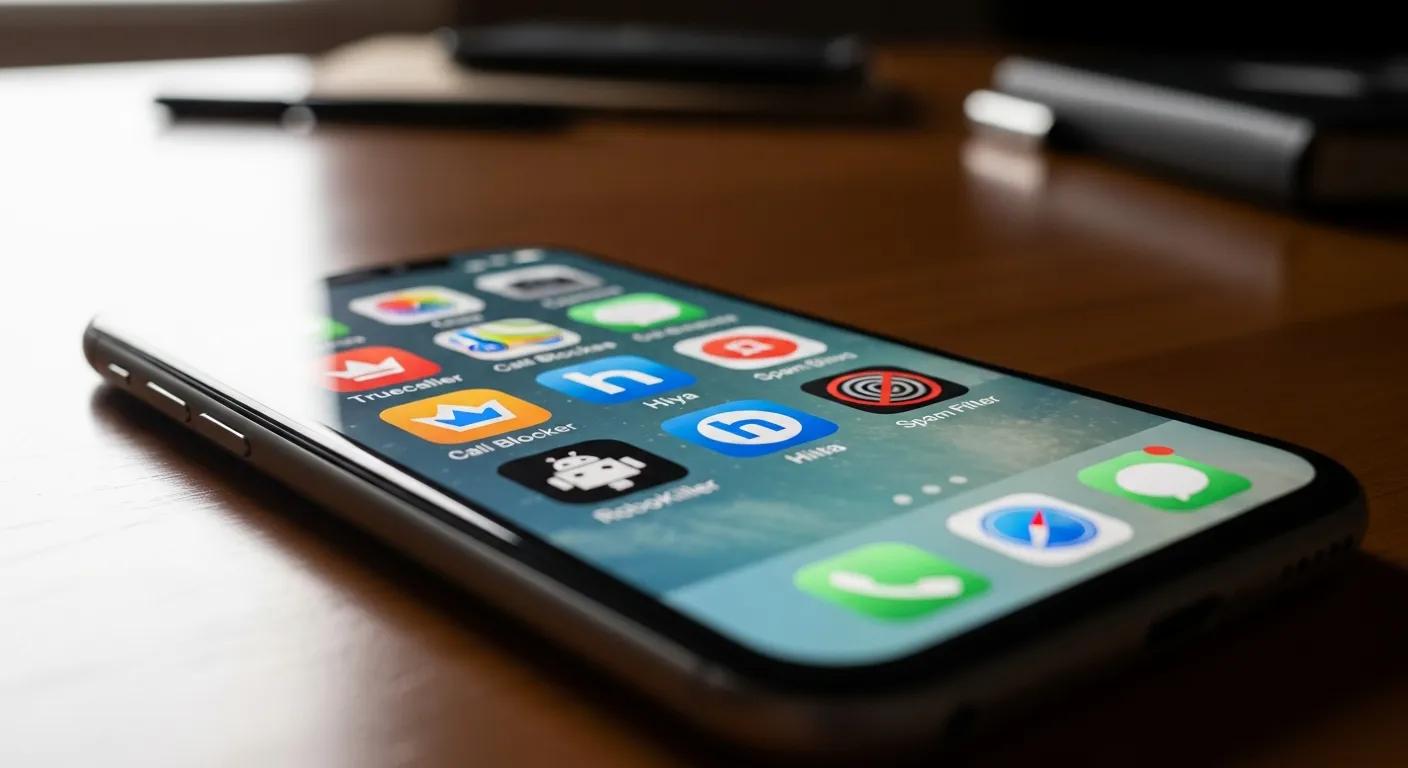
There are several reliable free spam-call blocker apps available for iPhone. Below are a few widely used options — each has strengths, so pick the one that fits how you use your phone.
What Features Do Truecaller, RoboKiller, and Hiya Offer?
| App Name | Key Features | User Ratings |
|---|---|---|
| Truecaller | Caller ID, spam detection, community reporting | 4.5/5 |
| RoboKiller | Automatic call blocking, personalized blocking | 4.6/5 |
| Hiya | Caller ID, spam protection, reverse phone lookup | 4.4/5 |
How Do These Apps Protect Your Privacy and Block Spam Calls?
Privacy matters when you install a call-blocking app. Reputable apps usually explain what data they collect and how it’s used; many don’t sell your personal information. They typically rely on community reports, machine learning, and shared blacklists to identify spam. Before installing, skim the privacy policy and app permissions so you know whether the app needs access to contacts, call logs, or other data — and pick solutions that match your privacy expectations.
How Does Email Privacy Reduce Spam Calls on iPhone?
Your email address is often tied to other personal data, including phone numbers. When emails leak or are shared, spammers can cross-reference that data and target you with calls. Protecting your email — by limiting exposure and using disposable addresses — reduces the chance your phone number is harvested for spam campaigns.
How Do Leaked Emails Lead to Increased Spam Calls?
When an email address is exposed in a breach, it can be paired with other records that include phone numbers. Scammers and marketing firms use these combined lists to make targeted call campaigns. That’s why a compromised inbox can quickly lead to more robocalls and unwanted outreach.
How Can TempoMailUSA's Temporary Email Service Help Prevent Spam Calls?
TempoMailUSA provides disposable email addresses you can use when signing up for services, newsletters, or one-off registrations. Using a temporary email keeps your primary inbox private and reduces the chance your real address — and the phone number tied to it — ends up in marketing lists. Features like no IP logging and encrypted mail add extra privacy, making it harder for spammers to link your identity across services.
What Advanced Tips Enhance Spam Call Protection on iPhone?
Beyond apps and built-in settings, a few advanced steps can strengthen your defenses and reduce how often spamers reach you.
How to Report Spam Calls and Use Community Databases Effectively
Reporting spam numbers helps the whole community. Submit spam reports to your carrier, to the FTC, or through the reporting tools in blocker apps — community-sourced data improves detection for everyone. Regularly contributing reports and marking numbers as spam in your app makes those services more accurate over time.
Why Should You Be Cautious with Online Forms and Data Sharing?
Only share your phone number when it’s necessary. Read privacy notices before submitting forms, disable optional marketing checkboxes, and use disposable emails where you can. These small habits reduce the data that brokers and scammers can collect and sell, lowering the volume of unwanted emails you receive.
Frequently Asked Questions
What should I do if I continue to receive spam calls after blocking numbers?
If spam calls keep coming after you block numbers, add a dedicated spam-blocker app that supports automatic blocking and community reporting. Make sure iOS features like Silence Unknown Callers are turned on and keep your apps and iPhone updated. If spam persists, forward caller ID details to your carrier or file a complaint so providers can take action.
Are there any legal measures against spam calls?
Yes. In the U.S., the Telephone Consumer Protection Act (TCPA) limits unwanted telemarketing calls and usually requires consent for automated dialing. The FTC and other agencies also enforce rules and accept complaints about robocalls. Reporting violations helps regulators and carriers pursue offenders.
How can I educate others about spam calls and prevention methods?
Share tips with friends and family: use spam-blocker apps, enable iPhone privacy settings, avoid oversharing phone numbers, and use temporary emails for sign-ups. Post short guides on social media or walk someone through adjusting their phone’s settings — practical, simple advice spreads quickly.
What are the risks of not blocking spam calls?
Ignoring spam calls can expose you to scams, phishing attempts, and potential identity theft. Repeated interruptions can also disrupt daily life. Blocking and reporting spam reduces your risk and helps protect others by shrinking the pool of active spam numbers.
Can spam call blocker apps access my personal data?
Many apps request access to call information to function. Reputable apps disclose what they collect and why; they typically use aggregated data to identify spam rather than selling individual user data. Always check an app’s privacy policy and permissions before installing.
How often should I update my spam call blocker app?
Keep your blocker app and iOS updated regularly. Developers push updates to improve detection, fix bugs, and respond to new scam tactics. Enable automatic updates to stay protected without having to remember manual installs.
Conclusion
Combining iPhone’s built‑in settings with a trusted spam‑blocking app and smarter email habits gives you the best protection against robocalls. Know how spammers collect information, use disposable emails when possible, and report spam when you see it. With these steps — and tools like TempoMailUSA — you can cut down interruptions and keep your personal info more private. Start protecting your phone today.