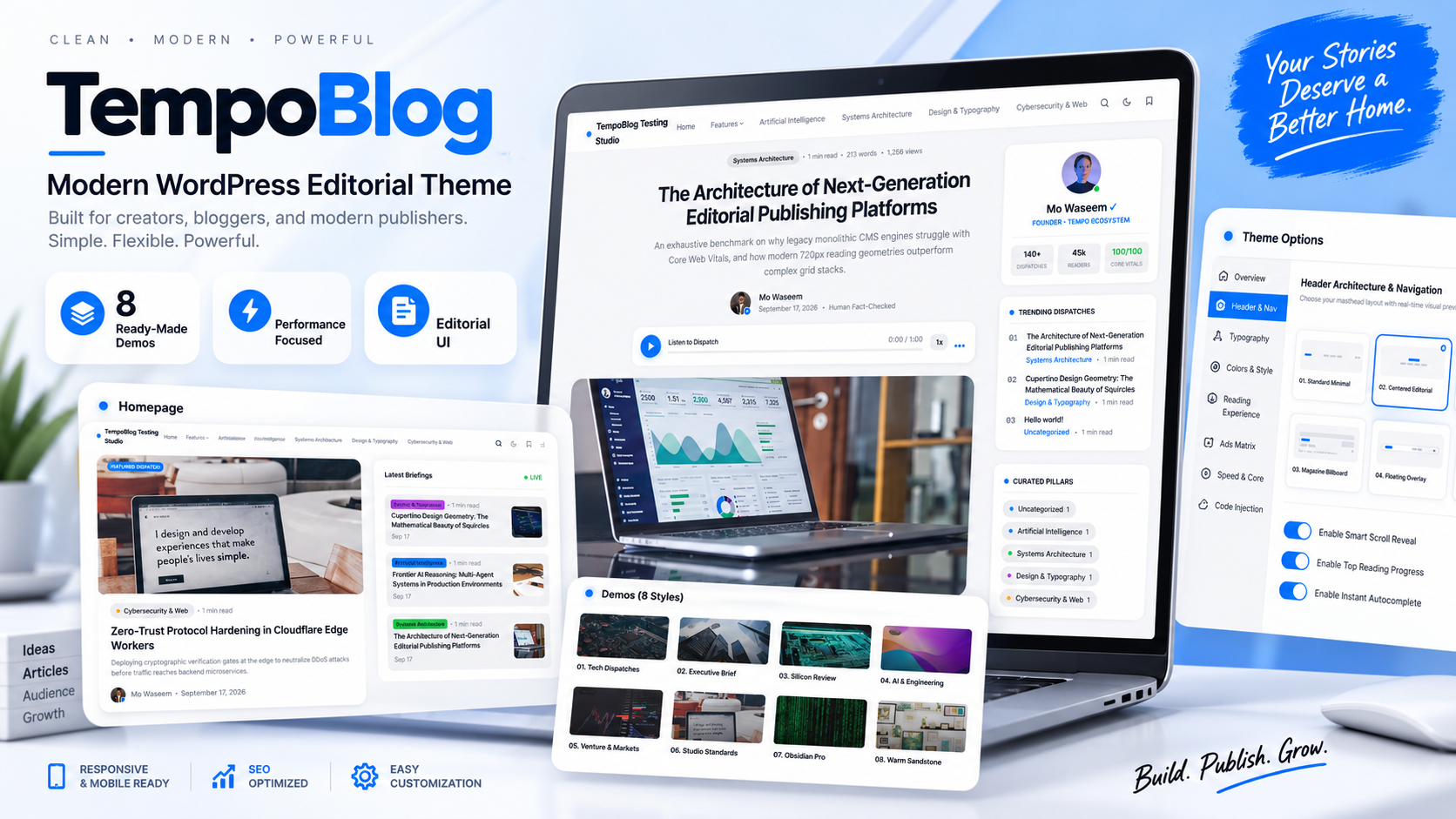
8 Ready-Made Demos
Multiple visual directions for different editorial and publishing styles.


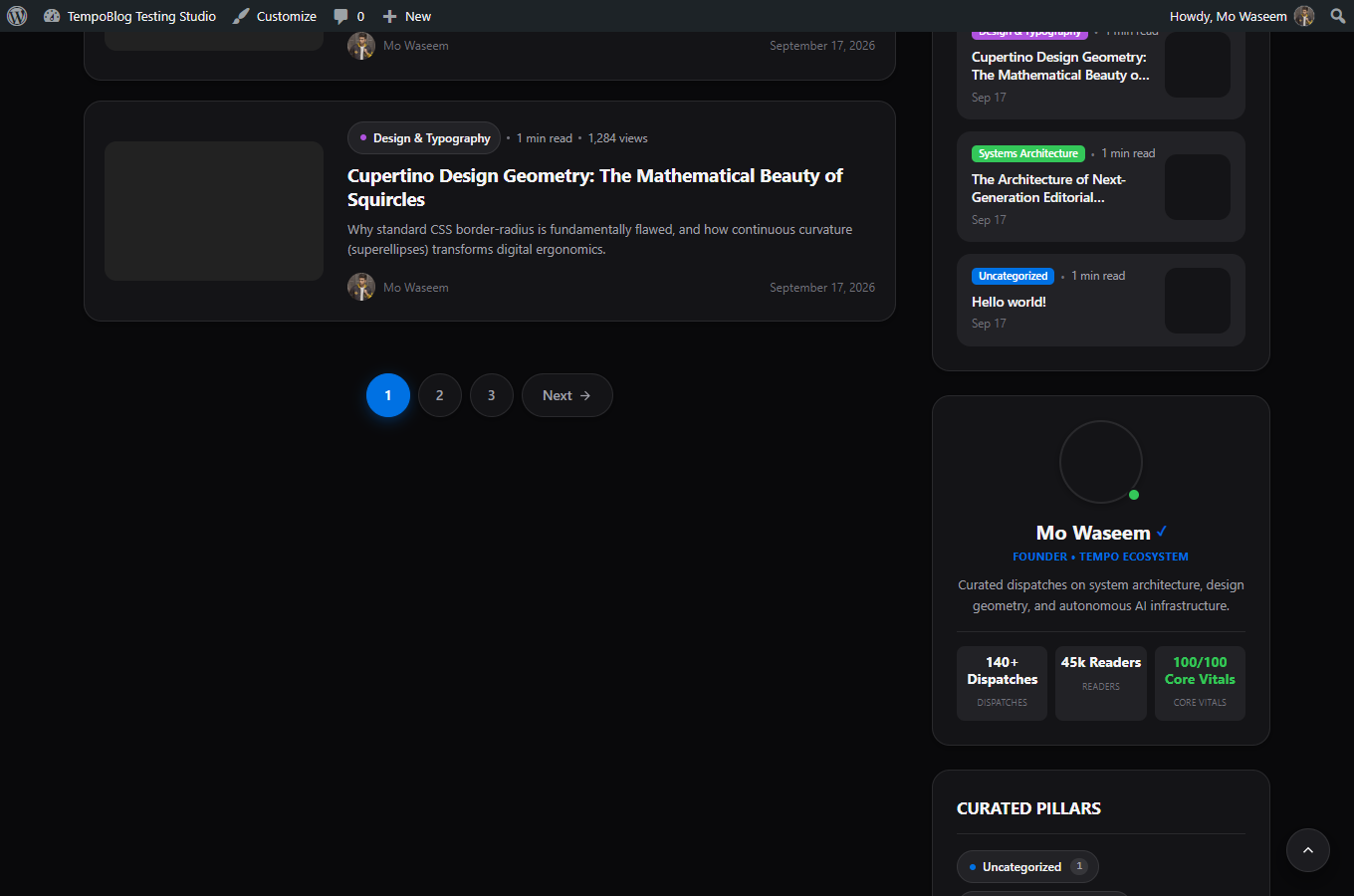
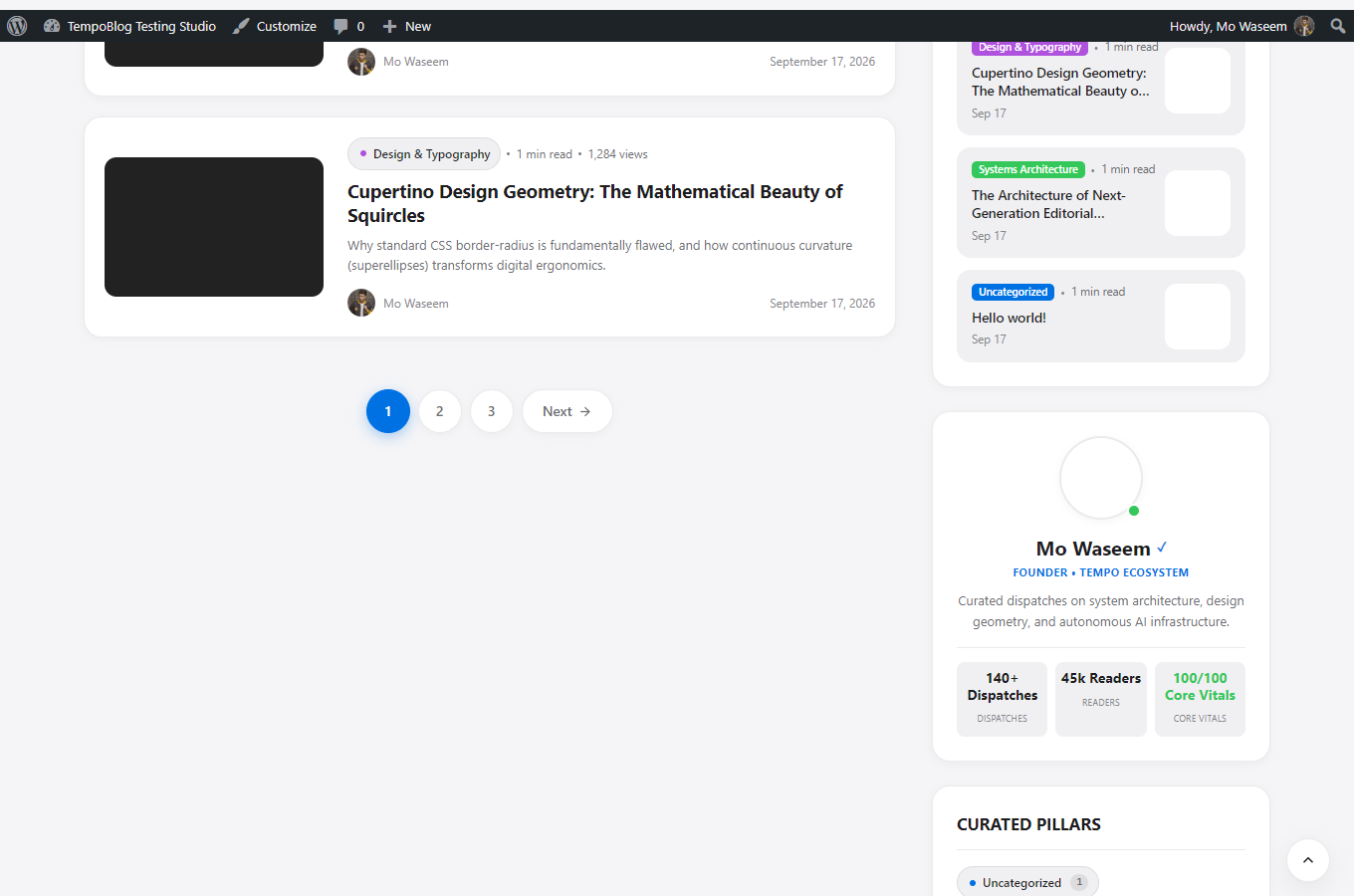
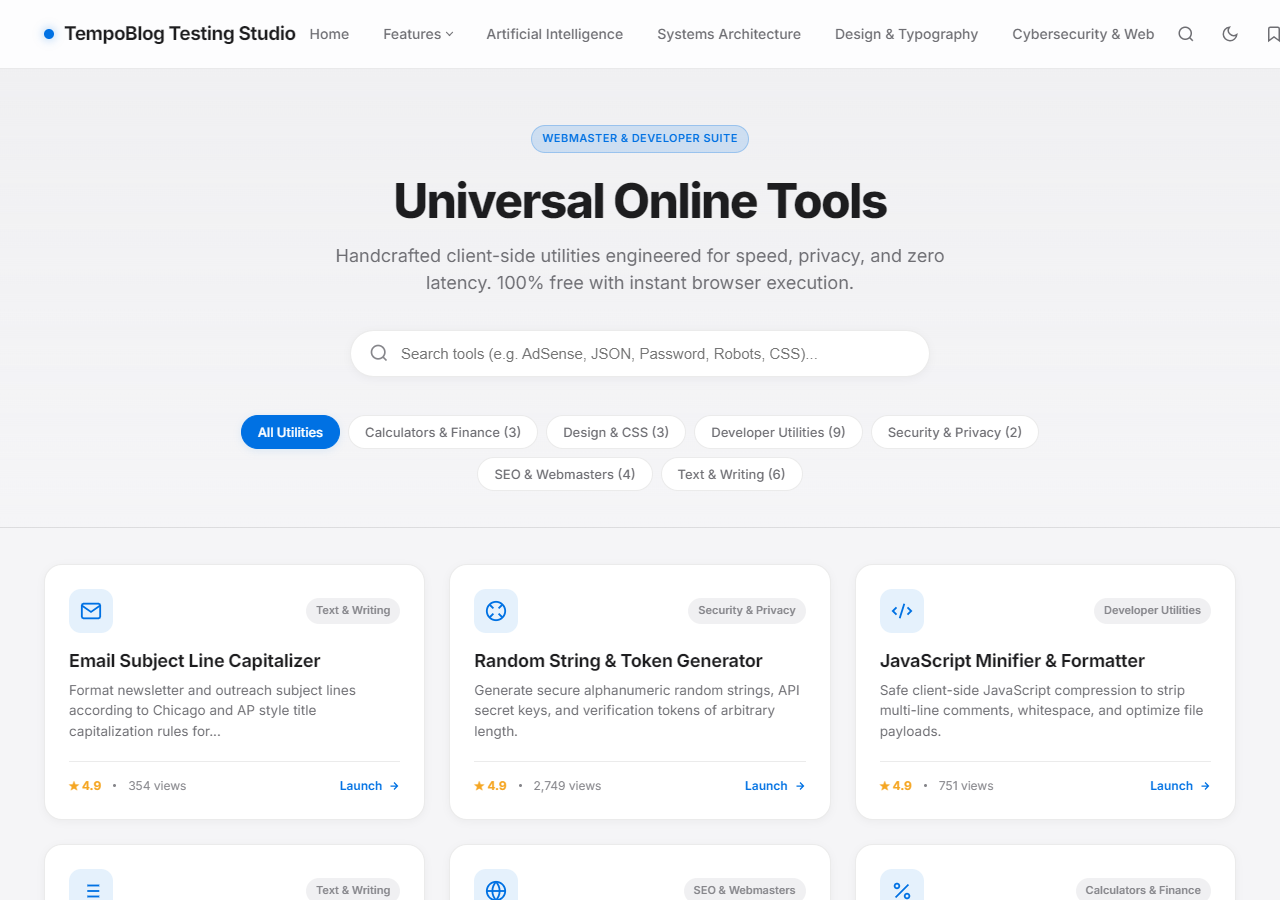
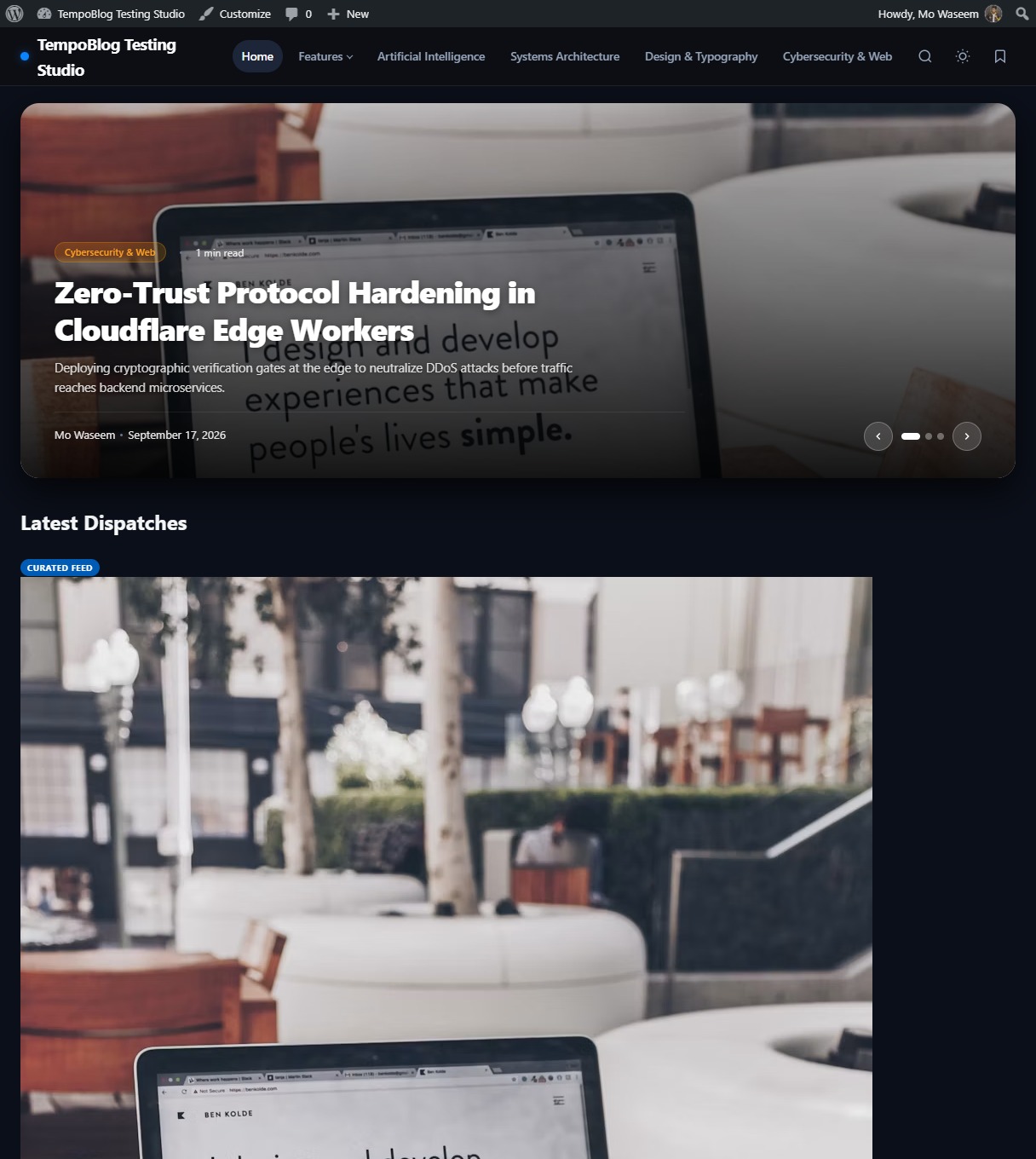
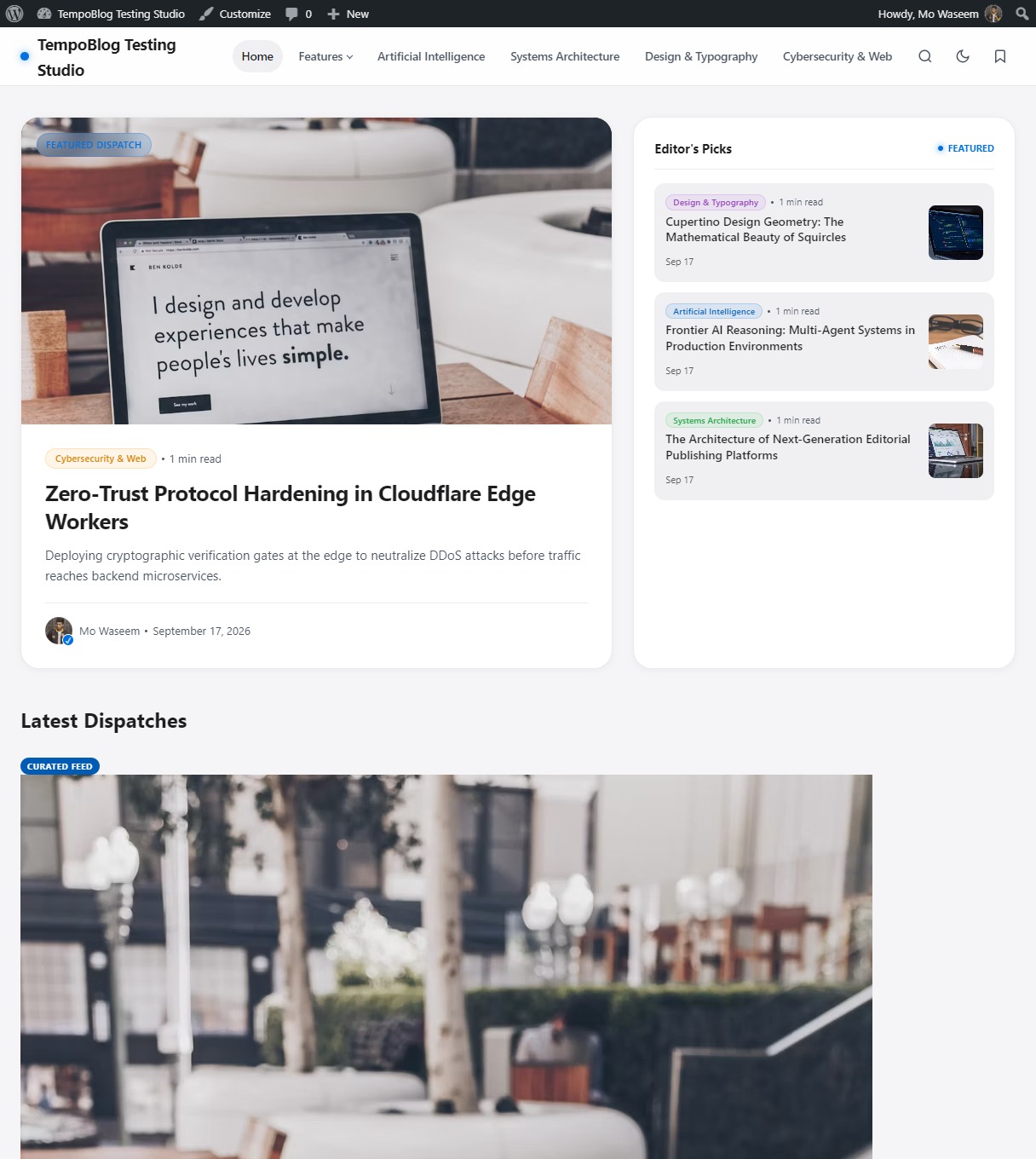
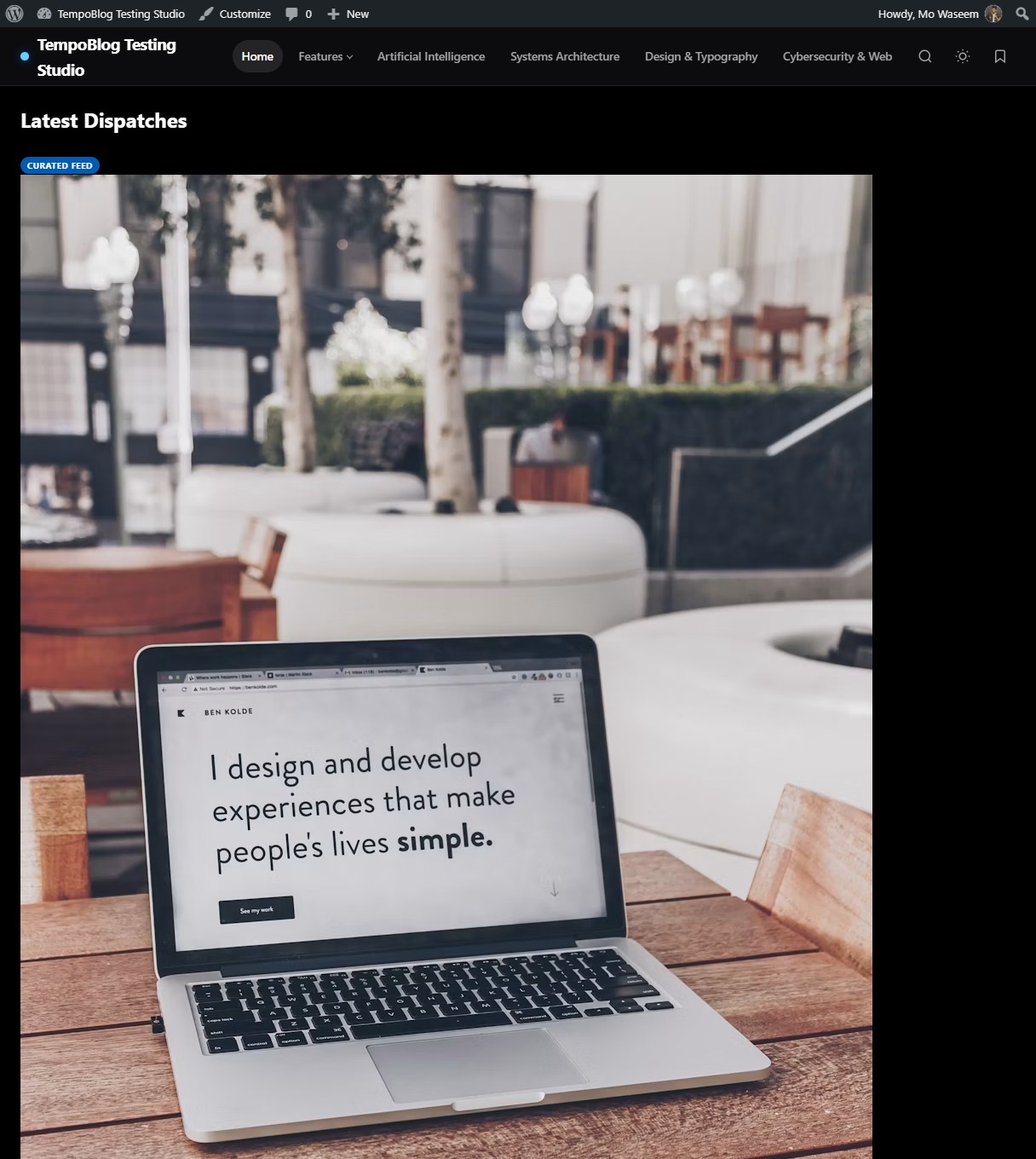
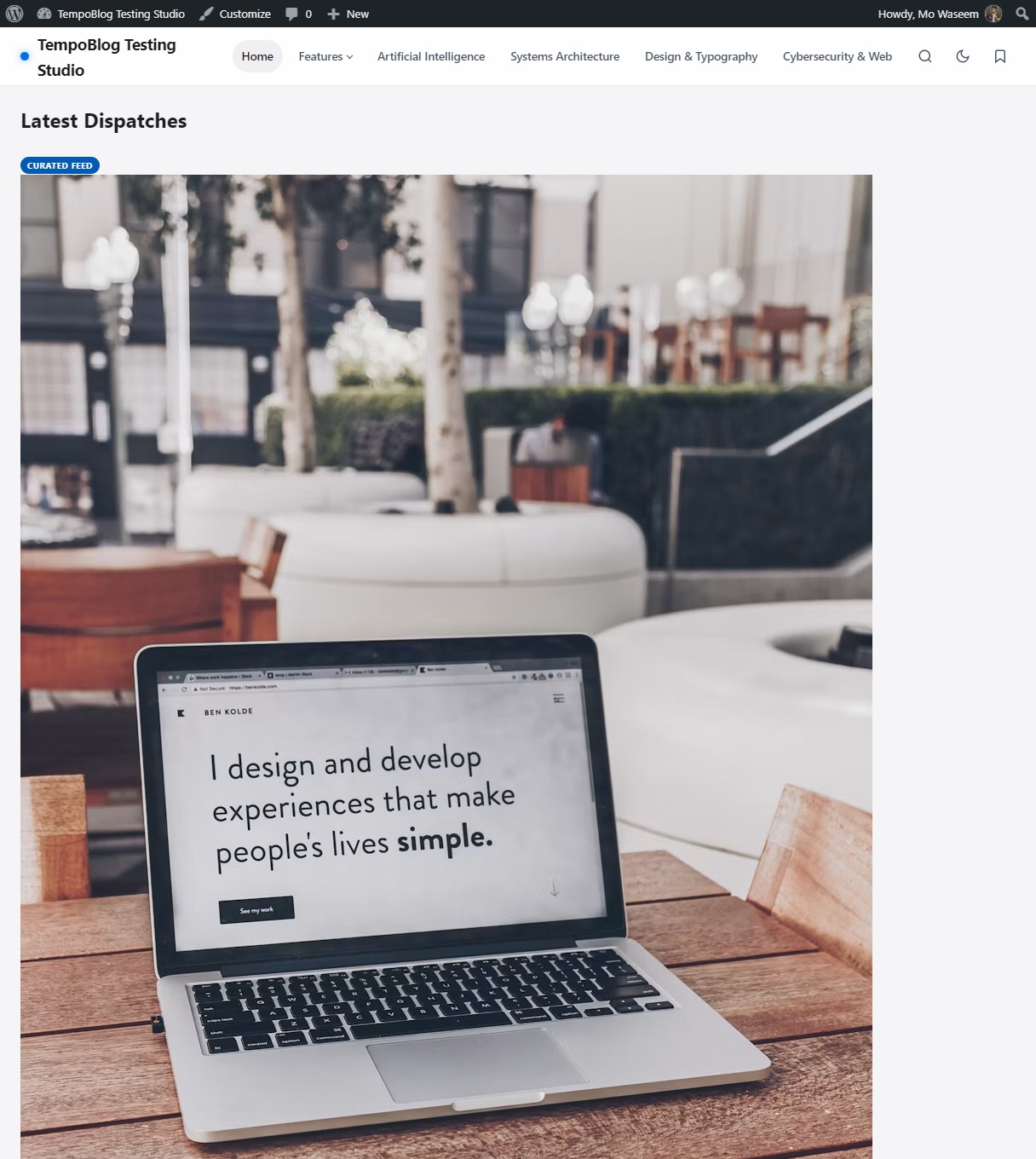
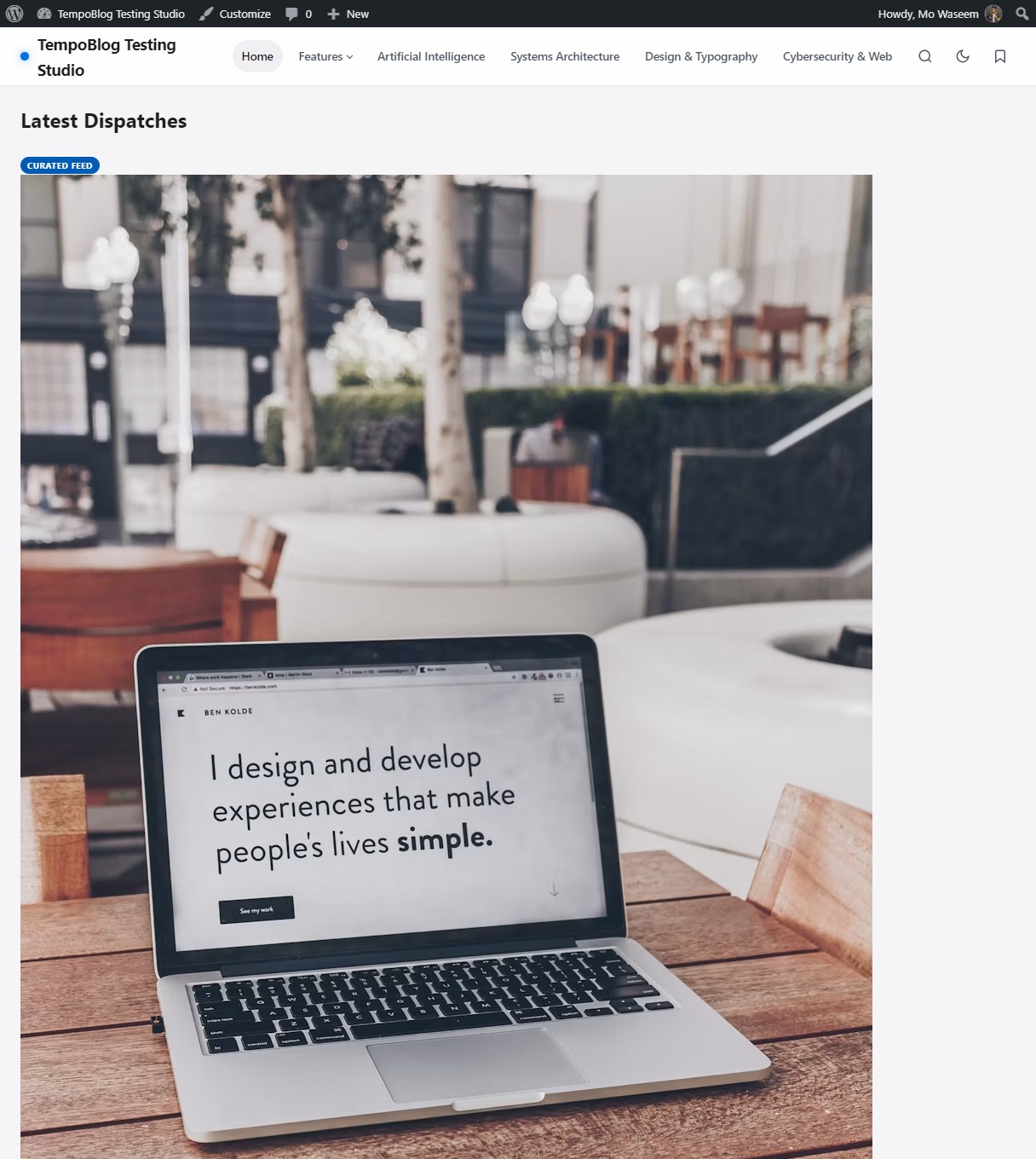
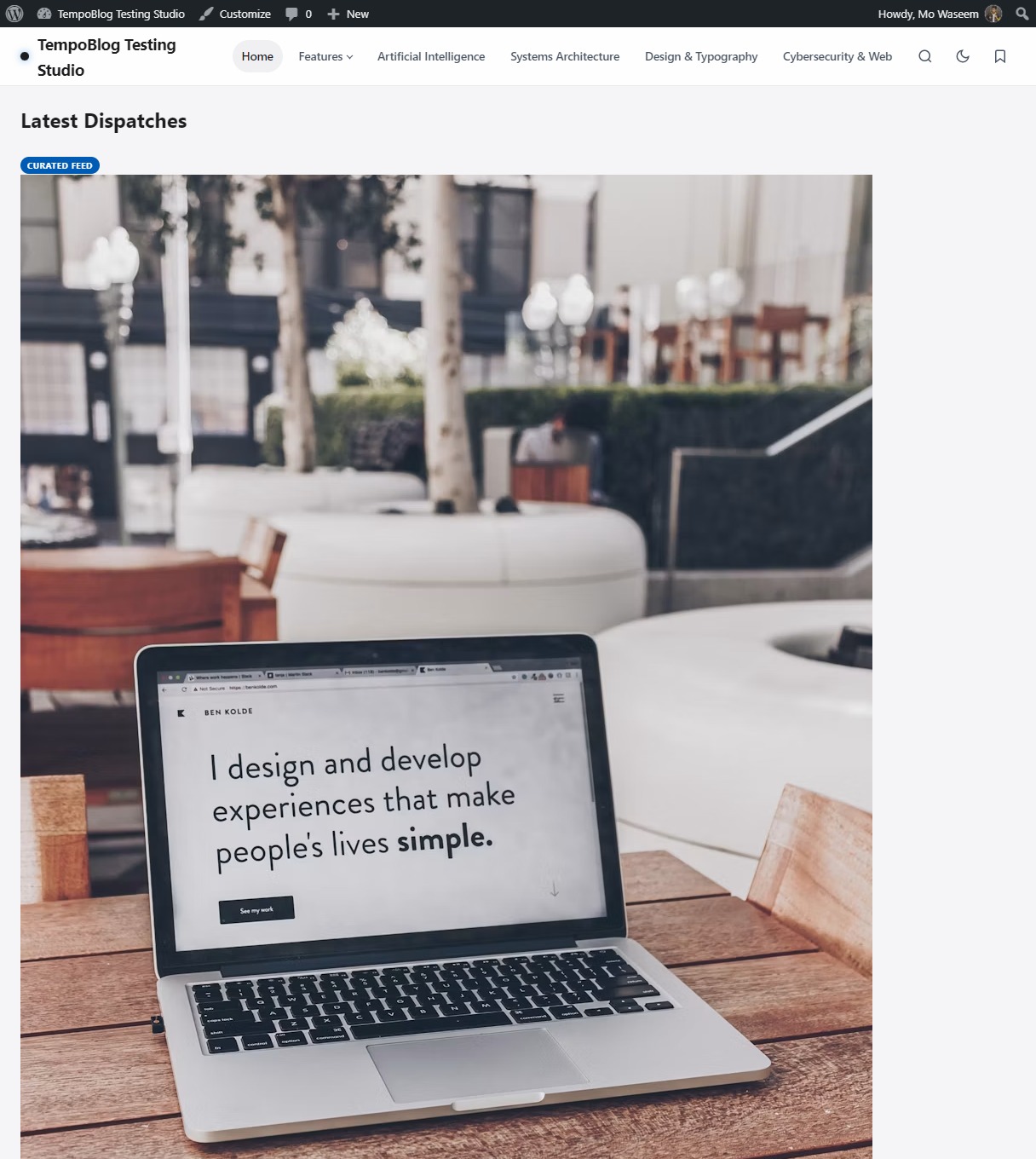
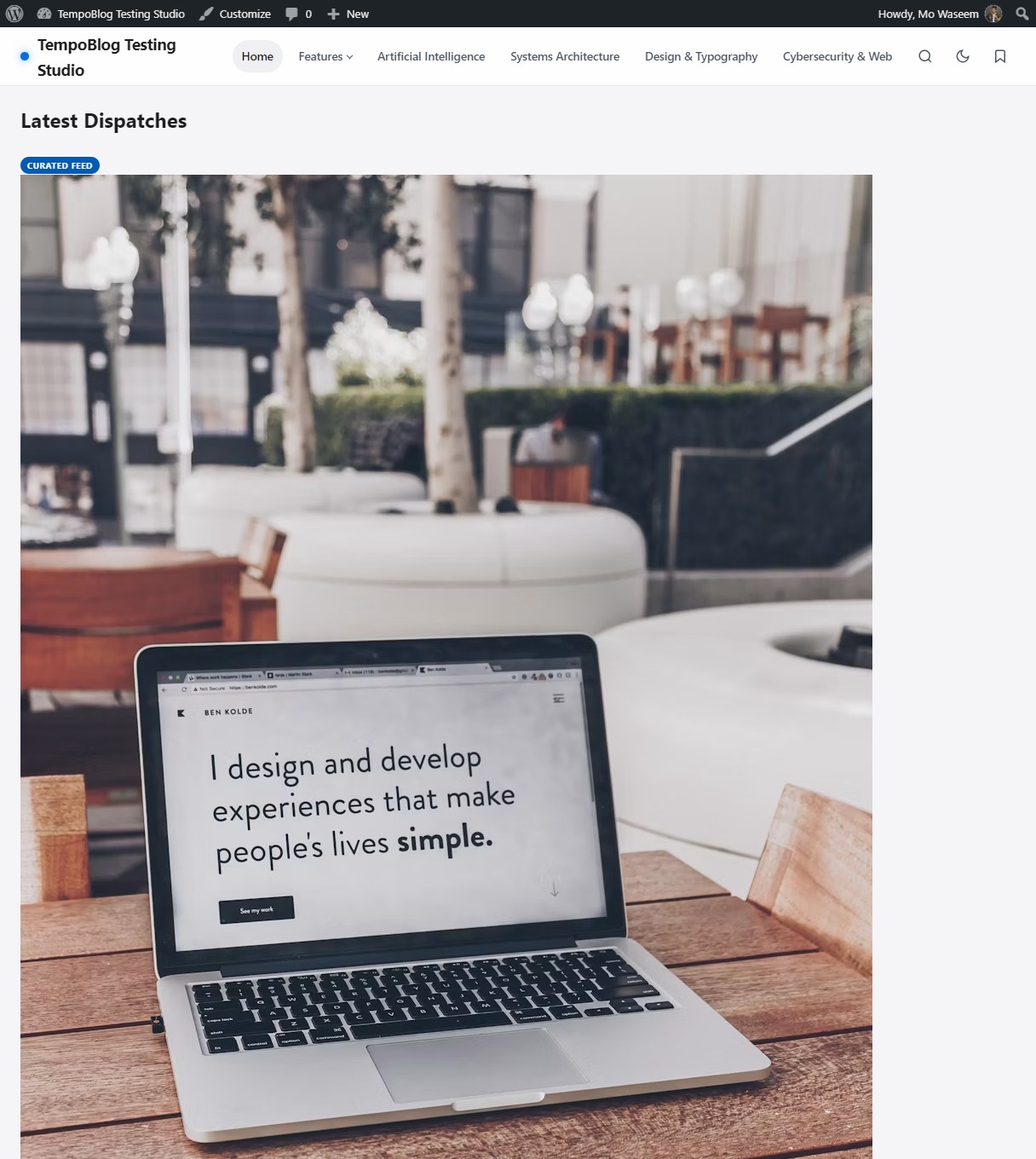
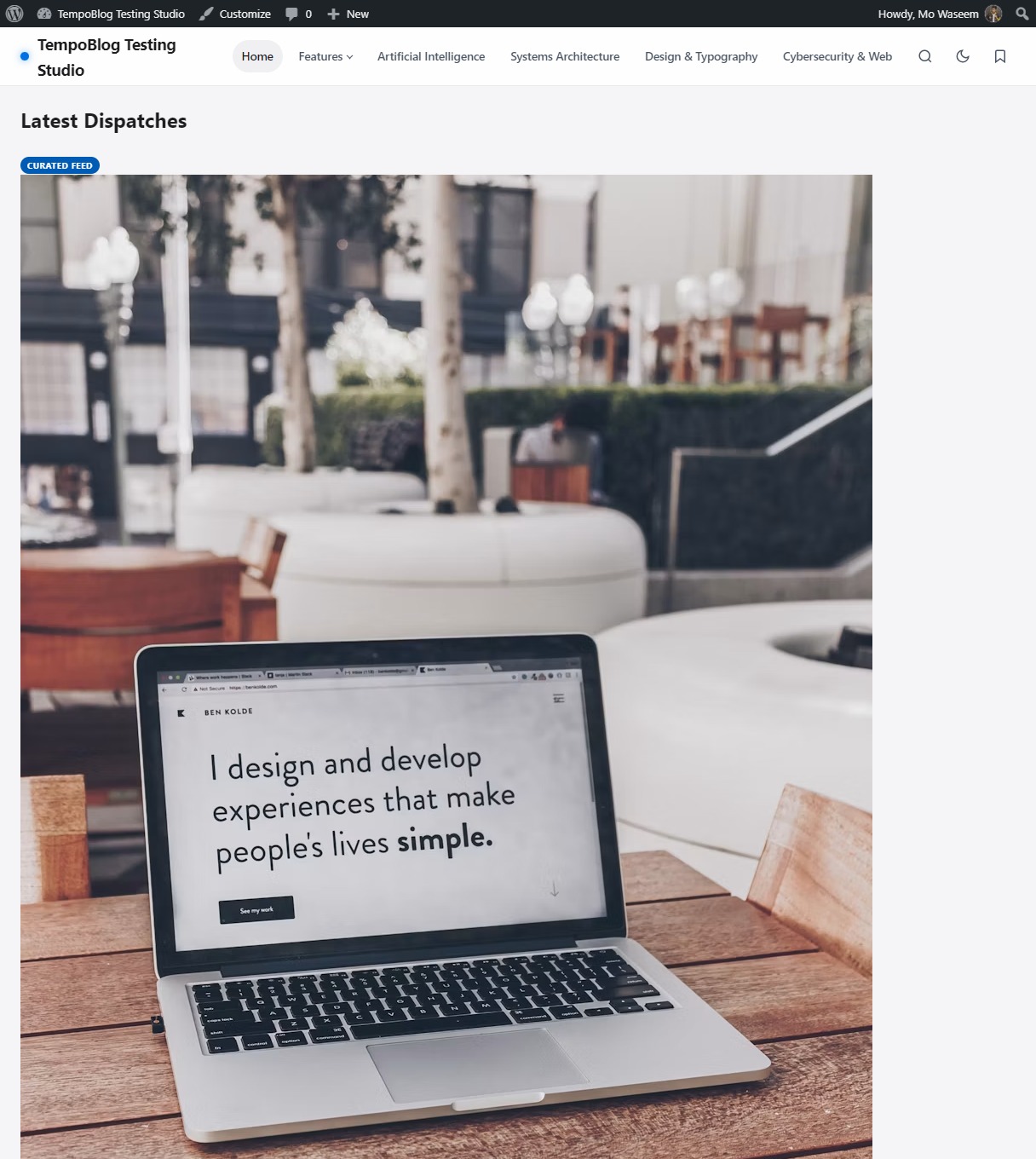
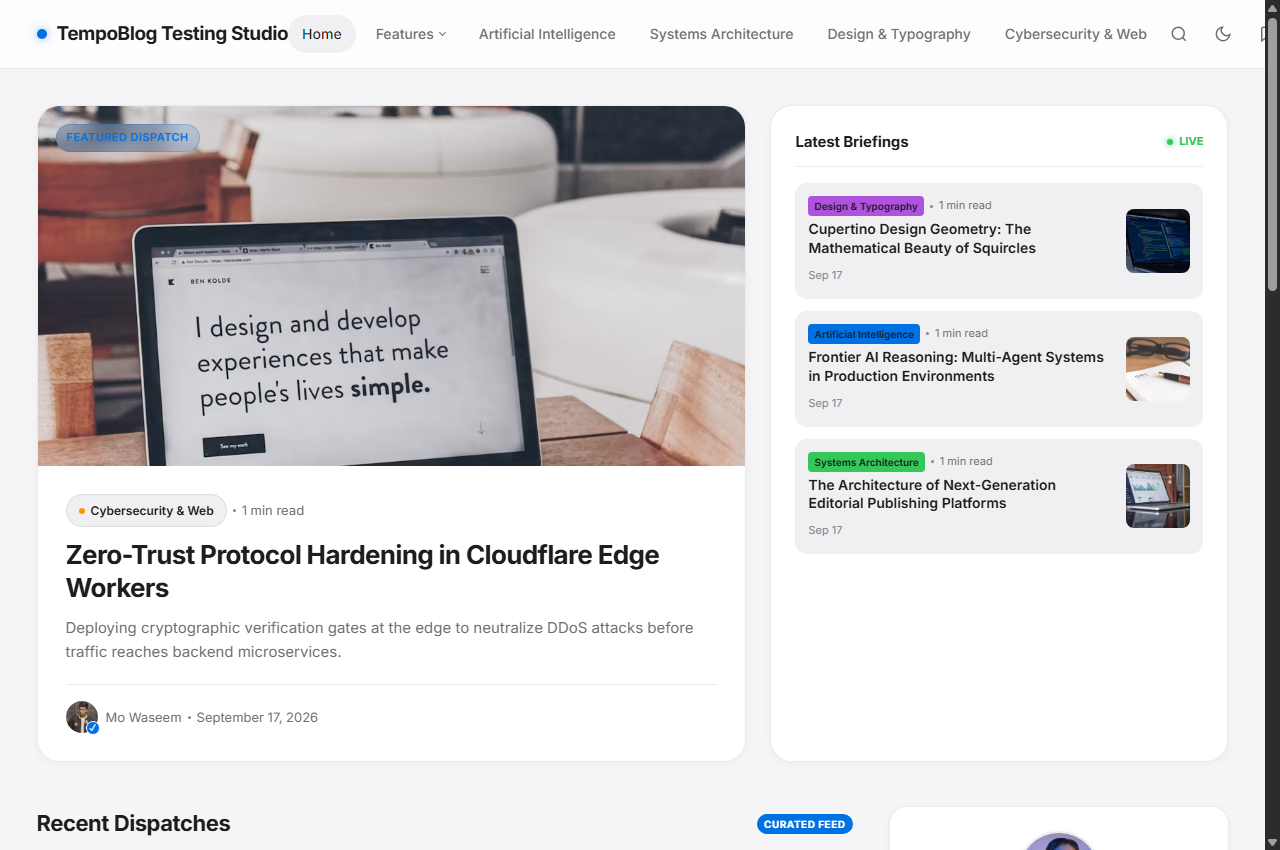
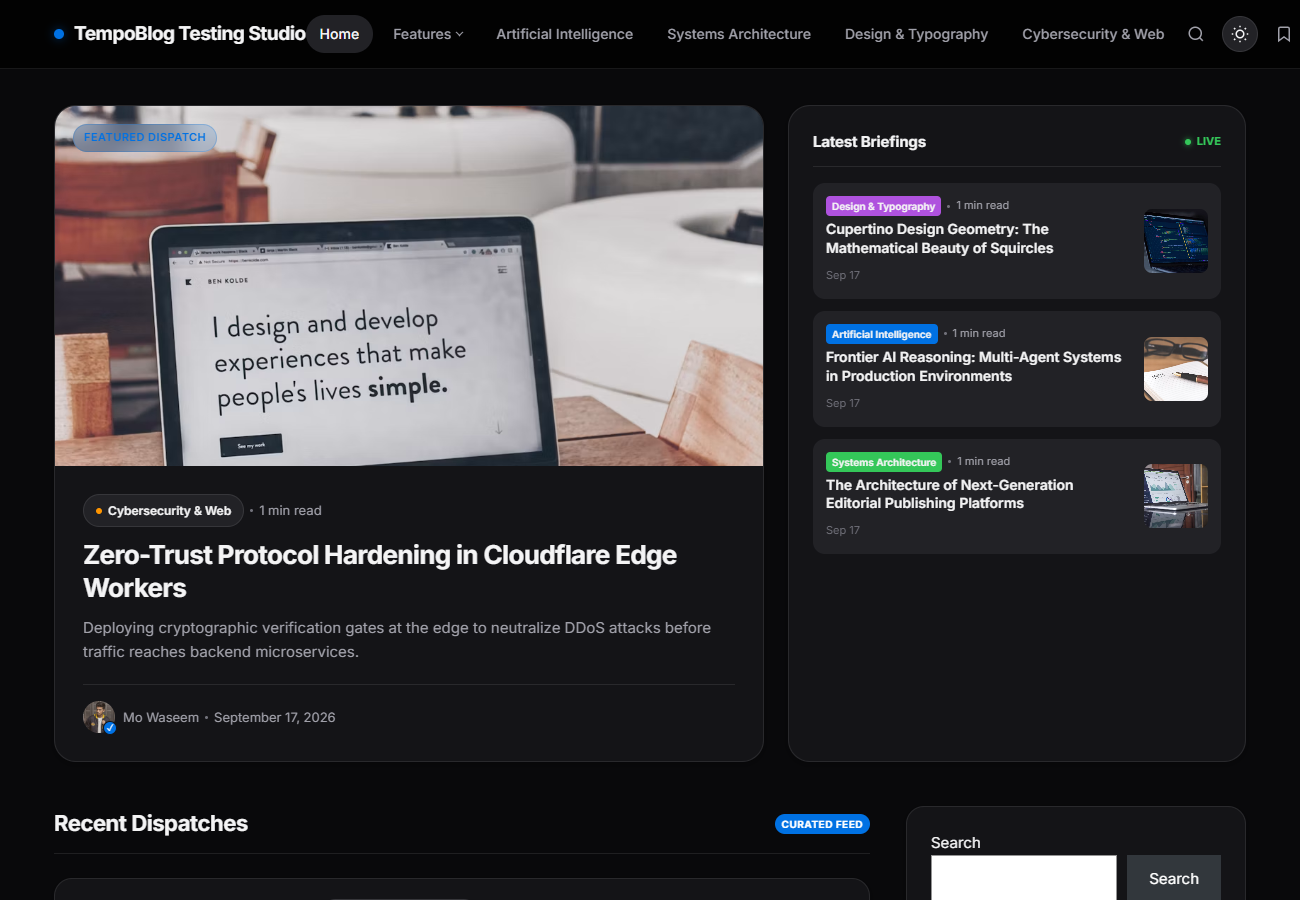
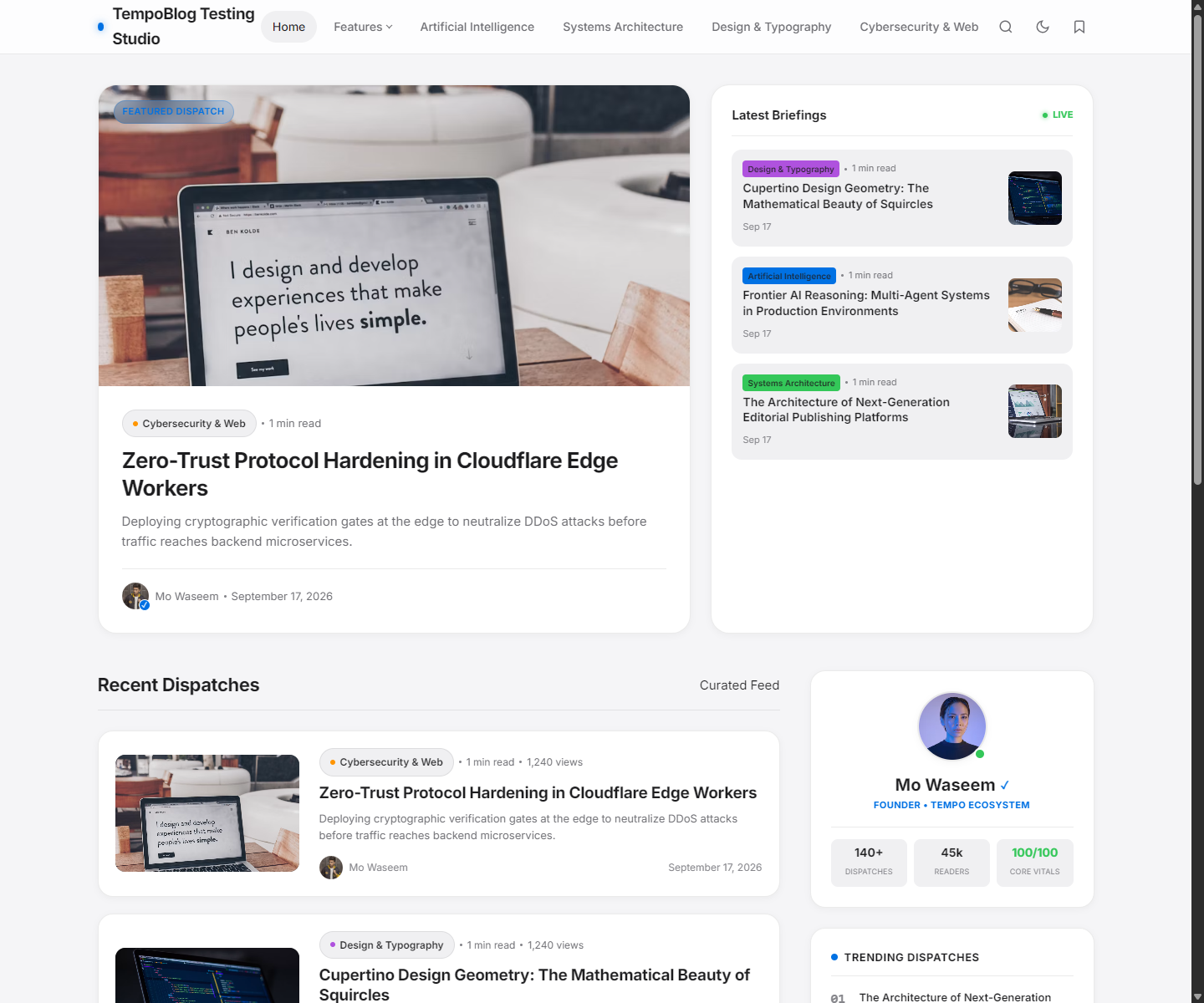
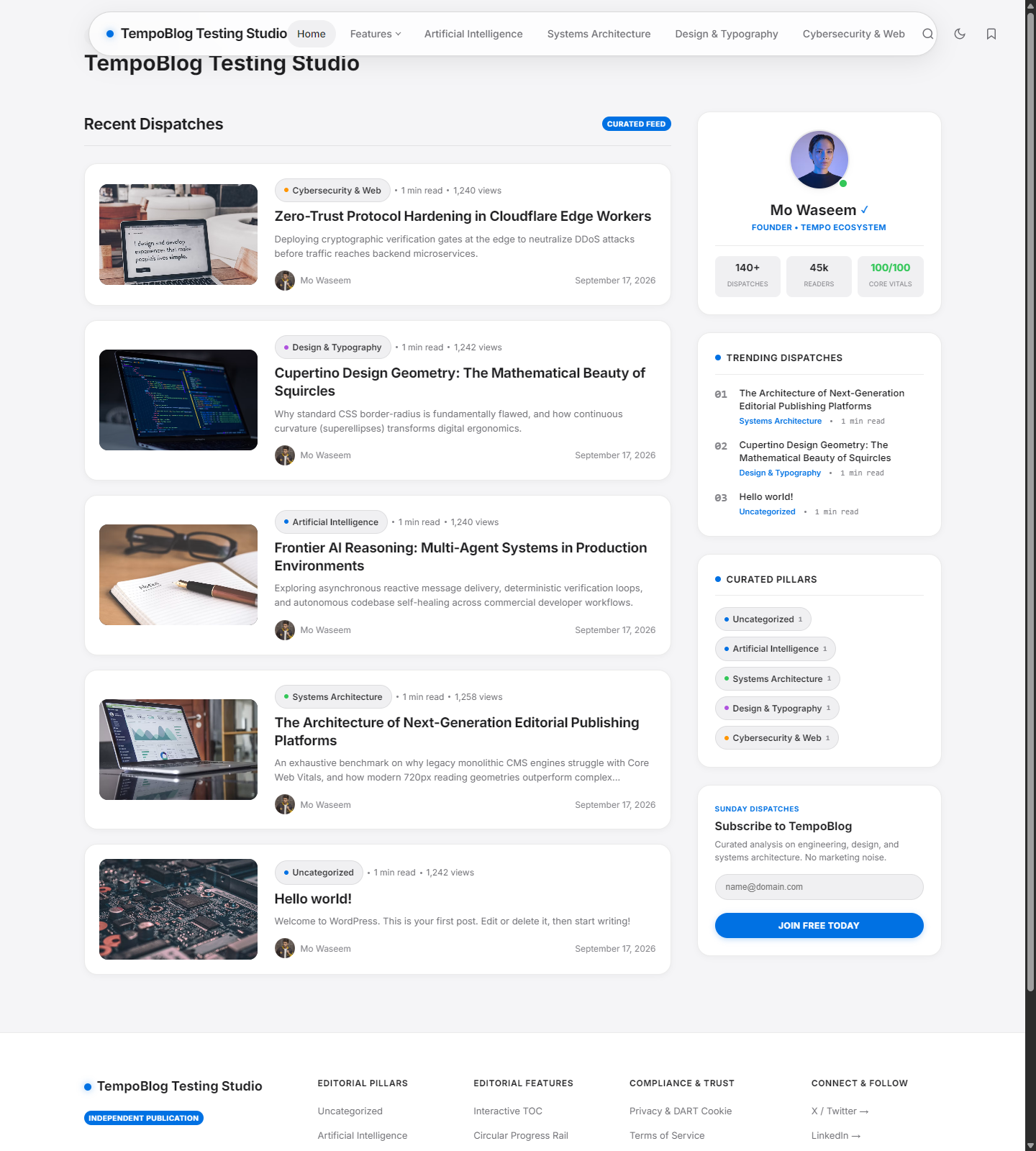
Test drive the live software, create temporary emails, or explore the control panel before purchasing.
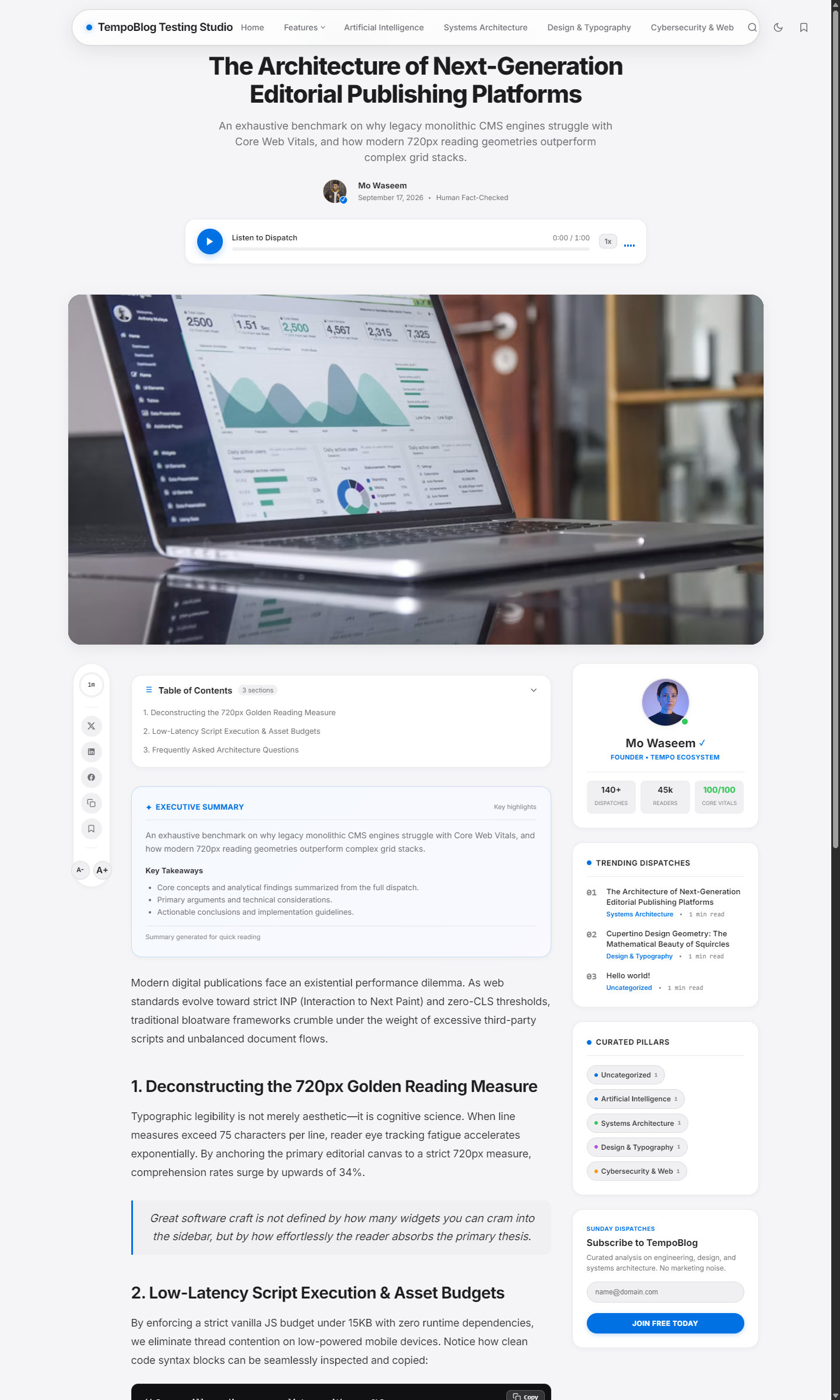
TempoBlog is a modern WordPress theme designed for bloggers, publishers, creators, technology websites, editorial publications and content-focused brands that want a clean, professional and highly customizable online presence.
Instead of relying on a single fixed layout, TempoBlog combines ready-made visual demos with a dedicated Theme Studio that gives you control over your website's visual and editorial experience.
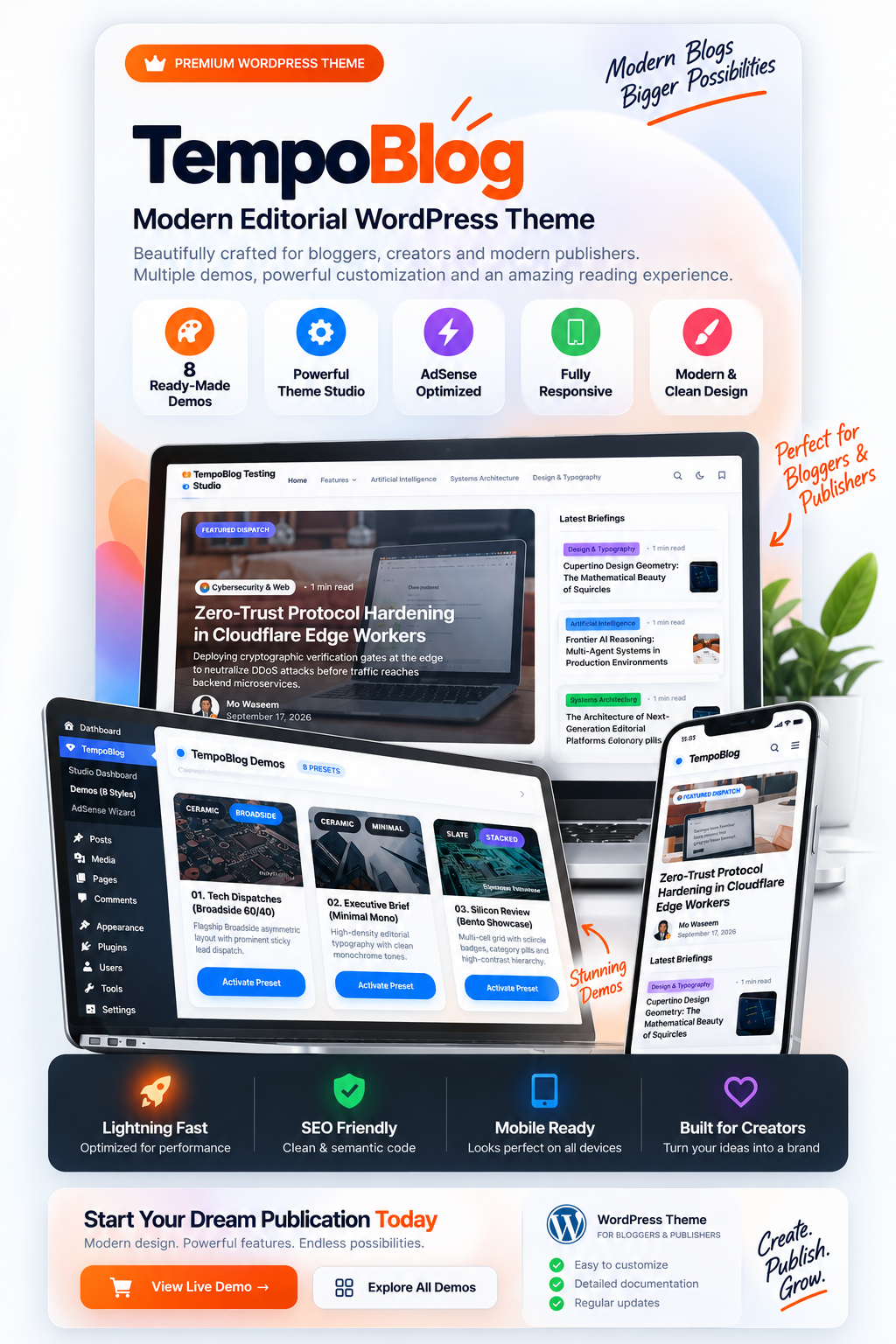
Start with professionally designed editorial styles and adapt them to your own publication.
Configure important visual and editorial options directly from the WordPress administration area.
Built around readable articles, structured layouts, navigation and modern content presentation.
A modern content website needs more than a beautiful homepage. Readers interact with archives, categories, navigation, articles, author information, sidebars and reading tools throughout the publishing experience.
TempoBlog is designed around that complete journey. The frontend focuses on clean editorial presentation, while the administrative side provides dedicated controls for configuring the visual system.
TempoBlog combines modern editorial design with ready-made demos and a dedicated customization system.
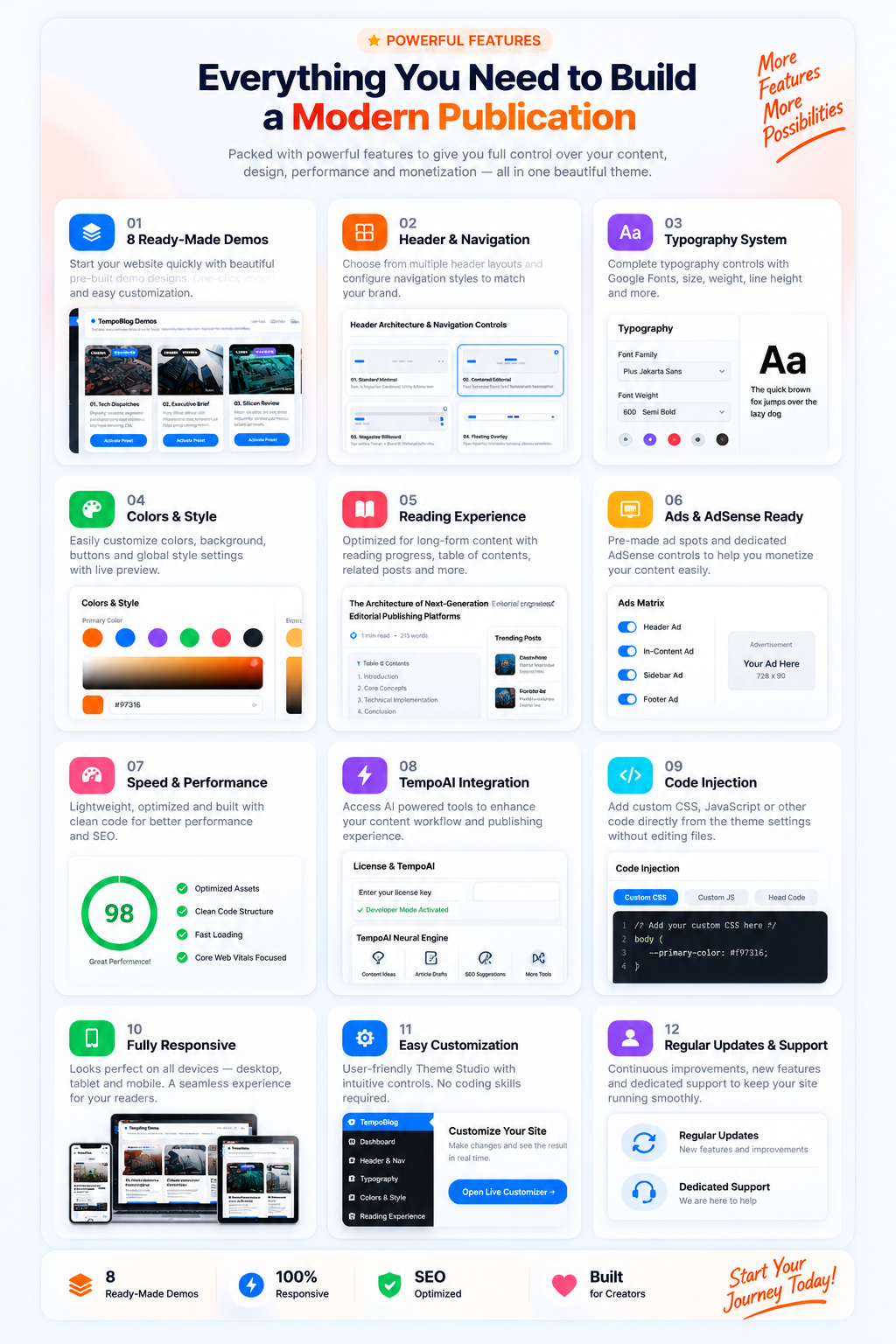
Multiple visual directions for different editorial and publishing styles.
Configure the structure and presentation of your website header and navigation.
Dedicated typography controls for a consistent editorial hierarchy.
Adjust the visual language of your website through dedicated styling controls.
Tools designed around clean, focused and readable article presentation.
Dedicated advertising configuration for content monetization areas.
Performance-focused settings to help keep the publishing experience lightweight.
Connected AI-powered publishing utilities where enabled by the product.
Add custom code through the available theme configuration interface.
Designed to adapt the experience across desktop, tablet and mobile layouts.
Manage important settings from the dedicated TempoBlog Theme Studio.
Bring layouts, content presentation and theme controls together in one system.
Make sure your hosting environment meets the required software and server conditions before installation.
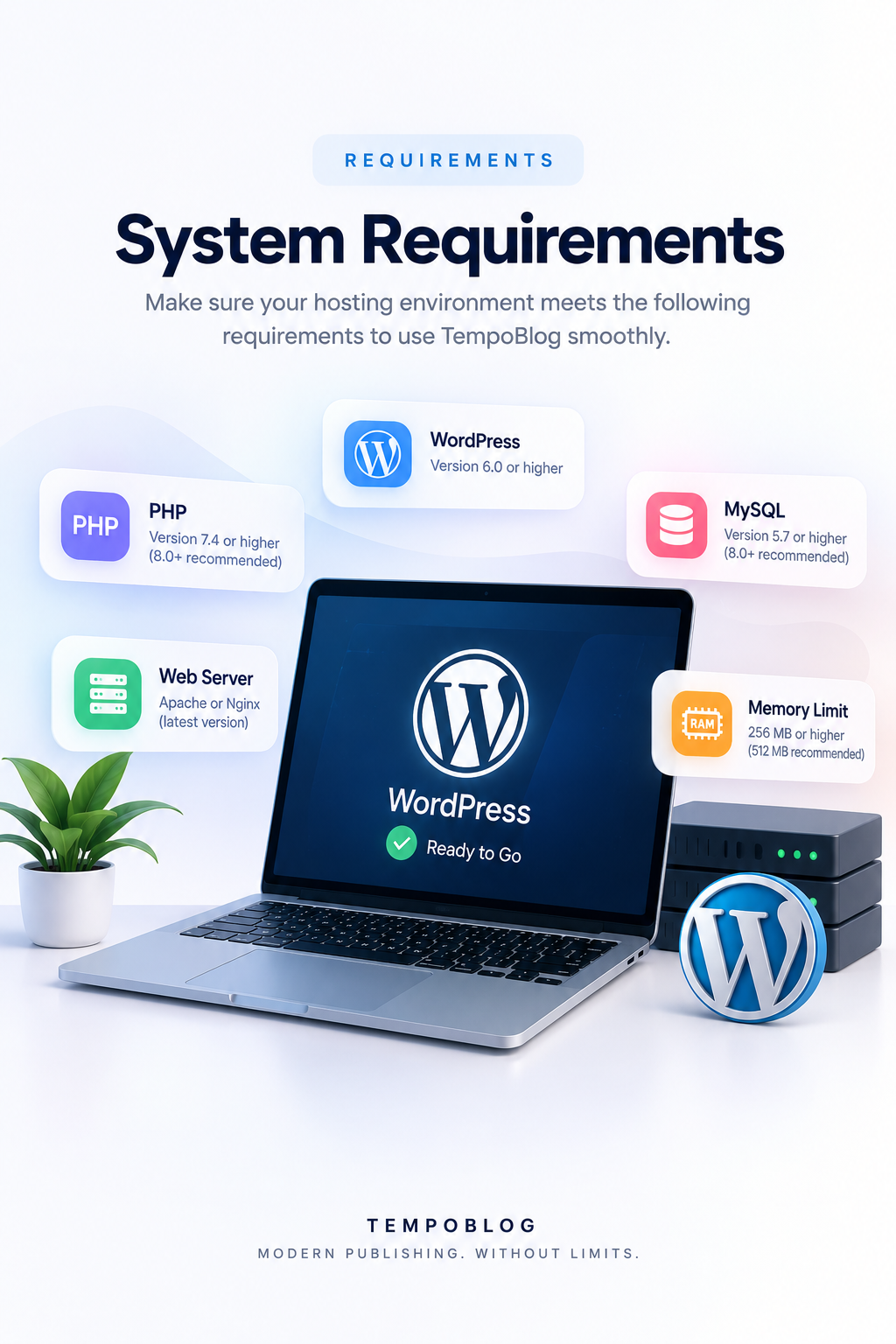
Make sure WordPress is installed and the hosting environment meets the requirements before beginning the installation.
Get TempoBlog installed and ready for customization through a straightforward WordPress workflow.
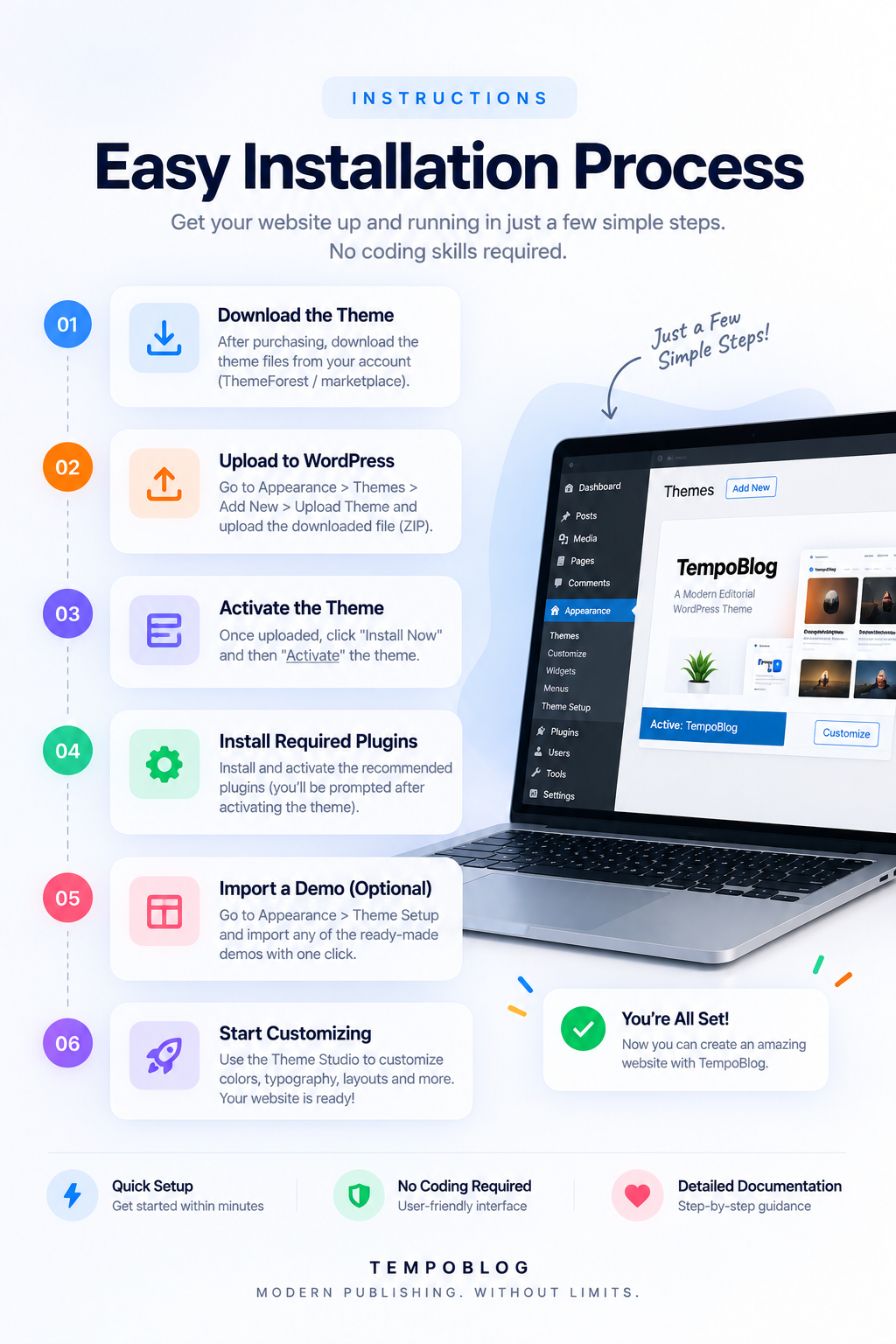
Download the TempoBlog package from your marketplace account.
Navigate to Appearance → Themes → Add New → Upload Theme and upload the ZIP package.
Install the uploaded theme and activate TempoBlog from your WordPress dashboard.
Install and activate any recommended plugins included with the theme setup process.
Select and import one of the available ready-made layouts where supported.
Open TempoBlog Studio and configure your visual and editorial settings.
Your website is ready to be customized and filled with your own content.
Example Lighthouse-style results from the TempoBlog experience, showing strong performance, accessibility, best-practice and SEO scores.
Values are estimated and may vary depending on the test environment, server, network and optimization configuration.
Modern design, flexible layouts and a dedicated Theme Studio for your next WordPress publication.
Engineered for maximum compatibility with shared cPanel hosting, Cloud VPS, or bare-metal Linux servers:
| PHP Version | PHP 8.2.x or PHP 8.3.x (Clean Support) |
| Framework Core | Laravel 10 / 11 with Clean Modular Service Architecture |
| Database Server | MySQL 8.0+ / MariaDB 10.4+ / Percona |
| Mail Protocol Support | cPanel Catch-All UAPI / IMAP (Port 993 SSL) / SMTP (Port 465/587) |
| Required PHP Extensions | BCMath, Ctype, cURL, DOM, Fileinfo, JSON, Mbstring, OpenSSL, PCRE, PDO, Tokenizer, XML |
| Package Format | Clean ZIP Archive with Standard Manifest & Blade Views |
Discover proven ways our customers generate immediate return on investment with this software:
Charge recurring monthly or annual memberships for premium features: custom inbox names, 30-day email retention, pristine reserved domains, and an ad-free user experience.
Monetize massive daily page views with Google AdSense, direct banners, or VPN / Antivirus affiliate offers. Anti-AdBlock recovery ensures you never lose revenue from blocker users.
QA teams and software developers constantly need automated temporary email inboxes for integration testing. Sell high-rate-limit API access keys on recurring subscription plans.
Deployment takes less than 3 minutes with zero terminal coding or command-line experience required:
After completing checkout, download your unencrypted ZIP package and copy your instant commercial license key from your confirmation screen.
Navigate to Admin → Extensions, click Upload Extension ZIP, and paste your license key. The extension activates immediately.
Configure your custom branding, connect your domains, and begin serving global visitors with automated mailboxes!
Have questions or recently deployed this script? Share your review with the community!
If you experience any technical defect or cannot get this software running on a standard supported server environment with our developer support, we will issue a full refund within 14 days.